77
Troubleshooting Guide
10
10 Troubleshooting Guide
10.2 Q & A
Question Answer
How can I change the
frequency?
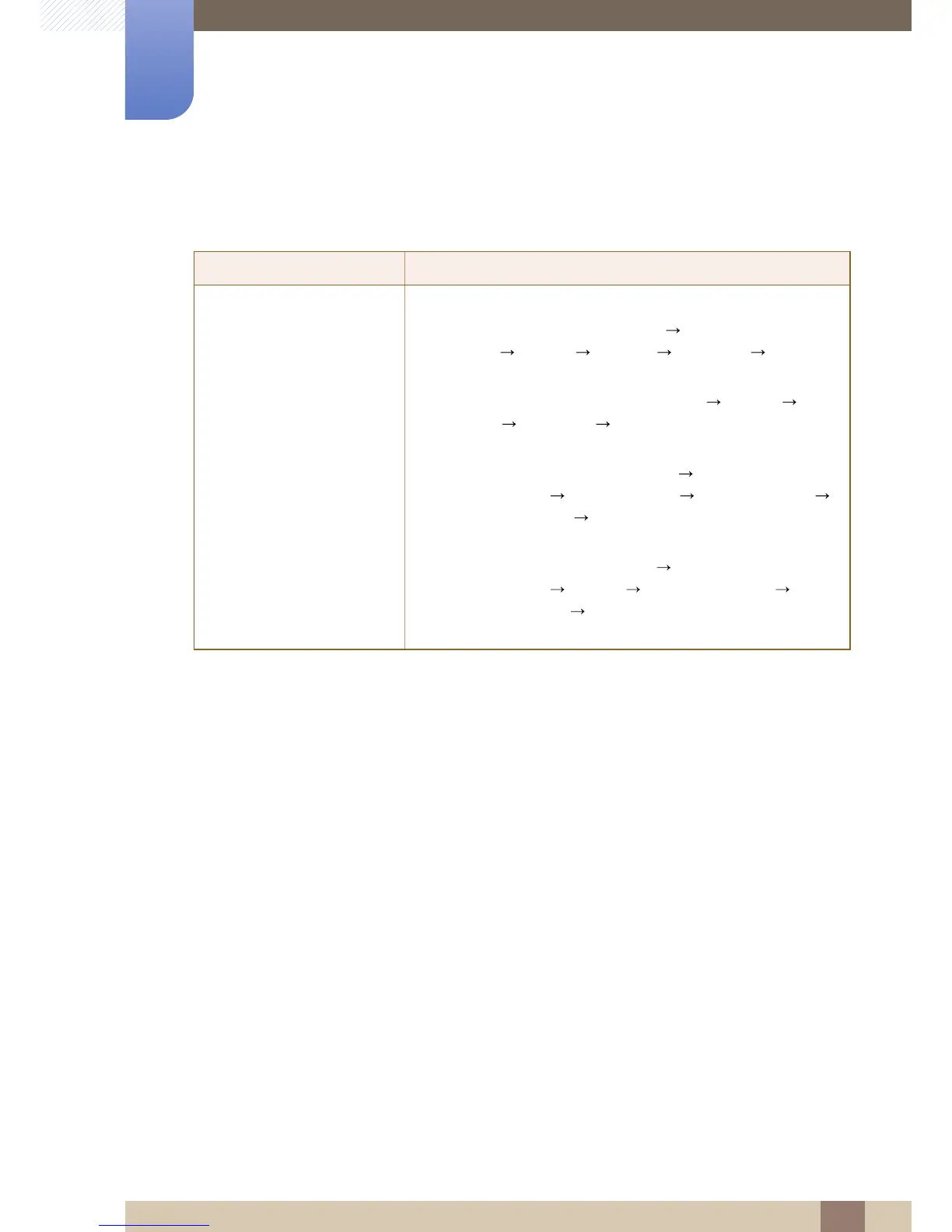
Set the frequency on your graphics card.
z Windows XP: Go to Control Panel Appearance and
Themes Display Settings Advanced Monitor,
and adjust Refresh rate under Monitor settings.
z Windows ME/2000: Go to Control Panel Display
Settings Advanced Monitor, and adjust Refresh rate
under Monitor settings.
z Windows Vista: Go to Control Panel Appearance and
Personalization Personalization Display Settings
Advanced Settings Monitor, and adjust Refresh rate
under Monitor settings.
z Windows 7: Go to Control Panel Appearance and
Personalization Display Screen Resolution
Advanced settings Monitor, and adjust Refresh rate under
Monitor settings.



 To Next Page