Getting Started 11
Locking and Unlocking the Phone
By default, the phone locks when the backlight turns off.
䊳
Swipe the glass on the front of the screen to the right to
unlock the phone.
Note:
You can choose to configure lock settings to prevent unauthorized use
of your phone. For more information, refer to “Setting up SIM Card
Lock” on page 141.
Creating a New Google Account
You should create a Google™ Account when you first use your
device in order to fully utilize the functionality.
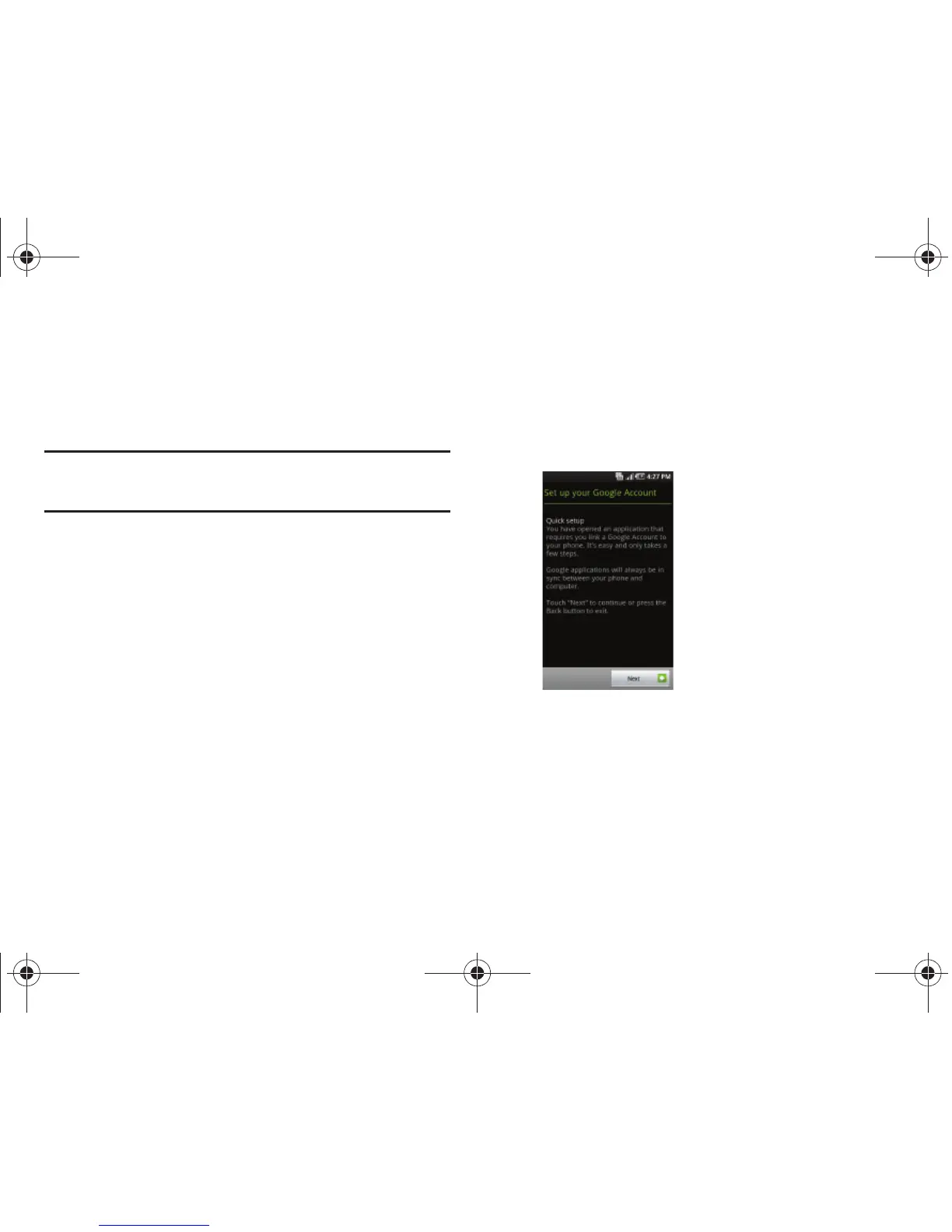
When you start your phone for the first time, the following screen
displays:
1. Touch the green android to begin.
2. Read the introduction and touch
Begin
to start the tutorial,
otherwise touch
Skip
.
T959 Supersonic.book Page 11 Thursday, August 5, 2010 4:13 PM








 To Next Page