56
Using XT9 Predictive Text
XT9 is a predictive text system that has next-letter prediction and
regional error correction, which compensates for users pressing
the wrong keys on 3x4 keyboards.
1. Holding the phone in Portrait orientation, touch at the
bottom of the screen. The
Samsung keypad settings
screen
displays.
2. Touch the text field, then tap the XT9 key. A green button
displays when XT9 is active.
3. Touch the text entry field and begin typing a word. A list of
word options displays as you type. Touch one of the words
to replace the typed word and continue until you complete
the message.
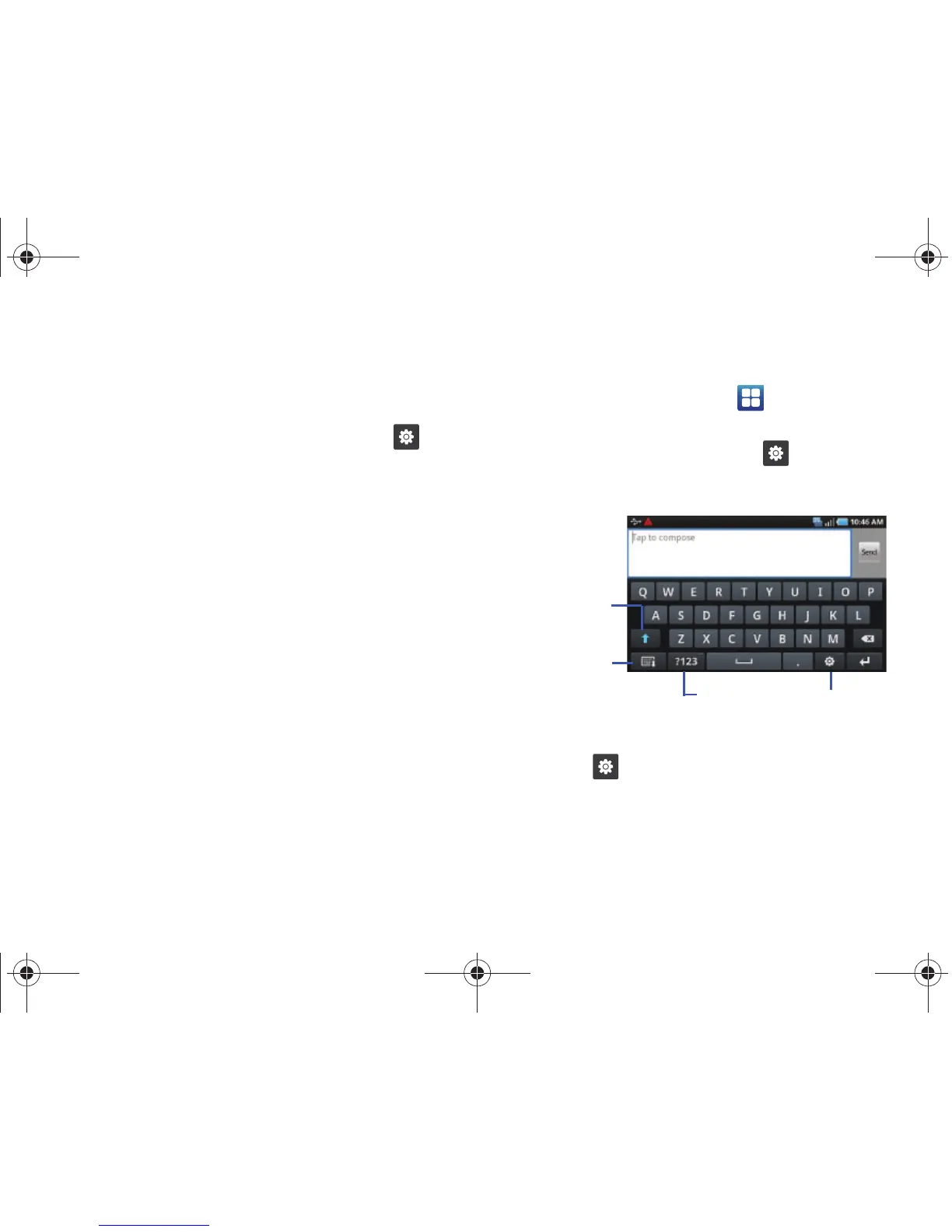
The Samsung Landscape QWERTY Keyboard
You can configure the Samsung keypad as a QWERTY keyboard.
1. From the Home screen, touch ➔
Settings
➔
Locale
and text
➔
Set default keyboard
➔
Samsung keypad
.
2. From the displayed keypad, touch and select
Qwerty
Keypad
.
3. Touch and touch XT9 to use the XT9 Predictive text
mode. A check mark indicates XT9 is active.









 To Next Page