Understanding Your Phone 37
Navigating Using Sub-Menus
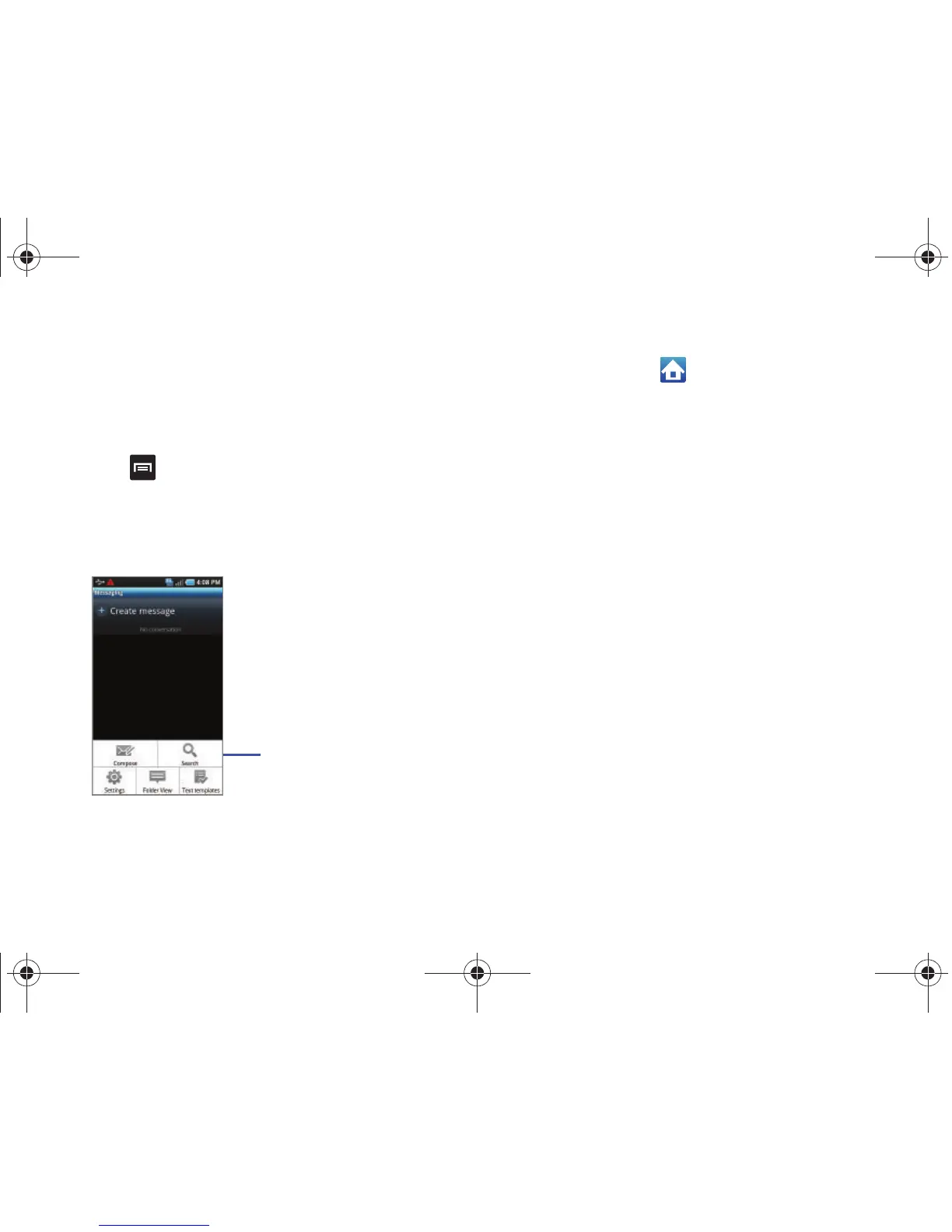
Sub-menus are available when you are at any Home screen or
have selected a feature or application such as Phone, Contacts,
Messaging, or Web.
To access a sub-menu:
1. Press .
A sub-menu displays at the bottom of the phone screen.
2. Touch an option.
Accessing Recently-Used Applications
1. Touch and hold the key from any screen to open the
recently-used applications window.
2. A pop-up displays the six most recently used applications.
3. Touch the application to open.
Navigation
Using the touch screen display and the keys, you can navigate
the features of your phone and enter characters. The following
conventions are used in this manual to describe the navigation
action in the procedures.
Press or Press and Hold
Press phone keys and buttons to select or activate an item. For
example: press the Navigation key to scroll through a menu.
Some buttons and keys require you to press and hold them to
activate a feature, for example, you press the Lock key to lock
and unlock the phone.










 To Next Page