Entering Text 55
2.
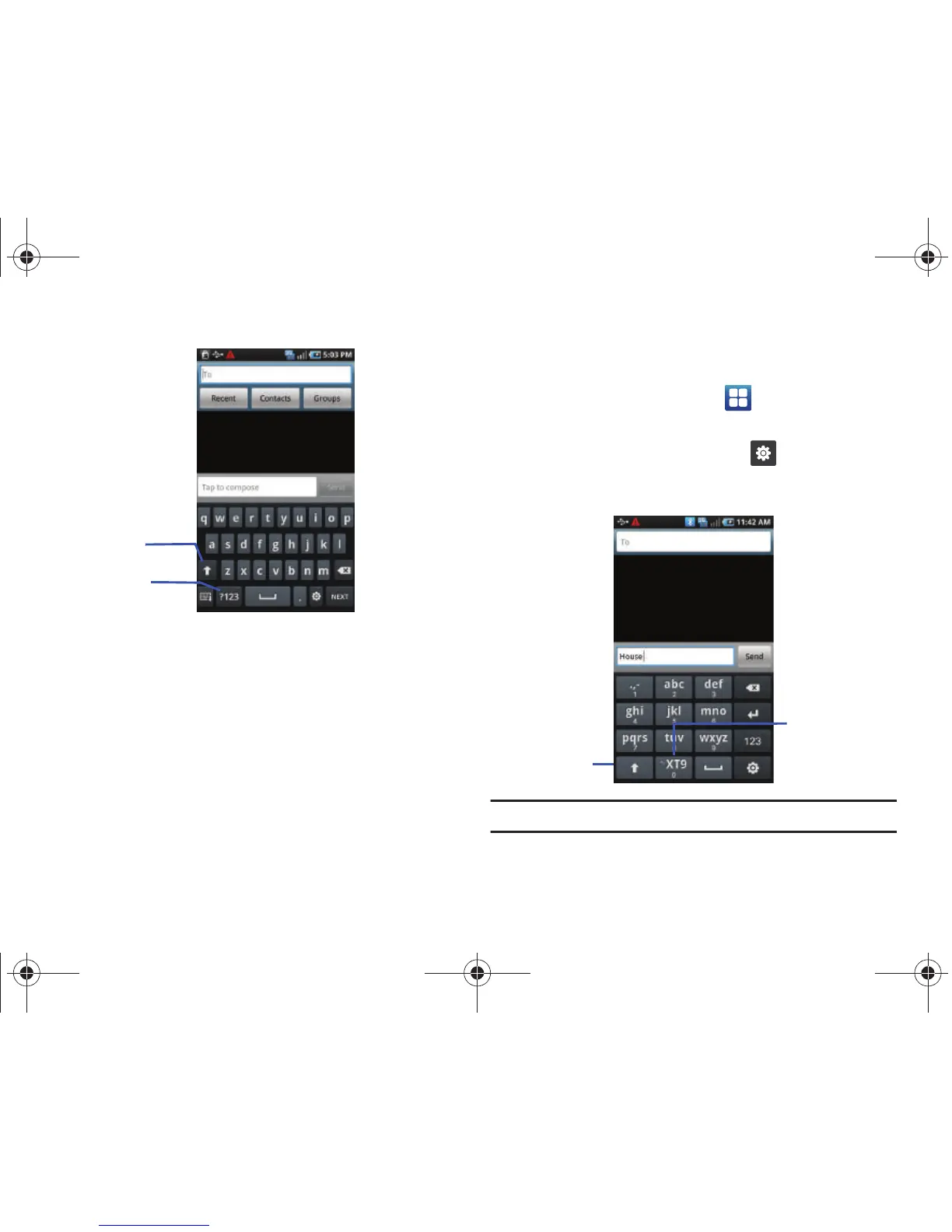
The keyboard is configured to default to Samsung keypad
and you can being typing.
The Samsung Portrait 3x4 Keypad
You can configure the Samsung keypad as a 3x4 keypad.
1. From the Home screen, touch ➔
Settings
➔
Locale
and text
➔
Set default keyboard
➔
Samsung keypad
.
2. From the displayed keypad, touch and select
3x4
Keypad
.
Note:
Switch to Qwerty Keypad to activate XT9 Predictive text mode.









 To Next Page