Understanding Your Phone 19
For more details on configuring your phone’s settings, see
“Changing Your Settings” on page 128.
Notification Bar
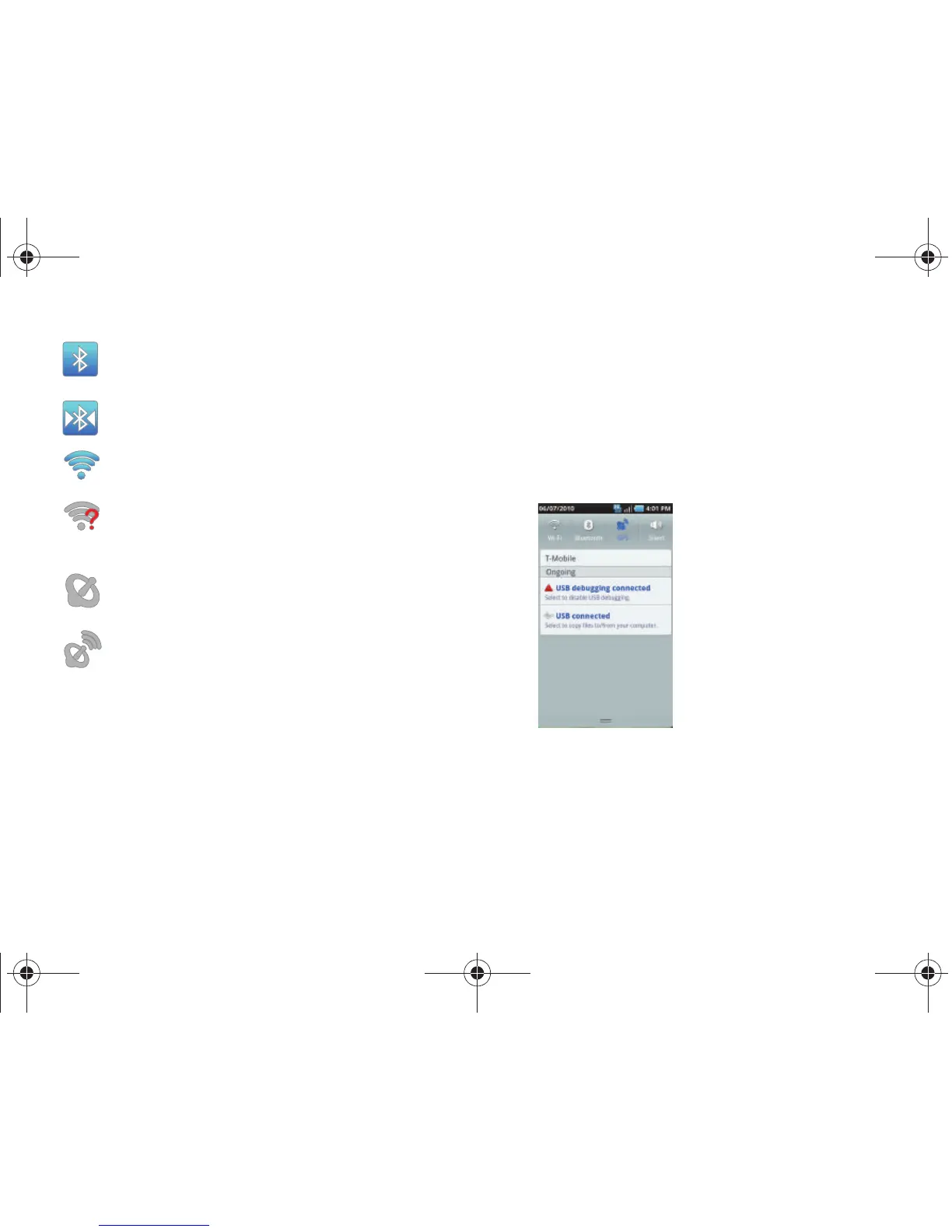
The Notification Bar includes a pull-down list to show information
about processes that are running, recent notifications, and more.
To display the Status indicator:
䊳
On the Home screen, touch the Notification Bar until the
pull-down displays, then drag down vertically.
Displays when Bluetooth is active.
Displays when a Bluetooth device is paired
with the phone.
Displays when Wi-Fi is connected, active, and
communicating with a Wireless Access Point (WAP).
Displays when Wi-Fi is active and there is a
communication issue with the target Wireless Access
Point (WAP).
Displays when GPS is searching for a signal.
Displays when GPS is active.
T959 Supersonic.book Page 19 Thursday, August 5, 2010 4:13 PM









 To Next Page