Understanding Your Phone 33
Deleting a folder
䊳
From the Home screen, touch, drag, and drop the folder
you want to delete onto the Application list.
The Application list tab changes into a trash can symbol.
Changing the Wallpaper
1. From the Home screen, touch and hold an empty area until
the
Add to Home Screen
menu displays.
2. Touch
Wallpapers
.
3. Touch
Gallery
, select a folder in which the wallpaper image
resides, then touch an image and touch
Save
.
– or –
Touch
Live wallpapers
, touch a wallpaper image, then
when the wallpaper displays, touch
Set wallpaper
.
– or –
Touch
Wallpaper gallery
, scroll through the images, touch a
wallpaper image, then when the wallpaper displays, touch
Set wallpaper
.
Google Search Bar
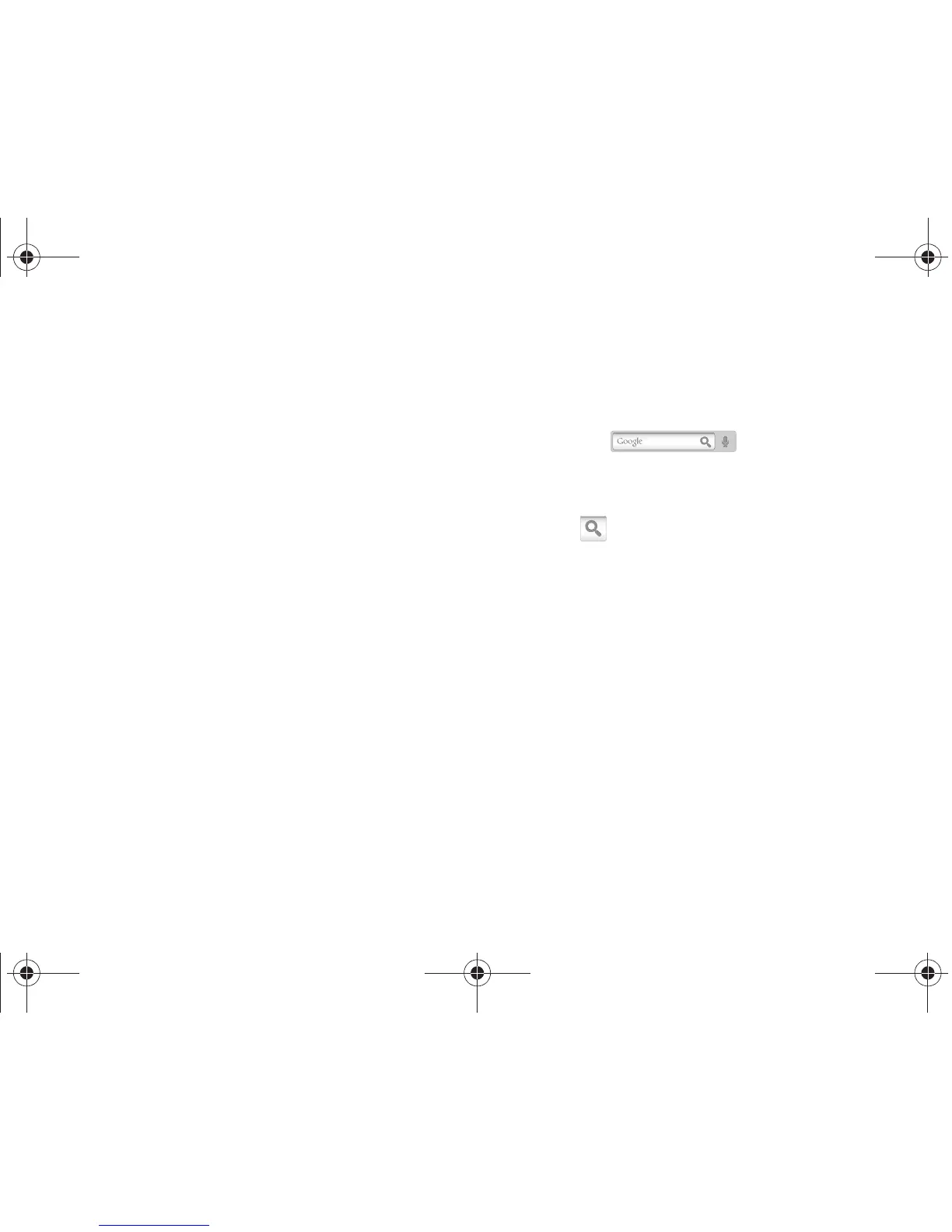
The Google Search Bar provides you an on-screen Internet
search engine powered by Google™.
1. From the main home screen, touch the Google
Search bar .
2. Use the on-screen keypad to enter the item in which to
search.
3. Touch to see search results.
T959 Supersonic.book Page 33 Thursday, August 5, 2010 4:13 PM









 To Next Page