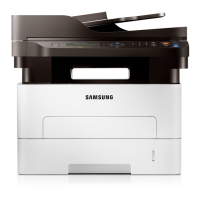
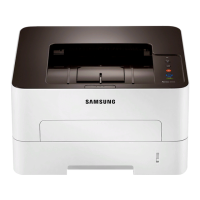
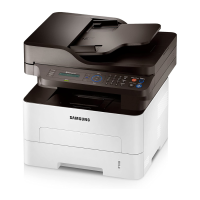
Features by model
Software
You can install the printer driver and software when you insert the software CD into your CD-ROM drive.
For Windows, select the printer driver and software in the Select Software to Install window.
For M268x, M289x series, Download the software from the Samsung website then unpack and install it: (http://www.samsung.com > find your product >
Support or Download
Software
M267x series
M268x series
M287x series
M288x series
M289x series
SPL printer driver
a
● ●
PCL printer driver ●
PS printer driver
a
Direct Printing Utility
b
Samsung Easy Printer
Manager
Scan to PC settings ● ●
Fax to PC settings ●
(M267xF/M267xFN/M268xFN/M267xFH/
M267xHN only)
●
(M287xFD/M287xFW/M289xFW/M287xHN/
M288xFW/M288xHW/M289xFW only)
Device settings ● ●
Samsung Printer Status ● ●
Samsung Easy Document Creator ● ●
Easy Capture Manager ● ●


 To Next Page
 Loading...