18
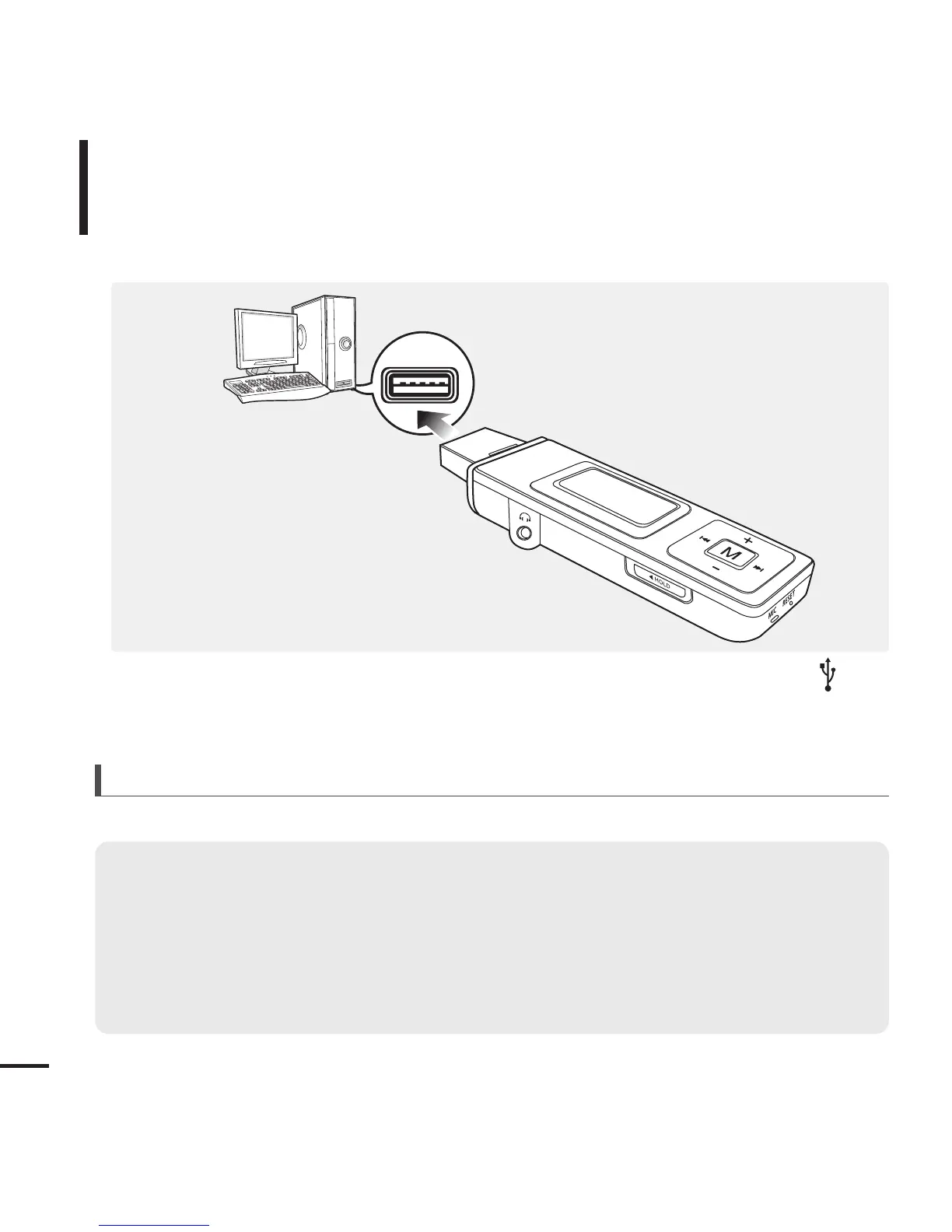
Remove the USB Cover then connect the USB Connection Plug to the USB port ( )
on your PC.
■ All functions are disabled during connection.
Connecting to your PC
Importing Music Files
PC Requirements
■
Pentium 300MHz or higher
■
Windows XP Service Pack 1 or higher
■
100MB of free hard disc space
■
CD Rom Drive (2X or higher)
■
USB Port 2.0
■
DirectX 9.0 or higher
■
Windows Media Player 10.0 or higher
For use in conjunction with a PC, the following is required:



 To Next Page