36
Listening to FM Radio
Setting a Frequency
Up to 20 frequencies can be stored.
1
Press and hold the [ ] button to move to the
menu screen.
2
Press the [ + , - ] button to select <Settings> and
then press the [ ] button.
■
The Settings menu appears.
3
Press the [ + ,- ] button to select <FM Radio> and
then press the [ ] button.
■
The FM Radio menu appears.
4
Press the [ + ,- ] button to select <Auto Preset> and
then press the [ ] button.
■
The Auto Preset Confirm window will appear.
5
Press the [ + ,- ] button to select <Yes> and then
press the [ ] button.
■
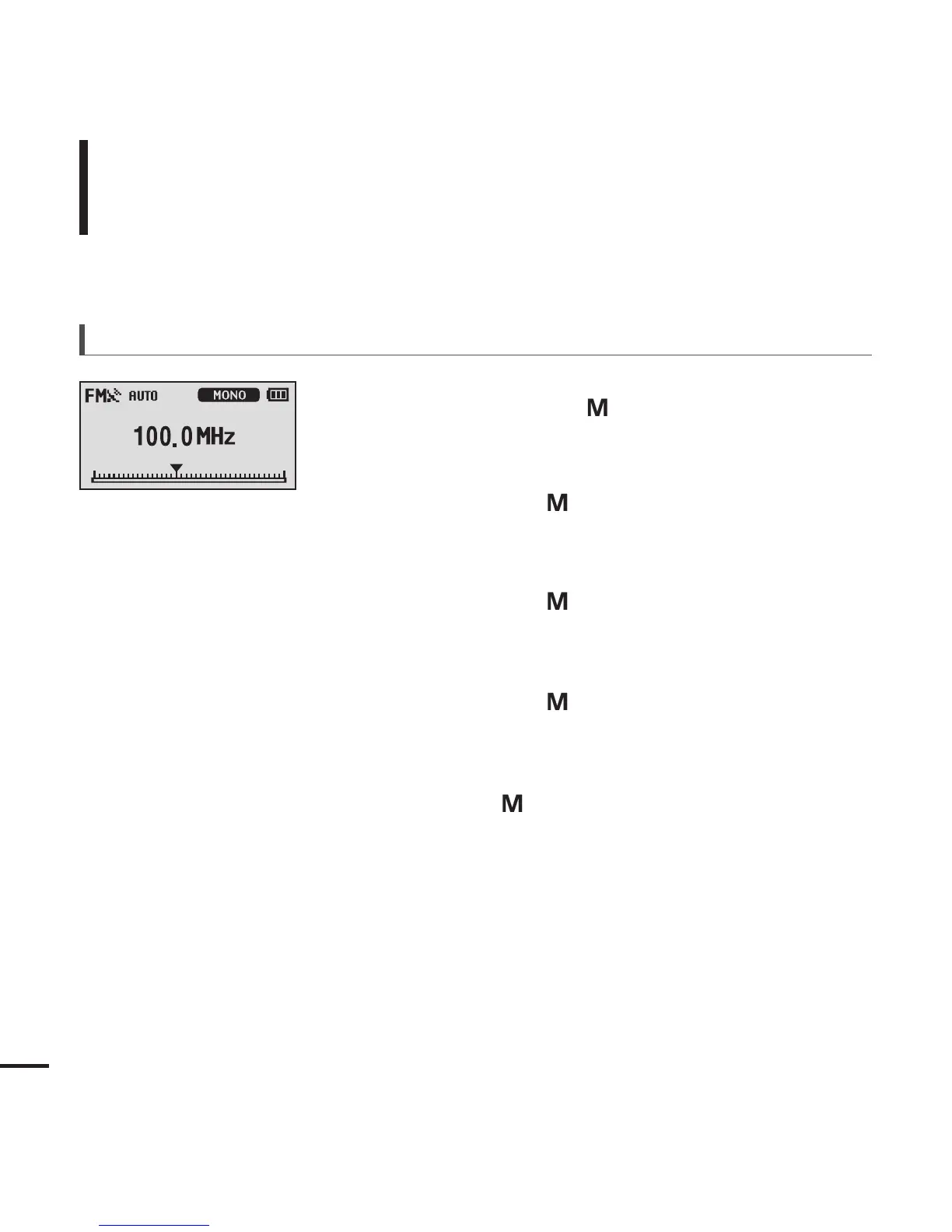
The <AUTO> message appears and the first 20
frequencies are automatically preset.
To automatically set frequencies



 To Next Page