40
Listening to FM Radio
Setting FM Radio
1
Press and hold the [ ] button to move to the
menu screen.
2
Press the [ + , - ] button to select <Settings>
and then press the [ ] button.
■
The Settings menu appears.
3
Press the [ + , - ] button to select <FM Radio>
and then press the [ ] button.
■
The FM Radio menu appears.
4
Press the [ + , - ] button to select <FM Region>
and then press the [ ] button.
■
The FM Region menu appears.
5
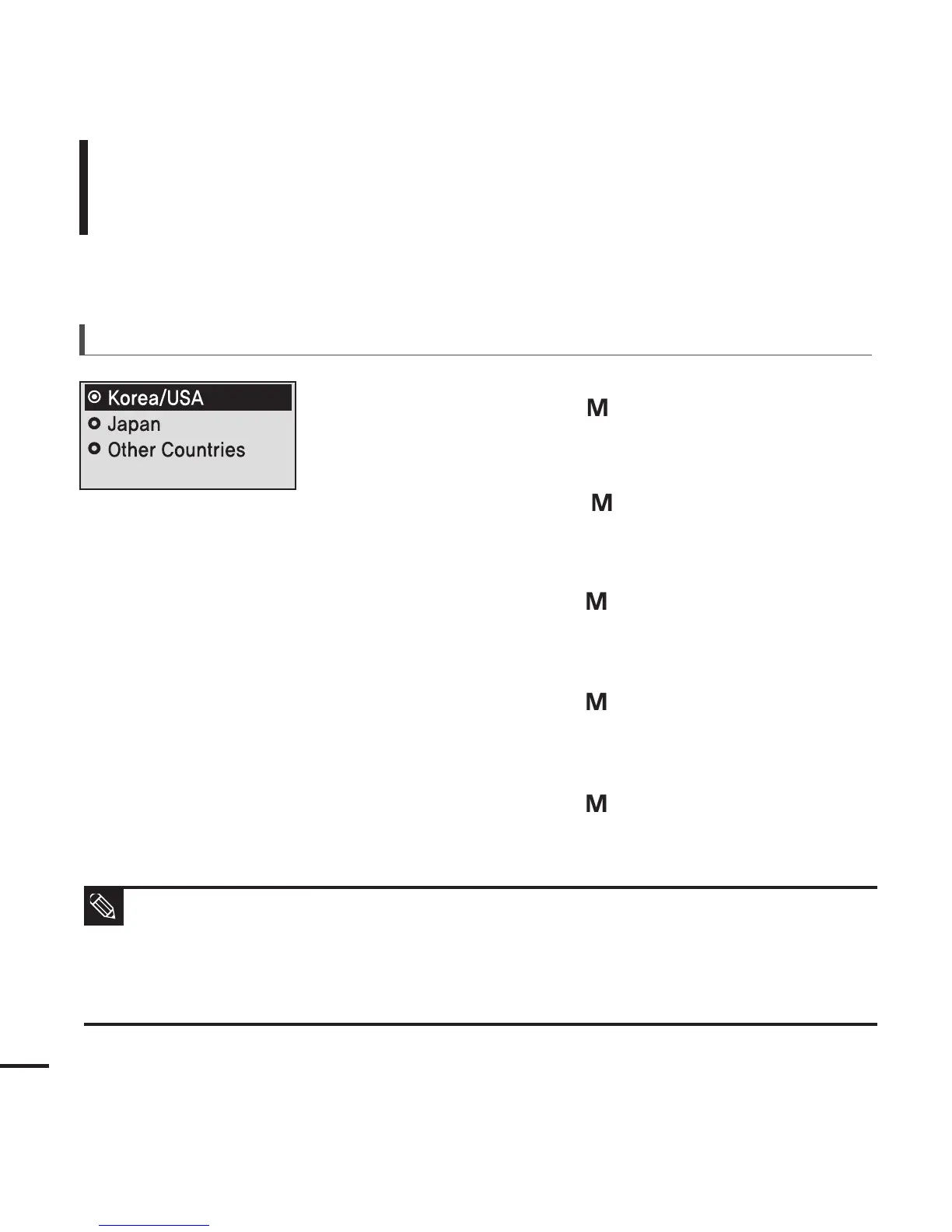
Press the [ + , - ] button to select the FM region
and then press the [ ] button.
■
You can select from <Korea/USA> <Japan>
<Other Countries>.
To set FM region
■ Frequency range by region
- Korea/USA:Search for FM frequencies in 100 kHz increments between 87.5 MHz~108.0 MHz.
- Japan:Search for FM frequencies in 100 kHz increments between 76.0 MHz~108.0 MHz.
- Other Countries:Search for FM frequencies in 50 kHz increments between 87.5 MHz~108.0 MHz.
■ If you change the FM region, the previously stored radio frequencies are removed.
NOTE



 To Next Page