Chapter 3. Listening to Music/FM Radio
39
Setting a Frequency/
To Delete Presets
Listening to FM Radio
To Delete Presets
1
Press the [ ] button and select <Preset Mode>.
■ The <PRESET> message will appear on the screen
display and go into the preset mode.
2
Press the
[lœœ
] or [
√√l
] button to search for
preset frequencies to delete.
3
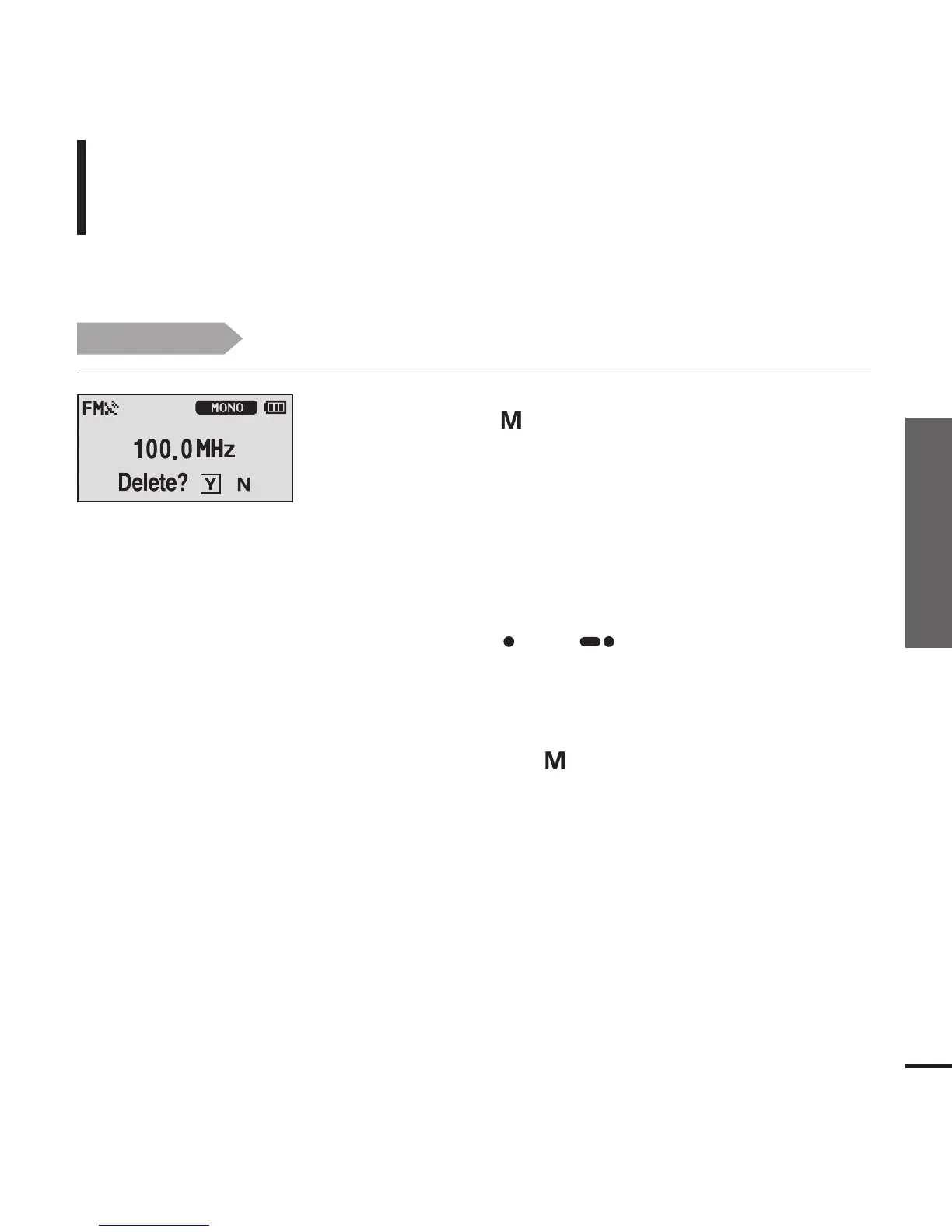
Press the [ USER/ ] button.
■ The <Delete?> message will appear.
4
Press the
[lœœ
] or [
√√l
] button to select <Y> and
then press the [ ] button.
■ The <DELETED!!> message will appear and the selected
preset number is deleted.
■ To cancel preset number delete, select <N>.
Before you start!
■ Follow the steps below to delete frequencies while listening to FM radio.



 To Next Page