28
2
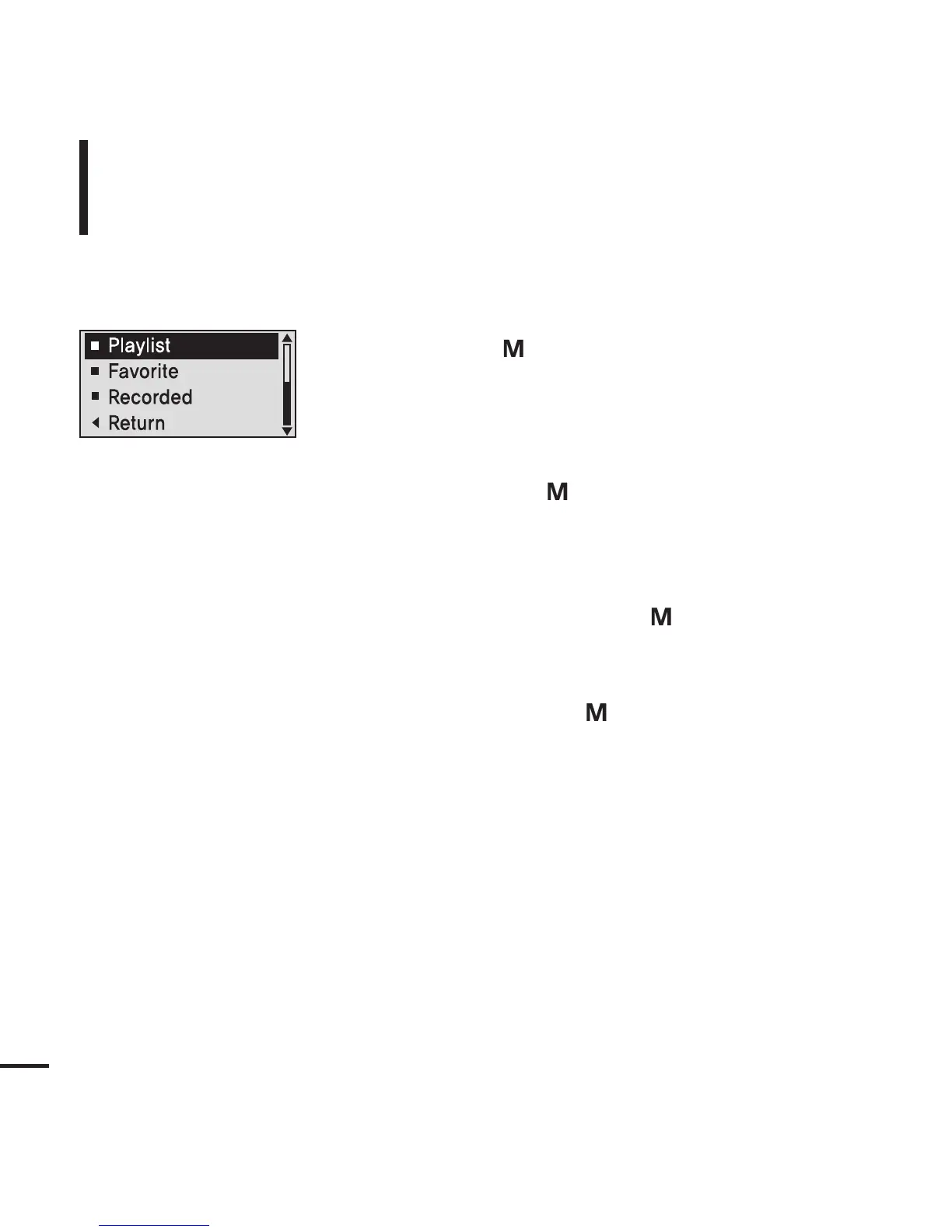
Press the [+, - ] button to select <Playlist> and
then press the [ ] button.
■
The <Playlist> folder list will appear.
1
Press the [ ] button while the selected music
is playing.
■
The <Navigation> folder list will appear.
4
Press the [+, - ] button to select a music file to play
and then press the [ ] button.
■
The music will start playing.
Press the [+, - ] button to select a folder of your
choice and then press the [ ] button.
3
Listening to Music
To Play a Playlist
Playlists transmitted from Windows Media Player 10 are
displayed in the <Playlist> menu. Please refer to WMP10 for
transferring Playlists.



 To Next Page