Chapter 3. Listening to Music/FM Radio
31
To Play a Favorit/
User Button Custom Function
Listening to Music
User Button - Custom Function
The user button enables you to select
from one of four preset custom settings.
1
Press and hold the [ ] button to move to the menu
screen.
Use the [ USER/ ] button during playback for
simple mode change.
2
Press the [ + , - ] button to select <Settings> and
then Press the [ ] button.
■ The Settings menu will appear.
To set desired User Button Mode
3
Press the [ + , - ] button to select <User Button
Mode> and then press the [ ] button.
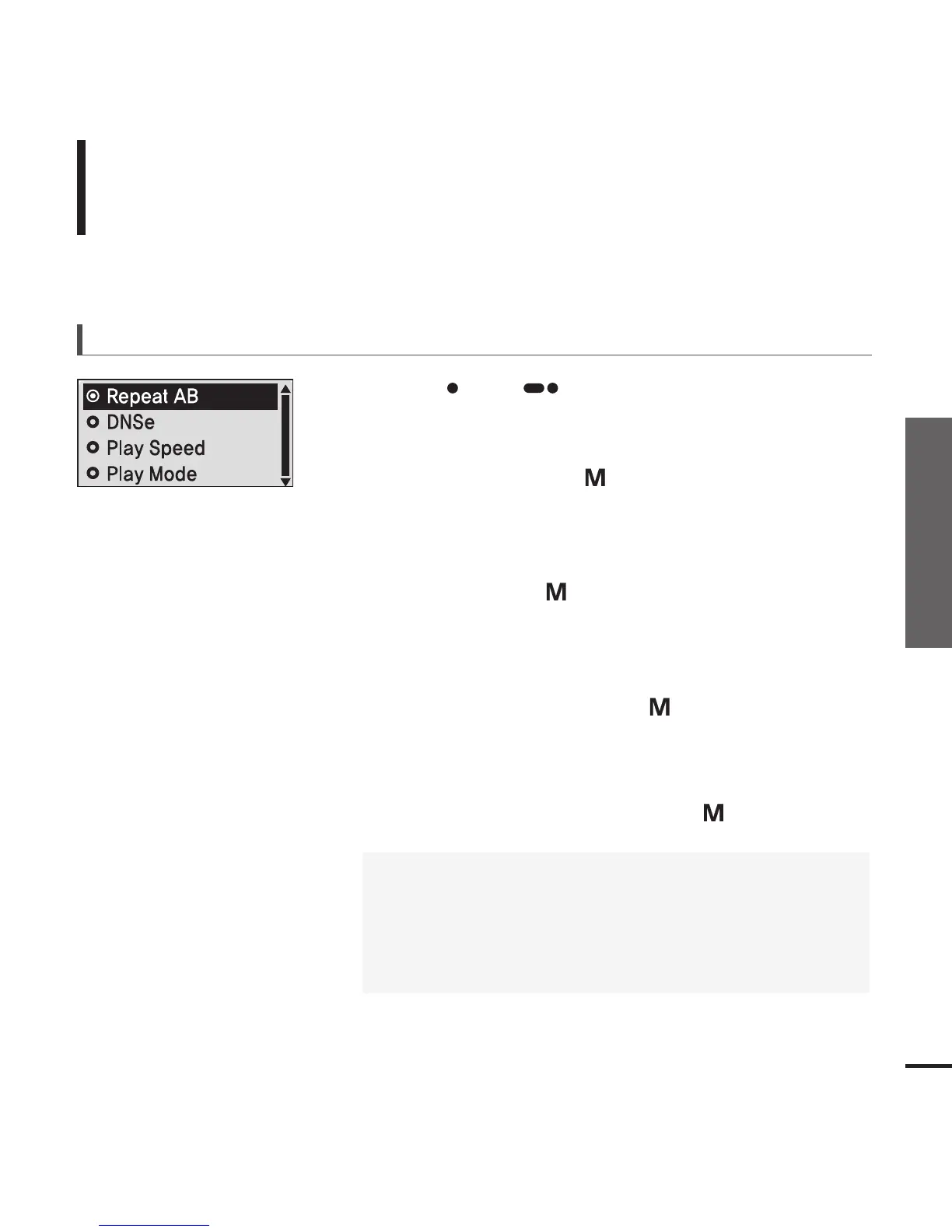
■ The User Button Mode menu will appear.
4
Press the [ + , - ] button to select the desired user
button mode and then press the [ ] button.
■
<Repeat AB> : Sets section repeat.
■
<DNSe> : Selects the sound mode.
■
<Play Speed> : Adjusts the playback speed between fast and
slow.
■
<Play Mode> : Selects the repeat playback mode.



 To Next Page