30
To Play <Favorite>
1
Press and hold the [ ] button to move to the
Menu screen.
2
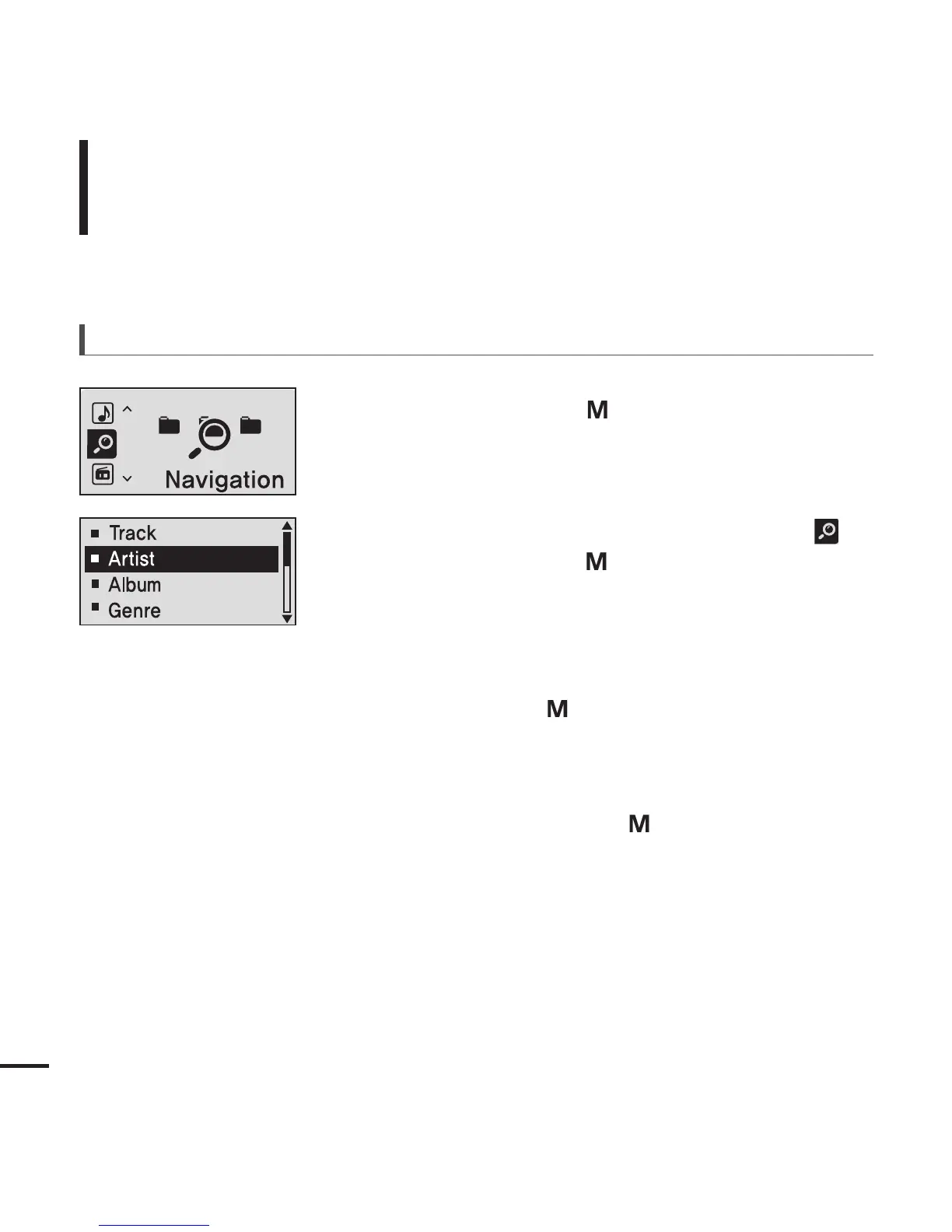
Press the [+, - ] button to select <Navigation>
and then press the [ ] button.
■
The <Navigation> folder list will appear.
3
Press the [+, - ] button to select <Favorite> and
then press the [ ] button.
4
Press the [+, - ] button to select a music file to
play and then press the [ ] button.
■
The music will start playing.
Listening to Music
To Play Favorite (Continued)



 To Next Page