Chapter 3. Listening to Music/FM Radio
41
Setting FM Radio
1
Press and hold the [ ] button to move to the
menu screen.
2
Press the [ + , - ] button to select <Settings>
and then press the [ ] button.
■
The Settings menu appears.
3
Press the [ + , - ] button to select <FM Radio>
and then press the [ ] button.
■
The FM Radio menu appears.
4
Press the [ + , - ] button to select <FM Search Level>
and then press the [ ] button.
■
The FM Search Level menu appears.
5
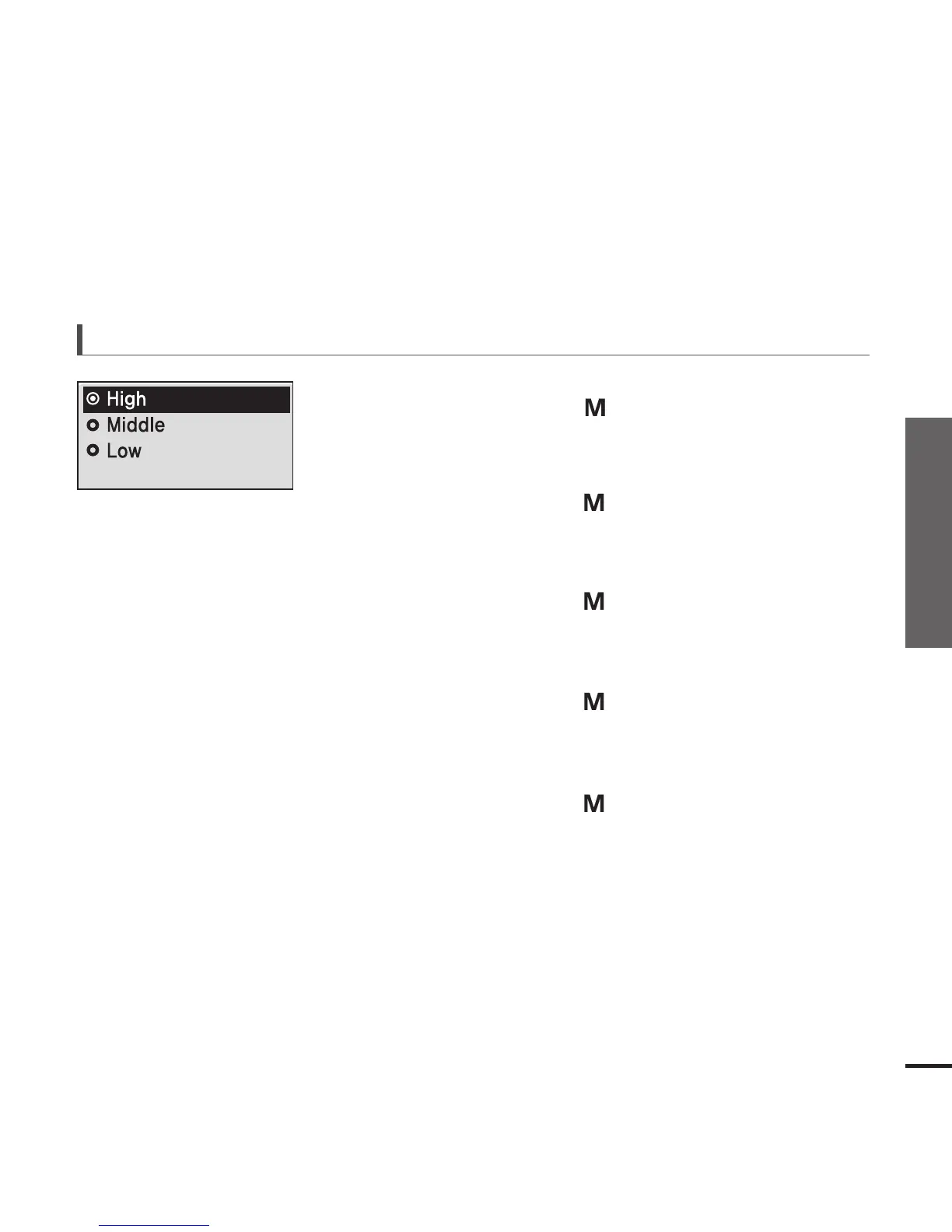
Press the [ + , - ] button to select the search level
and then press the [ ] button.
■
You can select from <High> <Middle> and <Low>.
■
The higher FM search level is, the more frequencies can
be received.
To set FM sensitivity



 To Next Page