54
6
Connect the YP-U2J to your PC.
7
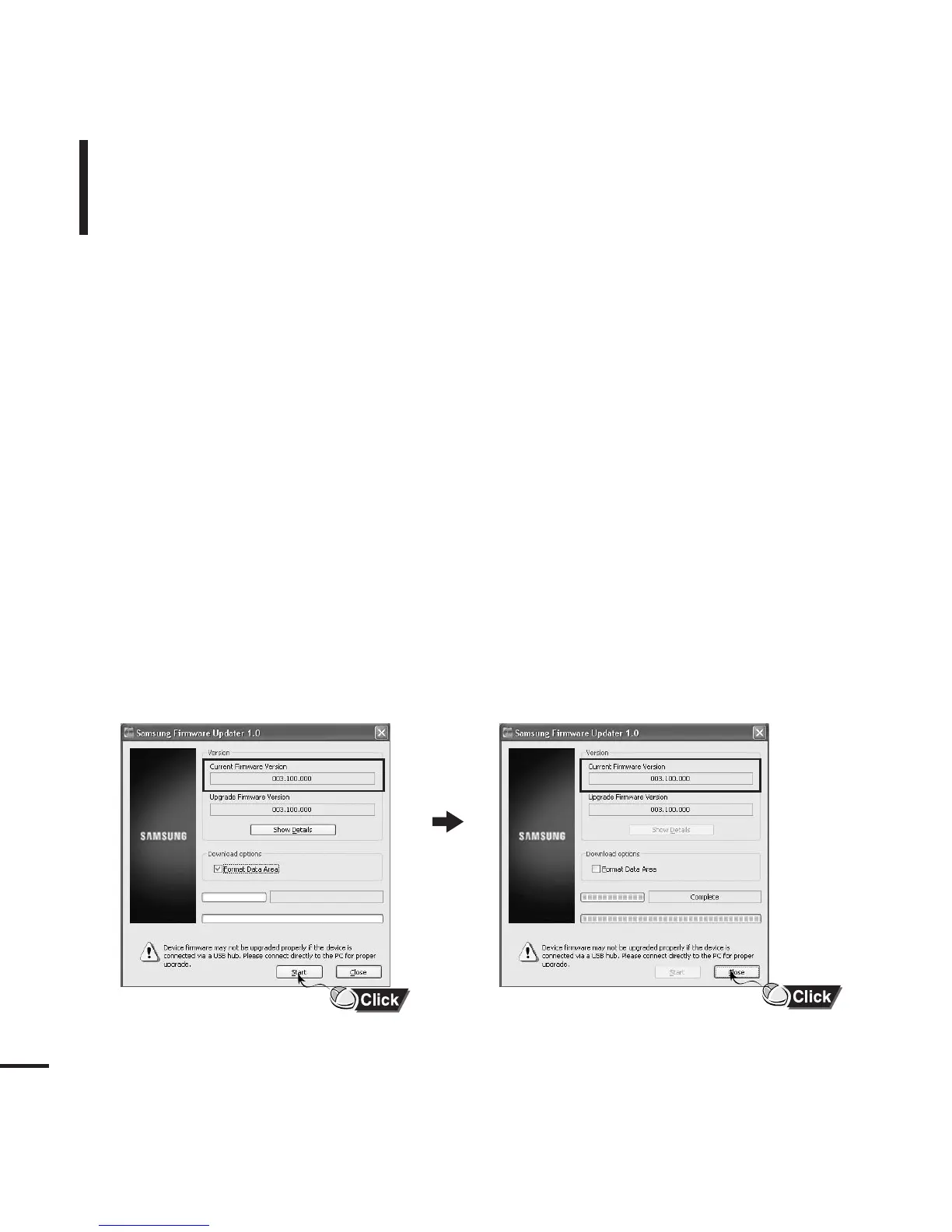
Check the current version and click the [Start] button of the Firmware Updater
program to upgrade the Firmware.
■
If you select "Format data area" and start the update, all the data saved in YP-U2J will be deleted.
Please backup important data on your PC.
If you do not want your data to be deleted, do not select "Format data area".
8
Confirm the version of the current firmware.
To Upgrade Firmware (Continued)
9
Click the [Close] button.



 To Next Page