44
4.4.6 Call using disaster log(DIST LOG)
Distress log saves 20 calls latest received related with disaster to transmit a call easily.
Voice communication should be made by CH16 first as follows;
DSC CALL ITU 03 10:05 U ITU
ALL SHIPS STR580
CALL LOG TAG 35’50N TAG
〉DIST LOG
16
130.05E
16
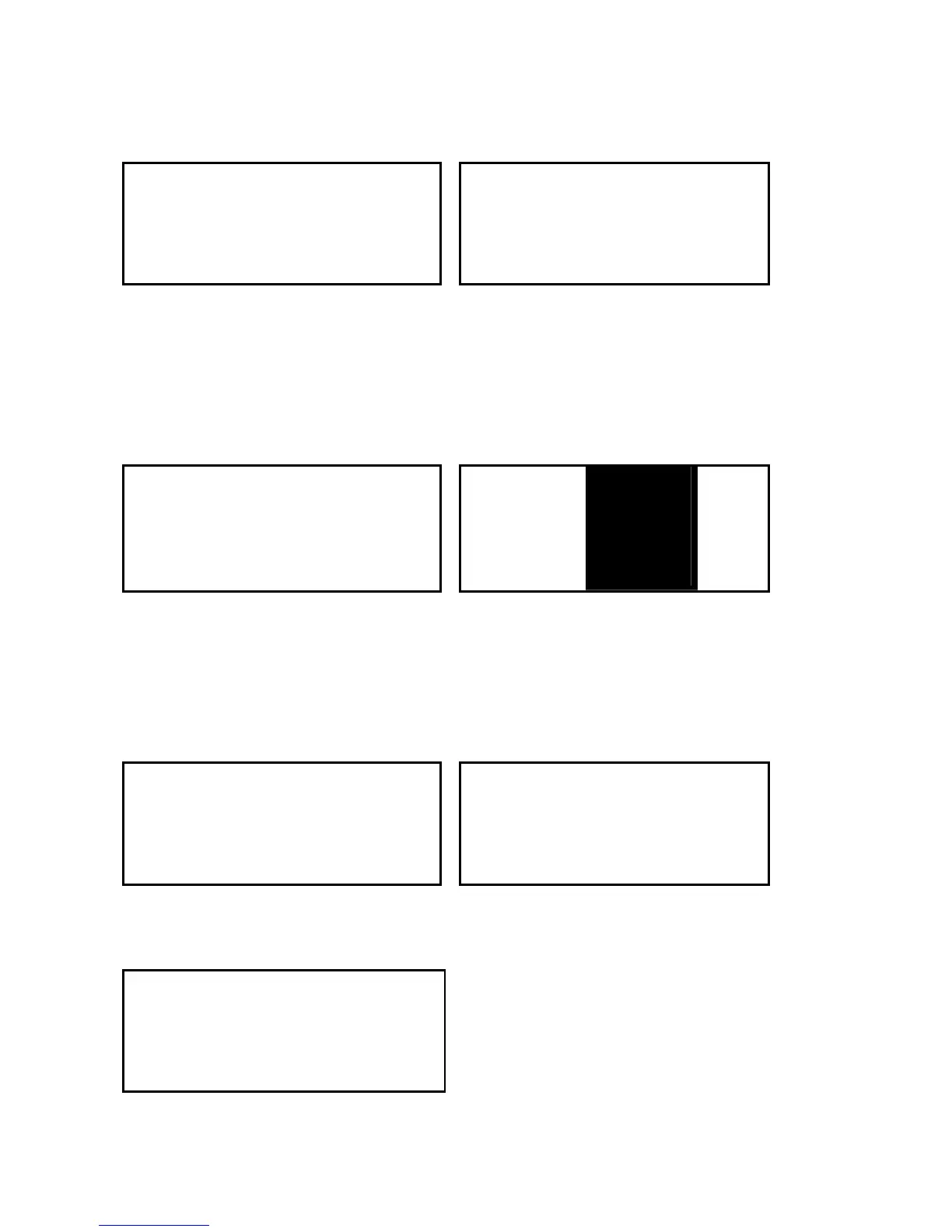
① Press CALL/MENU shortly to get into
DSC mode and then select DIST LOG.
② Two displays will appear by turns at
the intervals of 1.5 second. The firs
display shows the MMSI number of a
ship in disaster and the latest received
distress call is stored as No.1
DISTRESS ITU STR580 ITU
INDIVIDUAL
UNDEFINE TAG > CALL BACK TAG
012345678
16
DELETE
16
③ The second display shows what kind
of the disaster the ship is in and the MMSI
number of the said ship. Choose the
disaster log wanted for call and then press
ENT.
④ Select CALL BACK to perform the
call. If user wants to delete the log with
these contents, choose DELETE.
STR580 ITU 123456789 ITU
INDIVIDUAL INDIVIDUAL
ROUTINE TAG ROUTINE TAG
SET CH?
16
CALLING…
16
⑤ Choose any operating channel and
then press ENT for transmission.
⑥ This shows a call is being made.
STR580 ITU
SEND AGAIN
> YES TAG
CANCEL
16
⑦ This shows it asks user again to
see if user wants a recall in case of
failure. If user wants a recall, select
“YES”. If not, select “CANCEL” .


 To Next Page