48
4.5.5 LL POSITION
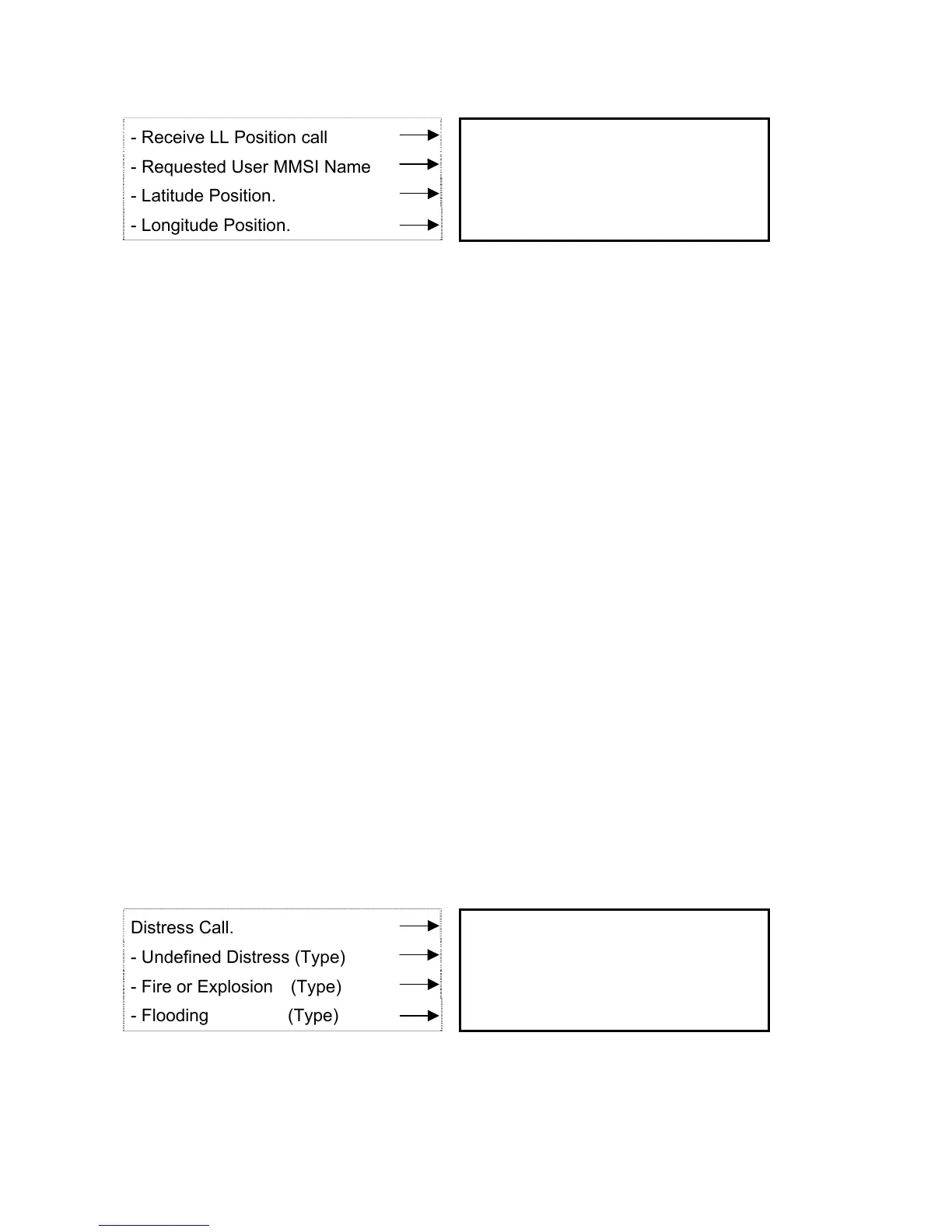
- Receive LL Position call R : POSITION ITU
- Requested User MMSI Name STL6000D BSY
- Latitude Position. 35’25.05N ALL
- Longitude Position. 127’05.55E
16
P
It displays, when GPS position data is received against your request on LL position to your
associate in fleet.
4.6 DISTRESS CALL
4.6.1 Transmit the distress call
1) Open the cover marked “DISTRESS”.
If you have a sufficient time, go to item “2”, otherwise go to directly item “3”.
2) Press DISTRESS button for 3 seconds till the distress call is shown.
Press ENT key looking through following list, which suits the present status.
- UNDEFINED – undefined distress
- FIRE – explosion
- FLOODING
- COLLISION
- GROUNDING
- LISTING
- SINKING
- ADRIFT
- ABANDON
- PIRACY
- OVERBOARD
Distress Call. DISTRESS ITU
- Undefined Distress (Type) 〉UNDEFINED BSY
- Fire or Explosion (Type) FINE ALL
- Flooding (Type) FLOODING
16
P
* Press DISTRESS button for 5 seconds in case of no time to select type of the distress. It
automatically links to the distress call. (Type of the distress is called as UNDEFINED)


 To Next Page