4.Press “
→
” key once to enter status display menu and it indicates t1
which suggests temperature of room temperature sensor.
Press “→” key twice to indicate t2 which suggests flow rate. (L/min, with
0.1 resolution)
Press “→” key three times to return to normal operation.
5.When first powered on, press “
↓
” key to cancel delay time and connect
the compressor.
6.User parameter setting (F0~F11 is available)
“↑” and “↓” keys are for changing and saving data. “←” and “→” keys are for switching
items. Press and hold “SET” key, “↑” key and “↓” key for 6 seconds to enter parameter
setting until the lower window indicates PAS and the upper window indicates 00. Press “↑”
or “↓” key to revise password (F7 is for revising password) and then press “SET” key. If
the password is correct, the lower window indicates F0 and the parameter is available for
revision. If the password is wrong, it will return to temperature display. If there is no action
within 20 seconds, the temperature controller will also automatically exit parameter setting
status. Press “RST” key to save the data and exit.
7.Restore to factory settings
After the power is on for 30 seconds, press and hold “↑” and “↓” keys for 3 seconds until
it displays “rE”. The supplier parameter and user parameter will restore to factory value. 3
seconds later, it will return to temperature display.
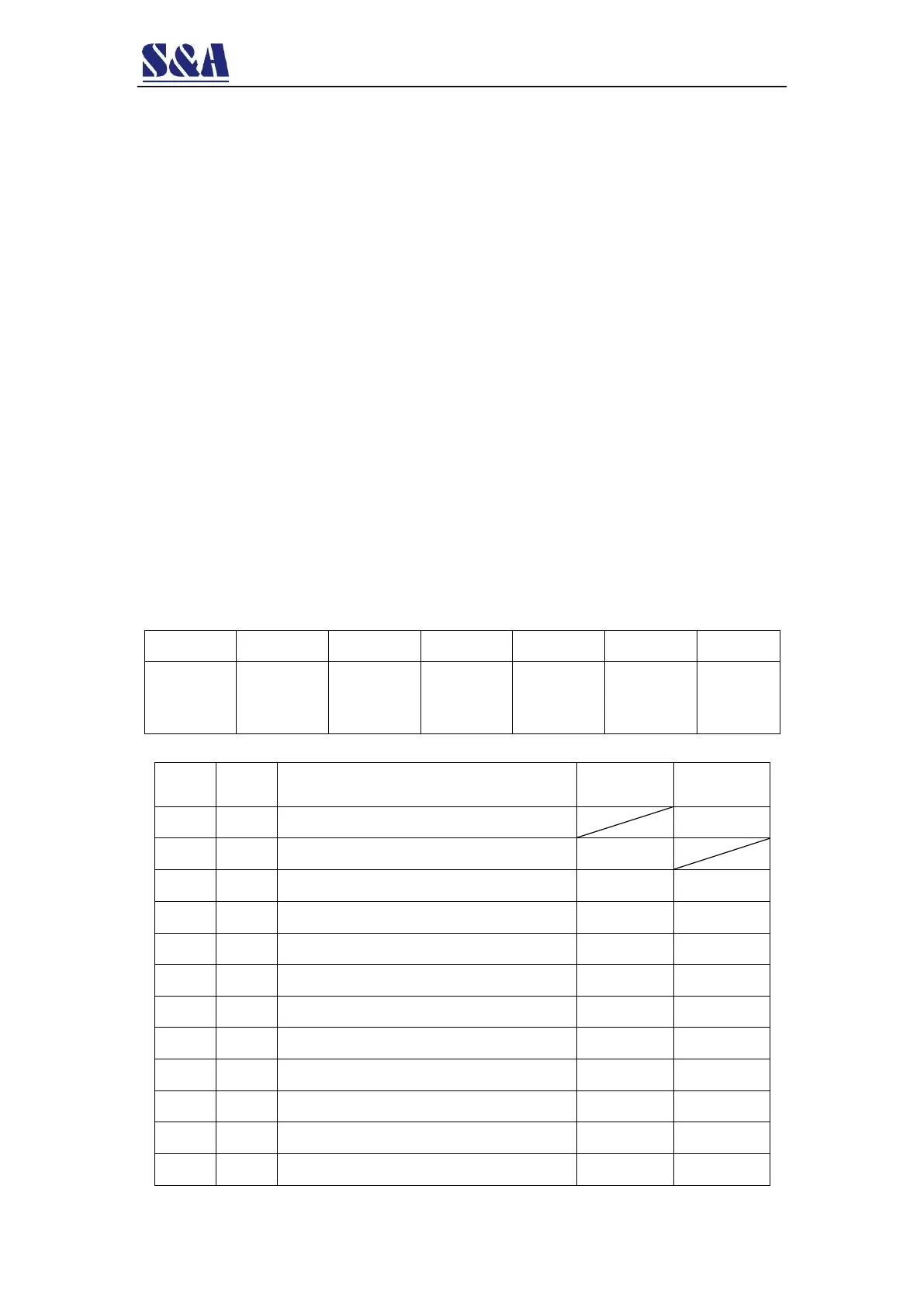
8.Alarm codes description
Ultra-high
room
temperature
Ultra-high
water
temperature
Ultra-low
water
temperature
Room
temperature
sensor
failure
Water
temperature
sensor
failure
9.Advanced parameters adjustment examples
Temperature Difference Values
Refrigeration return difference
Alarm for ultra-high water temperature
Alarm for ultra-low water temperature
Alarm for ultra-high room temperature
The allowed highest water temperature
The allowed lowest water temperature


 To Next Page