EasyManua.ls Logo

S&A CW-6300 - User Manual

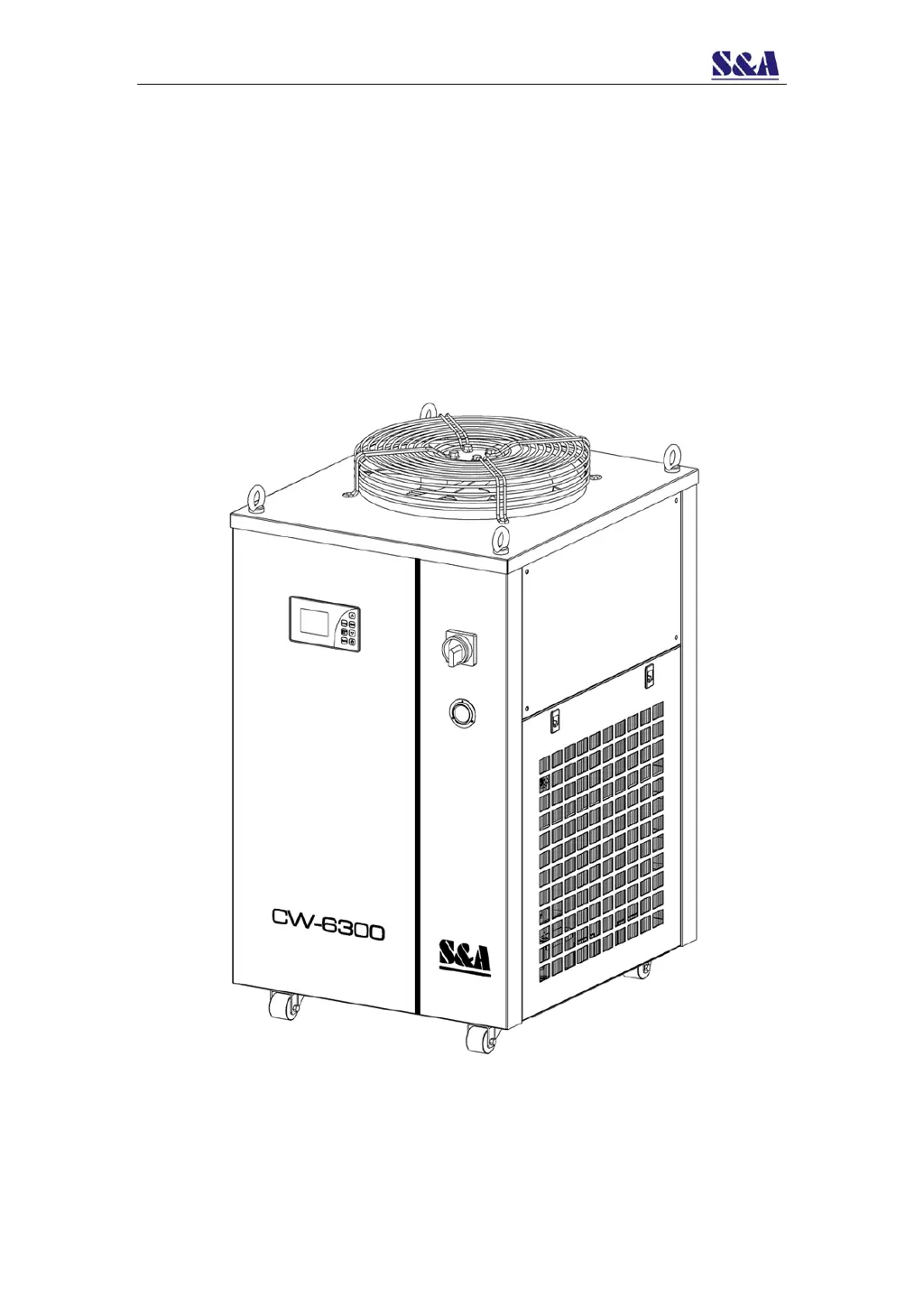
S&A CW-6300
34 pages
Print Icon
To Next Page IconTo Next Page
Loading...
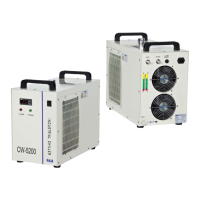
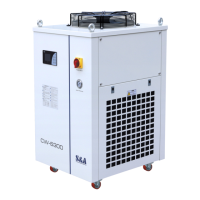
CW-6300
INDUSTRIAL CHILLER
USER MANUAL

Questions and Answers

  • M
    Matthew KaufmanAug 2, 2025
    Why S&A CW-6300 shows ultra-high temperature alarm (E04)?
    • J
      Jesus WelchAug 2, 2025
      The ultra-high temperature alarm on your S&A Chiller (E04) can be triggered by several factors: * A blocked dust gauze hindering thermolysis. Regularly clean the dust gauze. * Poor ventilation around the air outlet and inlet. Ensure proper ventilation. * Unstable or extremely low voltage. Improve the power supply circuit or use a voltage regulator. * Incorrect thermostat parameter settings. Reset the controlling parameters or restore factory settings. * Frequent power switching. Allow sufficient refrigeration time (more than 5 minutes). * Excessive heat load. Reduce the heat load or consider a model with larger cooling capacity.
  • M
    Michael MitchellAug 6, 2025
    What to do if my S&A Chiller is turned on but unelectrified?
    • R
      Robert RichardsonAug 6, 2025
      If your S&A Chiller turns on but doesn't power up, check these: 1. Ensure the power cord is correctly plugged into the power interface and making good contact. 2. Inspect the fuse. If it's burnt out, open the electric box cover, replace it with a spare, and verify the power supply voltage is stable. Also, ensure the power interface and plug have good contact.
  • H
    hensonjoelAug 10, 2025
    What to do if S&A CW-6300 Chiller has a flow alarm (E01) with water flowing?
    • J
      jonathansandovalAug 10, 2025
      If your S&A Chiller displays a flow alarm (E01) while connected to other equipment, but works fine with a direct water pipe connection, the water circulation pipes may be blocked or deformed. Check the water circulation pipe for any obstructions or bending.
  • A
    Anita EstesAug 14, 2025
    How to fix flow alarm (E01) on S&A Chiller without water flowing?
    • P
      Patrick HancockAug 14, 2025
      If your S&A Chiller shows a flow alarm (E01) even with a direct water pipe connection, it may be due to low water level in the storage tank. Check the water level gauge and add water until it reaches the green area. Also, inspect the water circulation pipes for any leaks.
  • A
    Alexis GilbertAug 19, 2025
    Why S&A CW-6300 alarms for ultra-high room temperature (E02)?
    • A
      Ashley ReedAug 19, 2025
      The ultra-high room temperature alarm (E02) on your S&A Chiller indicates that the working ambient temperature is too high. Improve ventilation to ensure the machine operates below 40 degrees Celsius.
  • M
    Maureen LeonAug 25, 2025
    What to do if S&A Chiller has serious condensate water problem?
    • V
      vlambAug 25, 2025
      If your S&A Chiller has a significant condensate water issue, it's likely because the water temperature is much lower than the ambient temperature, and humidity is high. You should increase the water temperature or insulate the pipeline to preserve heat.
  • S
    Stephanie ReynoldsAug 27, 2025
    Why does water drain slowly from S&A Chiller when changing water?
    • C
      carl91Aug 28, 2025
      If water drains slowly from the S&A Chiller's outfall during water changes, the injection port may not be open. Open the injection port to allow faster drainage.

Summary

Cautions

Contour and Parts Introduction

Installation

Adjust Temperature Controller Parameters

Guide to adjusting the temperature controller settings for optimal performance.

Unit Introduction and Parameter Adjustment

Temperature Control Panel Operation

Details on the control panel interface and how to adjust parameters.

Quick Parameter Adjustment

Steps for quickly adjusting user-defined parameters via the control panel.

User Menu Access and Settings

How to access and modify user menu parameters using the Set button.

View Historical Failure Records

Procedure to access and review past error logs and fault codes.

Restore Factory Settings

Steps to reset the unit to its default factory configuration.

Query Unit Operation Conditions

How to check current operational status of components like compressor and pump.

Clock Adjustment

Instructions for setting the internal clock and date on the controller.

Language Switching

How to change the display language from Chinese to English.

Forced Refrigeration Function

How to activate and deactivate the forced cooling mode.

Detailed Parameter Settings

Comprehensive list and explanation of all adjustable parameters for the chiller unit.

Failure Warning Processing Mode

Failure Code Table

Alarm and Communication Output

Wiring Diagram for Alarms and MODBUS

Diagram illustrating the connections for alarm signals and MODBUS RS-485 communication.

Alarm Signal Working Conditions

Table detailing alarm signal outputs based on different unit operating conditions.

MODBUS RS-485 Communication Function

MODBUS Command Format 03 (Read Registers)

Details on the host send and slave response for reading registers using command 03.

MODBUS Command Format 06 (Write Registers)

Details on the host send and slave response for writing registers using command 06.

Read-Only Parameters (Sensors, Current)

List of parameters that can be read but not modified, including sensor readings and current values.

Read-Only Parameters (Status)

Details on read-only parameters related to the unit's operational status and states.

Read;Write Registers (Conditional)

Parameters that can be read or written, applicable only when external input is disabled.

Specifications

Simple Troubleshooting

S&A CW-6300 Specifications

General IconGeneral
Temperature Control Range5°C to 35°C
RefrigerantR-410A
Pump Power0.37 kW
Frequency50 Hz
Tank Capacity30 L
Refrigerant Charge1.2 kg

Related product manuals