EasyManua.ls Logo

S&A CWUL-10 - Parameter Adjustment Data Table

S&A CWUL-10
15 pages
Print Icon
To Next Page IconTo Next Page
To Previous Page IconTo Previous Page
Loading...
CWUL-05/10/20 Series
9
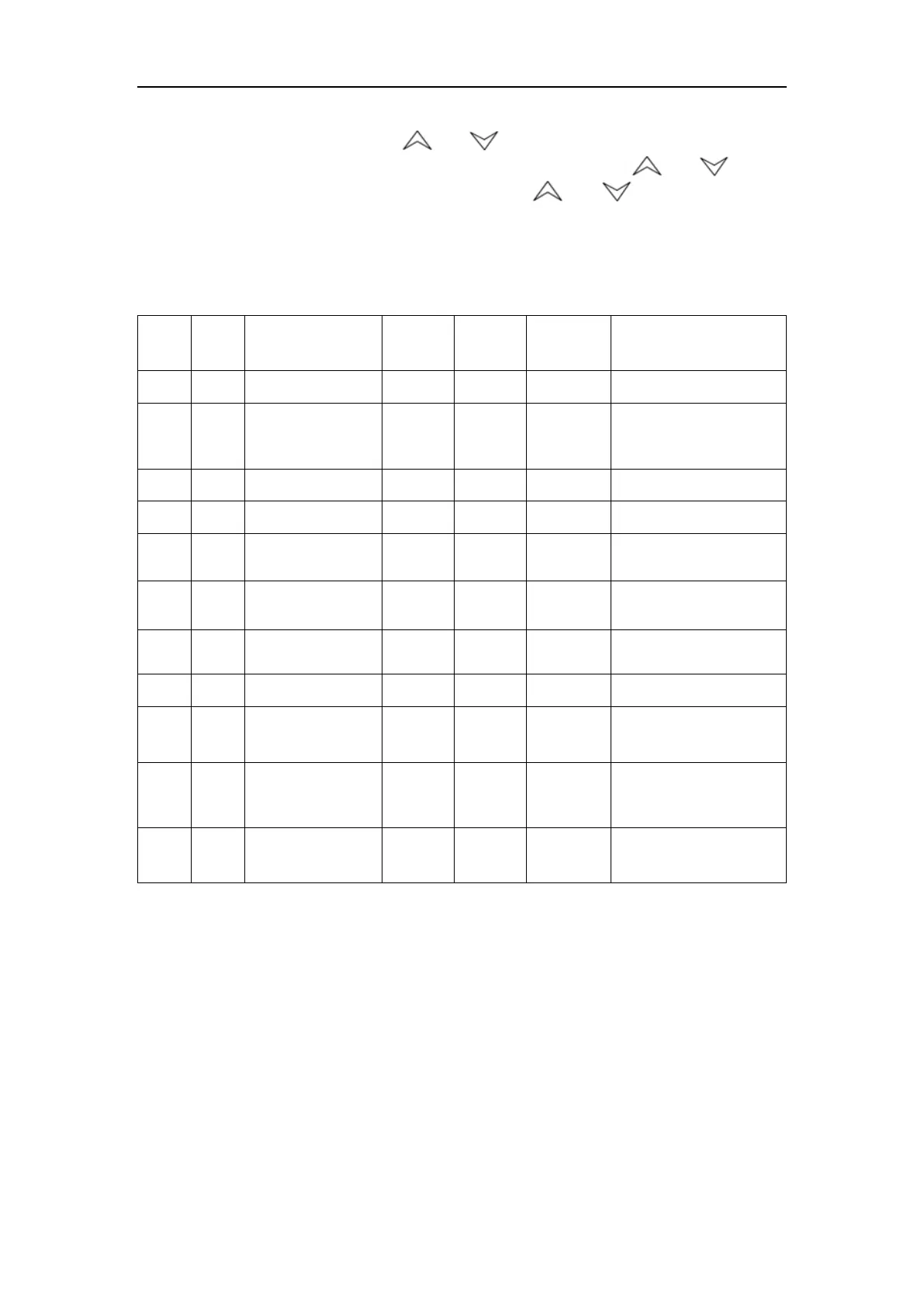
change the content code to F4, and press SET button enter setting
parameter values, press or button set the parameter to 5,return
to content code after compete setting ,and then press or button
modifies the content code to F5,press or button set up the
parameter to 10,then press RST button save and save parameter and exist
then back to the temperature display (If there is no any action within 20
seconds, the controller will automatically exit parameters setting return to
temperature display without saving the modified parameters)

Order
Code
Content
Case 1
Set value
Case 2
Set value
Case 3
Set value
T-506B Temperature
controller default
setting
1
F0
Temperature setting
26.8
16.0
25.0
25.0
2
F1
Temperature
difference value
-2.0
-2.0
-2.0
-2.0
3
F2
Cooling hysteresis
0.1
0.1
0.1
0.1
4
F3
Control methods
0
0
0
0
5
F4
Ultrahigh water
temperature alarm
10.0
10.0
5.0
10.0
6
F5
Ultralow water
temperature
alarm
15.0
15.0
10.0
15.0
7
F6
Ultrahigh ambient
temperature alarm
45.0
45.0
45.0
45.0
8
F7
Password
8
8
8
8
9
F8
Maximum water
temperature
setting
30.0
30.0
30.0
30.0
10
F9
Minimum water
temperature
setting
20.0
20.0
20.0
20.0
11
F10
Alarm of sensor
pulse frequency
8
8
8
8

Related product manuals