EasyManua.ls Logo

Sandstrom S08DPF10 - User Manual

Sandstrom S08DPF10
24 pages
Print Icon
To Next Page IconTo Next Page
Loading...
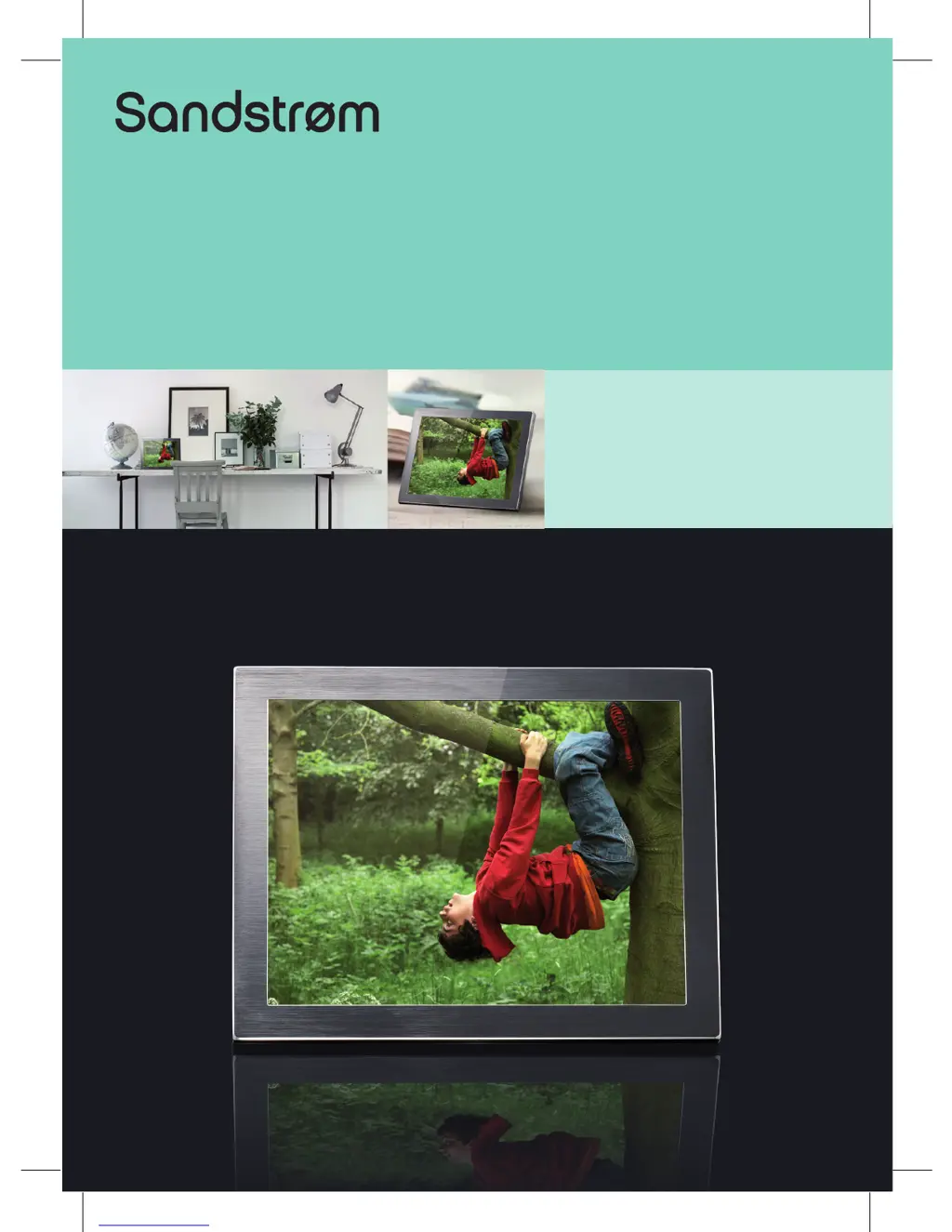
Instruction Manual
8” Digital Photo Frame
S08DPF10

Questions and Answers

  • E
    Eric WigginsJul 31, 2025
    What to do if Sandstrom Digital Photo Frame photo display is distorted?
    • D
      Diana MorenoJul 31, 2025
      If your Sandstrom Digital Photo Frame isn't displaying photos correctly, go to the main menu, then the SETUP and change the display mode to match your photo (Full / Standard).
  • S
    Samantha GreeneAug 4, 2025
    Why is the image distorted on my Sandstrom S08DPF10 Digital Photo Frame?
    • A
      albertpayneAug 4, 2025
      If the image on your Sandstrom Digital Photo Frame is distorted or blurred, it might be due to a low image resolution. Try using a file with a higher resolution; a resolution of 800 X 600 pixels is recommended.
  • S
    Sandra ShahAug 9, 2025
    What to do if Sandstrom Digital Photo Frame is unable to view photos?
    • C
      Christina AcevedoAug 9, 2025
      If you're unable to view photos on your Sandstrom Digital Photo Frame, try resaving the JPEG files on a computer and then playing them back on the frame. Also, verify that the memory card you are using is compatible with the device.
  • G
    Gina AllenAug 15, 2025
    What to do if Sandstrom Digital Photo Frame does not work properly?
    • F
      fowlerkevinAug 15, 2025
      If your Sandstrom Digital Photo Frame is not working properly, switch the photo frame off and on again.
  • K
    Kimberly BonillaAug 19, 2025
    Why is Sandstrom S08DPF10 Digital Photo Frame photo display slow?
    • D
      Debbie King DDSAug 19, 2025
      If your Sandstrom Digital Photo Frame photo display seems slow, consider using lower resolution photos.
  • M
    Marisa SchultzAug 25, 2025
    Why Sandstrom S08DPF10 cannot detect external device?
    • T
      Tony BrownAug 26, 2025
      Your Sandstrom Digital Photo Frame only supports USB flash drives via the USB port and does not support external hard disks or MP3 players.

Summary

Preparations

Attaching the Stand

Explains how to attach the stand to the photo frame for display.

Connecting to the Mains Power

Inserting a Memory Card; USB Flash Drive

Basic Operation

Display Image

Describes how to view images, including calendar and slideshow modes.

Settings

Set Image Size

Explains how to adjust the image display size to Auto Fit, Optimal, or Full.

Reset Setting

Resets most settings to factory defaults, excluding time.

Troubleshooting

Safety Warnings

Sandstrom S08DPF10 Specifications

General IconGeneral
Screen Size8 inches
Resolution800 x 600
Memory Card SupportSD, MMC, MS, xD
USB PortYes
Slideshow FunctionYes
Aspect Ratio4:3
Supported FormatsJPEG
ConnectivityUSB
Power SourceAC Adapter

Related product manuals