11
Selecting a station –DAB
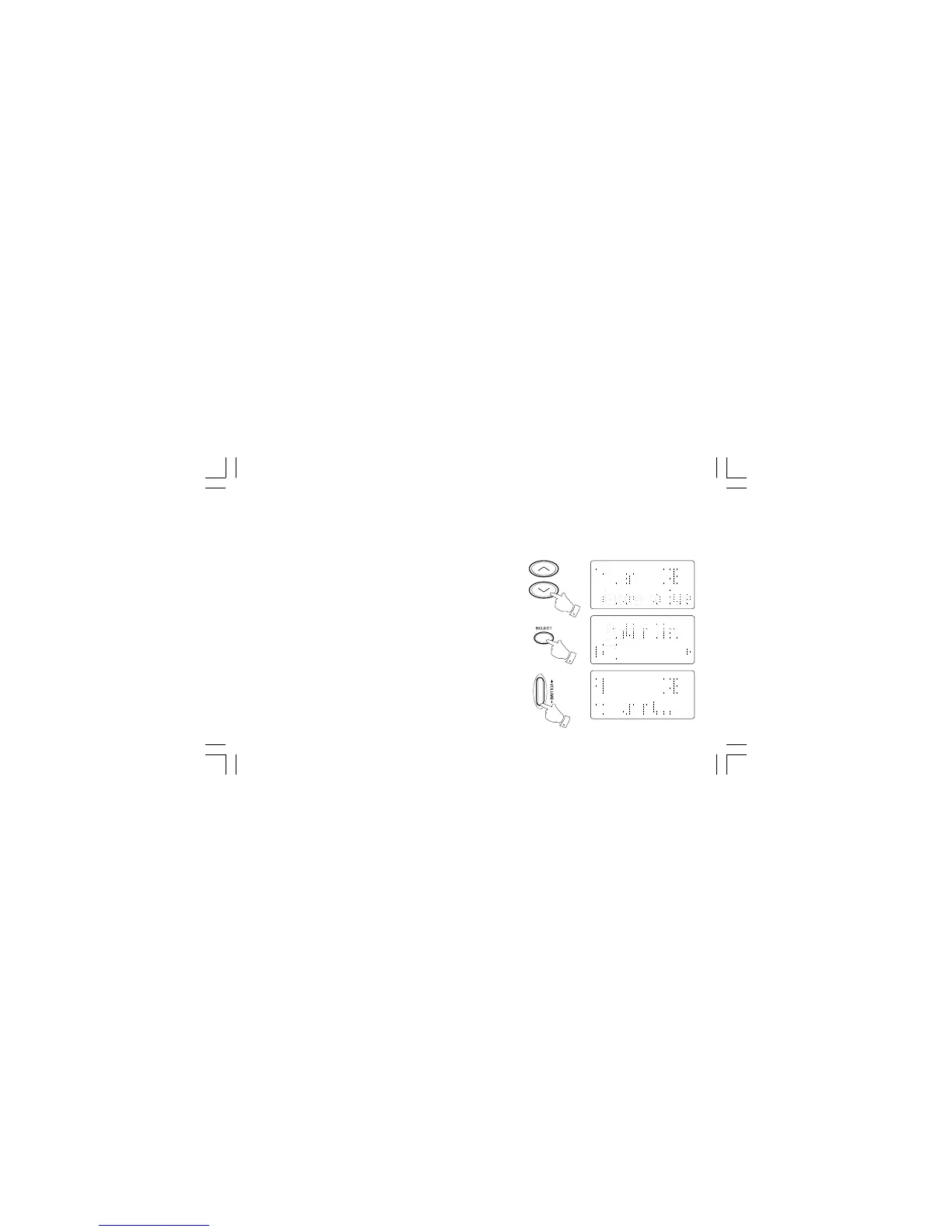
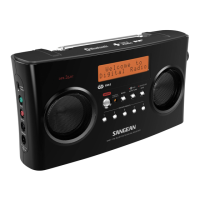
1. The top line of the display shows the name of the station
currently selected.
2. Press the Tuning Up/Down buttons to scroll through the list of
available stations.
3. Press and release the Select button to select the station. The display
may show “Now tuning…” while your radio finds the station.
4. Adjust the Volume control to the required setting.
Note:
If after selecting a station the display shows “Not Available” it may be
necessary to relocate your radio to a position giving better reception.
3
4
2



 To Next Page