27
Software version
The software display cannot be altered and is just for your reference.
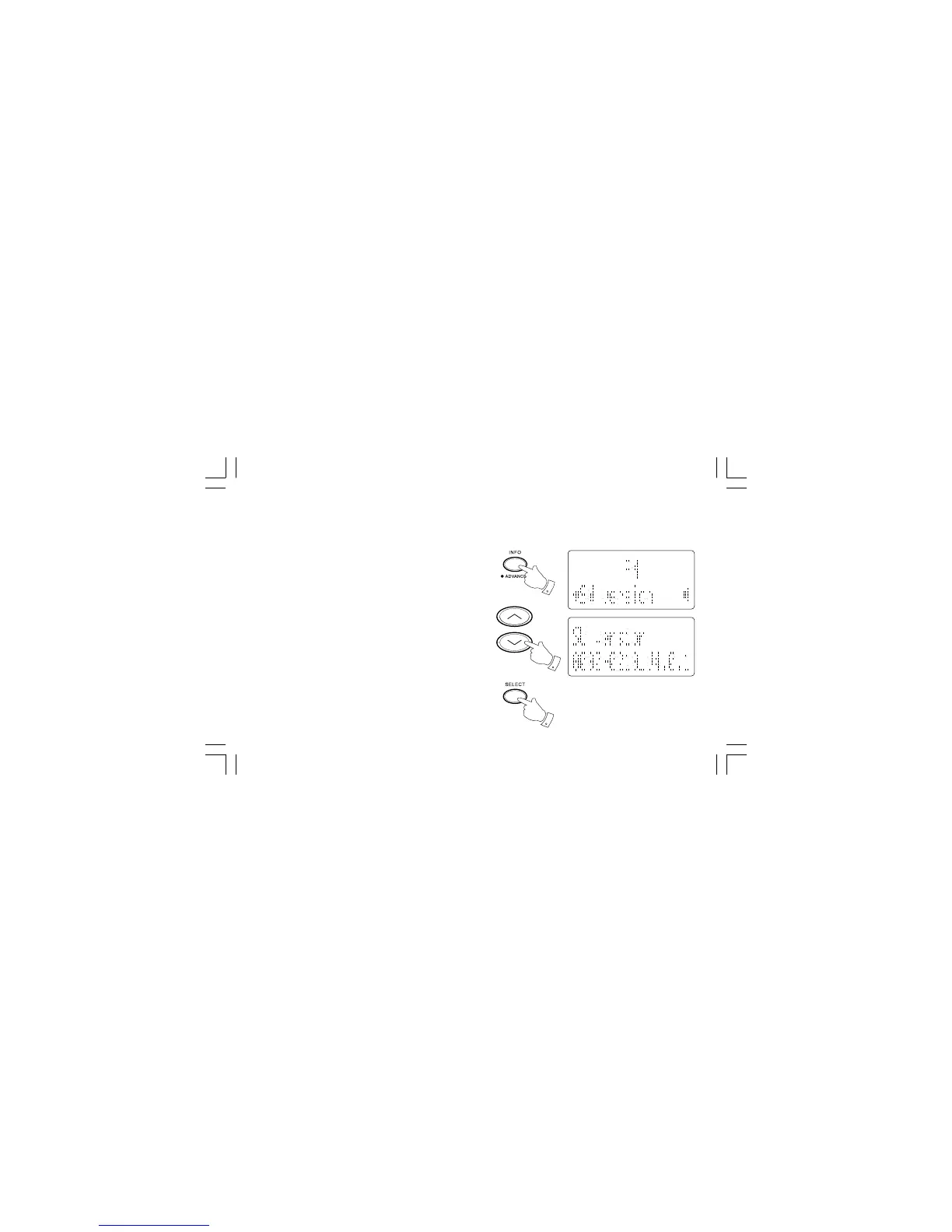
1. To view the software version on the display press and hold the Info
button to enter the menu.
2. Repeatedly press the Tuning Up/Down button until “SW version”
appears on the display.
3. Press the Select button and the version number will appear on
the display. After a few seconds the display will revert to the
normal display mode.
1
2
3


 To Next Page