17
Operating your radio – FM
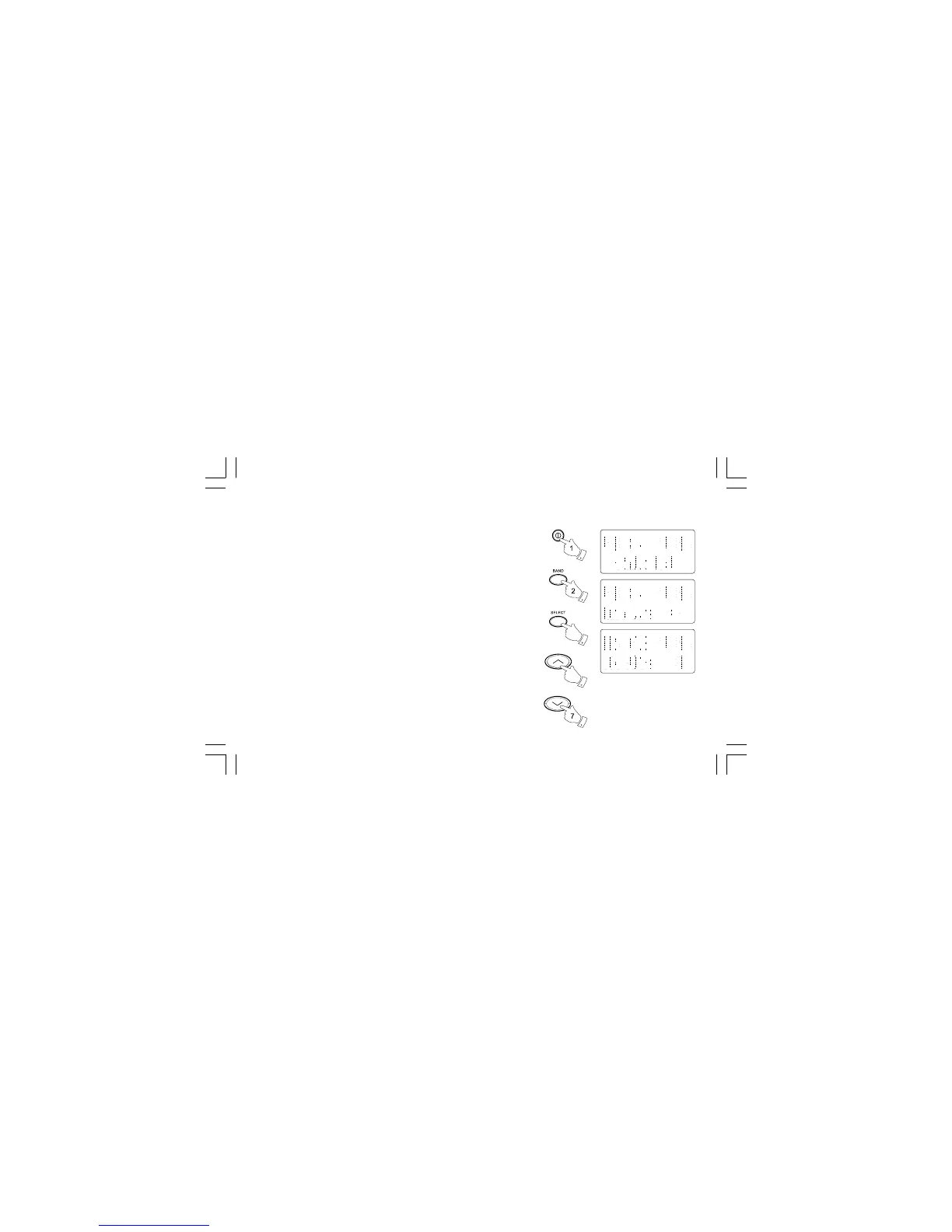
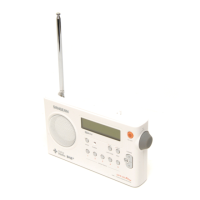
1. Carefully extend the telescopic aerial.
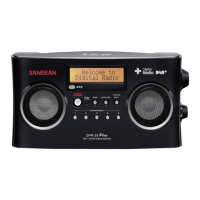
2. Press the Power On/Off button to switch on your radio. The display
will show “Welcome to Digital Radio” for a few seconds.
3. Press the Band button to select the FM band.
4. Press and release the Select button until the display shows
“Auto tune <>”.
5. Press the Tuning Up button. Your radio will scan from the currently
displayed frequency in direction upwards and will stop scanning
when it finds a station of sufficient strength.
6. The display will show the frequency of the signal which has
been found. If RDS information is available, after a few seconds the
display will show the radio station name. The display will also show
“St” and “RDS” on the upper line if the station is received with stereo
and RDS information.
4
3



 To Next Page