EasyManua.ls Logo

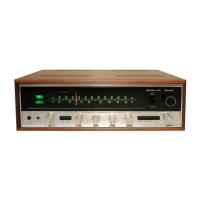
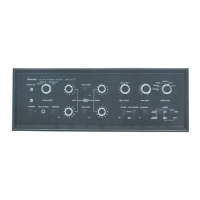
Sansui 350A - Front Panel Controls and Indicators; Core Operation Controls; Tuning and Source Selection

Sansui 350A
18 pages
Print Icon
To Next Page IconTo Next Page
To Previous Page IconTo Previous Page
Loading...
www.SteamPoweredRadio.Com
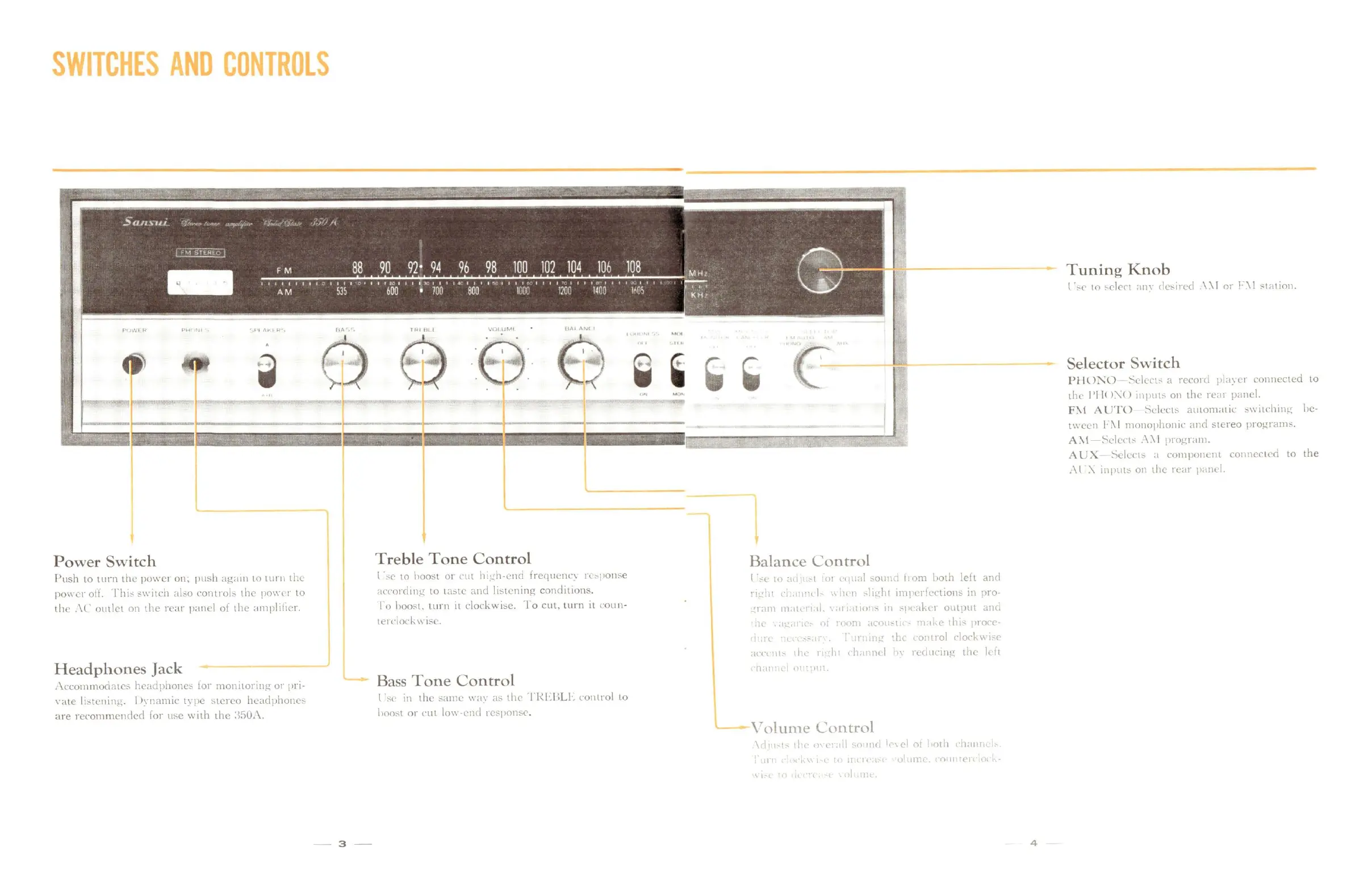
SWITCHES
AND
CONTROLS
4'
Power
Switch
Push
to
turn
the
powe1
on:
push
again
to
turn
the
poi,
er
off.
Thi
:-
s11
itch
abo
cont
rob
the
po11·,-r
to
the
.\C
outlet
on
the
rear
panel
of
the
amplifier.
Headphones
Jack
,\ccommodates
headphones
for
monitorin
g
or
pn·
1·ate
listening
. I >ynamic
t~
pc
,s
ter
eo
hca
dphonc,-
are
recommended
for
use
with
the
:\:JO.\.
- 3 -
Treble
Tone
Control
l ,-e to boost
01
cut
ht;.!h-cnci
lrequcnc1
rL-.1>on-.e
;icrnrcl111g
to
La:,tC
and
listening
conditio
ns.
Io
boost.
turn
it clockwi::,e.
To
cut,
t
urn
it
coun-
terdock
11
1-.c.
Bass
Tone
Control
l
·se
in
the
sanw
11;11
a,;
the
l'!{l-.1\LI
·,
control
to
l,oost or
cu
t loll'·
cnd
rc:-pnn-.c.
Balance
Control
l " L
-t
>J
,·q
...
1
,-,ounct
t1om
both
left
anrl
•·•~
1•
,·,,
11
LI
,1
I,
11
,]i!:!;ltt
tmpt•rlLction::; in
pro-
•1.1111
11.11i
n.d.,
111
1tlCJI,.,
111
"P<
:1kc1
output
.itlll
1
1,
ot
•,,nm
.1co
1-.1
<
Ill
1ke
thh
1•ron-
11
, t!i, 011trol clo,·k
11
i~e
11
n
11t
ti.,·
11
ht c
h.1
rn
I
h,
rcm1nng
the
le
it
11
I l I l '
II
l.
Volume
Control
\ ,
11
co•
t''
di
o
11H,
l
q•l
nl
1
,otn
h.
1111
,
, , ,
1,
olunH
0111
•u
,
\ I
4
Tuning
Knob
l ·-.c to -.elect ;111,· de,;ired
\\I
or
l'\I
c:t;ition.
Selector
Switch
Pl-1
0
:--.:
0
~l'kn,-
a
record
pl;1~cr
co
nn
ec
te
d to
thl'
I
'I!(
l:\()
1111n1L-.
011
the
rL,11
panel.
F:\1
AU
TO
Sdl'ct-.
a11tom,1tic
::,\\
itching
lie-
t
,,
l'l'll \ I
111011opho111c
anrl
stereo
programs.
A\
1 ~clc·ct::
.\\!
program.
AL
'X ~Lkct,-,
;1
co111po11c11t
conncctL'ci
to
the
:\
l \ in put,-
on
the
rl'ar
p;11ll
I.

Related product manuals