DAB/DAB+ RADIO
Pocket Radio
Main Menu
Flash
In the MP3 main menu, turn Control Wheel to <Flash>, press Enter Button to
view Flash display and the audio les in Flash.
If there are not any audio les or directories, it will display “NO FILE“.
If there is an audio le, press the Enter Button to play.
SD Card
In the MP3 main menu, turn Control Wheel to <SD card>, press Enter Button to
view SD card display and the audio les in SD card.
If there are not any audio les or directories, it will display “NO FILE“.
If there is an audio le, press the Enter Button to play.
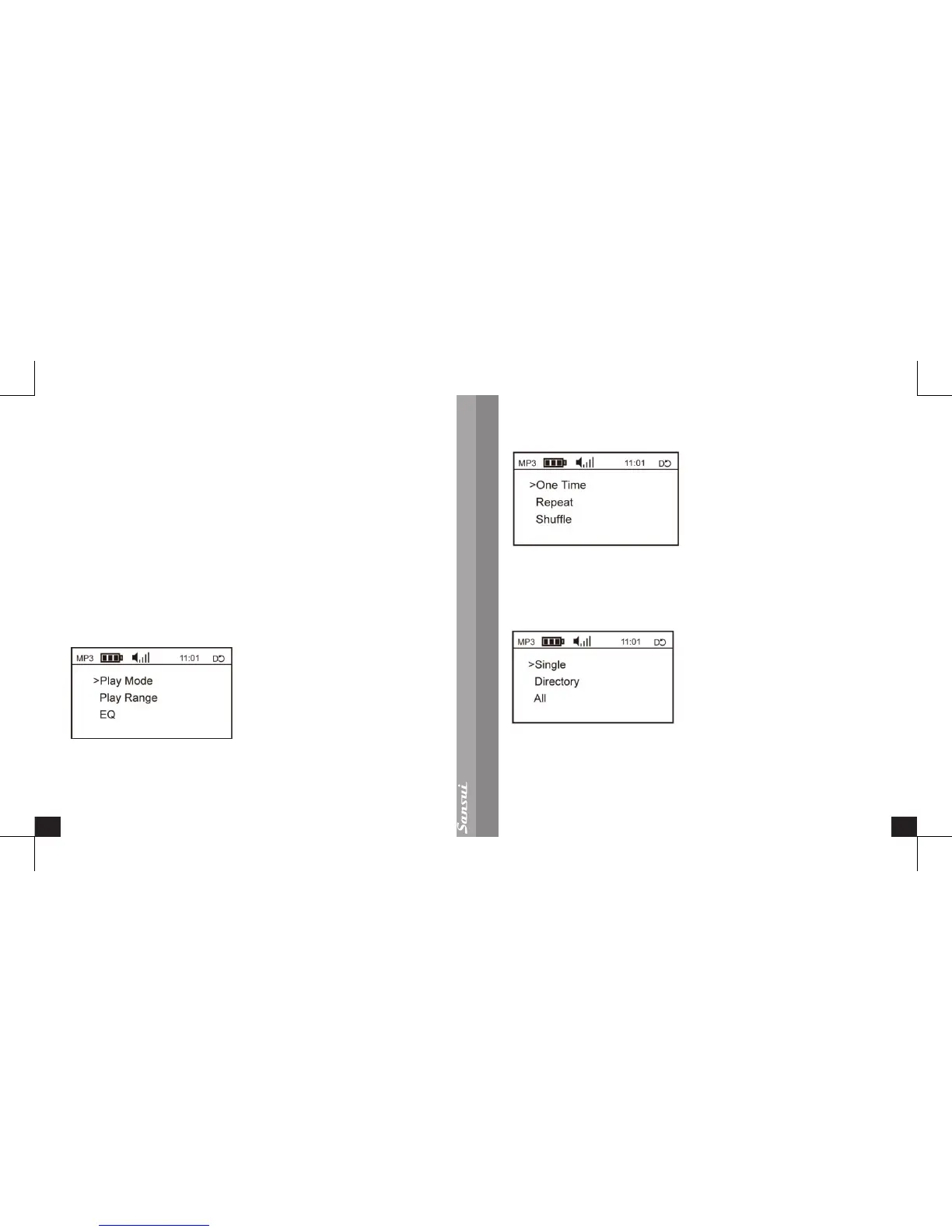
Audio Setting Menu
Play Mode
Turn the Control Wheel to <Play mode> and press the Enter Button, then set the
play mode to either <One Time>, <Repeat> or <Shufe>;
Turn the Control Wheel to select one of the three modes, and then press the Enter
Button to save and return to <Play Mode>.
Play Range
Turn the Control Wheel to <Play Range> and press the Enter Button, to set the
play range as <Single>, <Directory>, < All>;
Turn the Control Wheel to select one of the three modes, press the Enter Button
to save and return to <Play Range>.


 To Next Page