DAB/DAB+ RADIO
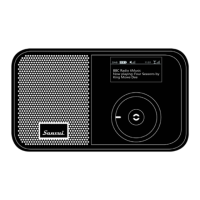
Pocket Radio
EQ
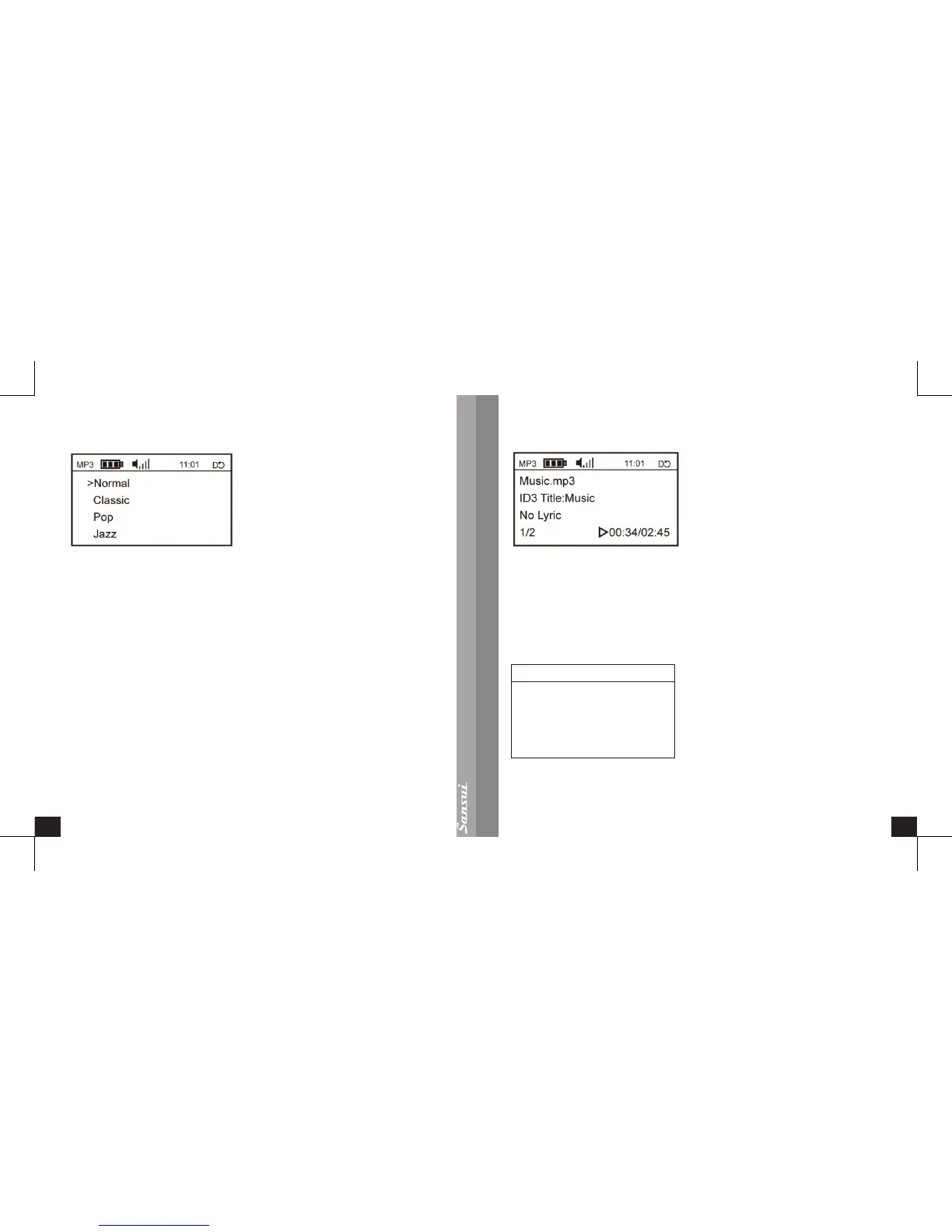
Turn the Control Wheel to <EQ>, to set the equalizer as <Normal>, <Classic>,
<Pop>, <Jazz>, <Bass> or <Rock>;
Turn the Control Wheel to select any one of the six types, then press the Enter
Button to save and return to <EQ>.
System Setup
Please refer to <System Setup Menu Introduction and Operation> of this user manual.
Main Menu
Please refer to <Main Menu Introduction> of this user manual.
MP3 User interface for display
MP3 Playing Screen
From here, turn the Control Wheel to select the previous or the next;
Momentarily press the Enter Button to pause or play.
Downloading les from a PC
To download les from a PC use the supplied USB cable.
When the radio is powered on, it will show the screen below when it is connected to
the PC by the USB 2.0 cable.
Select <USB Mode> to enter USB mass Storage Mode. You may copy the songs
from the PC into the radio and play in MP3 mode. The previous mode will be shown
when the USB cable is unplugged.


 To Next Page