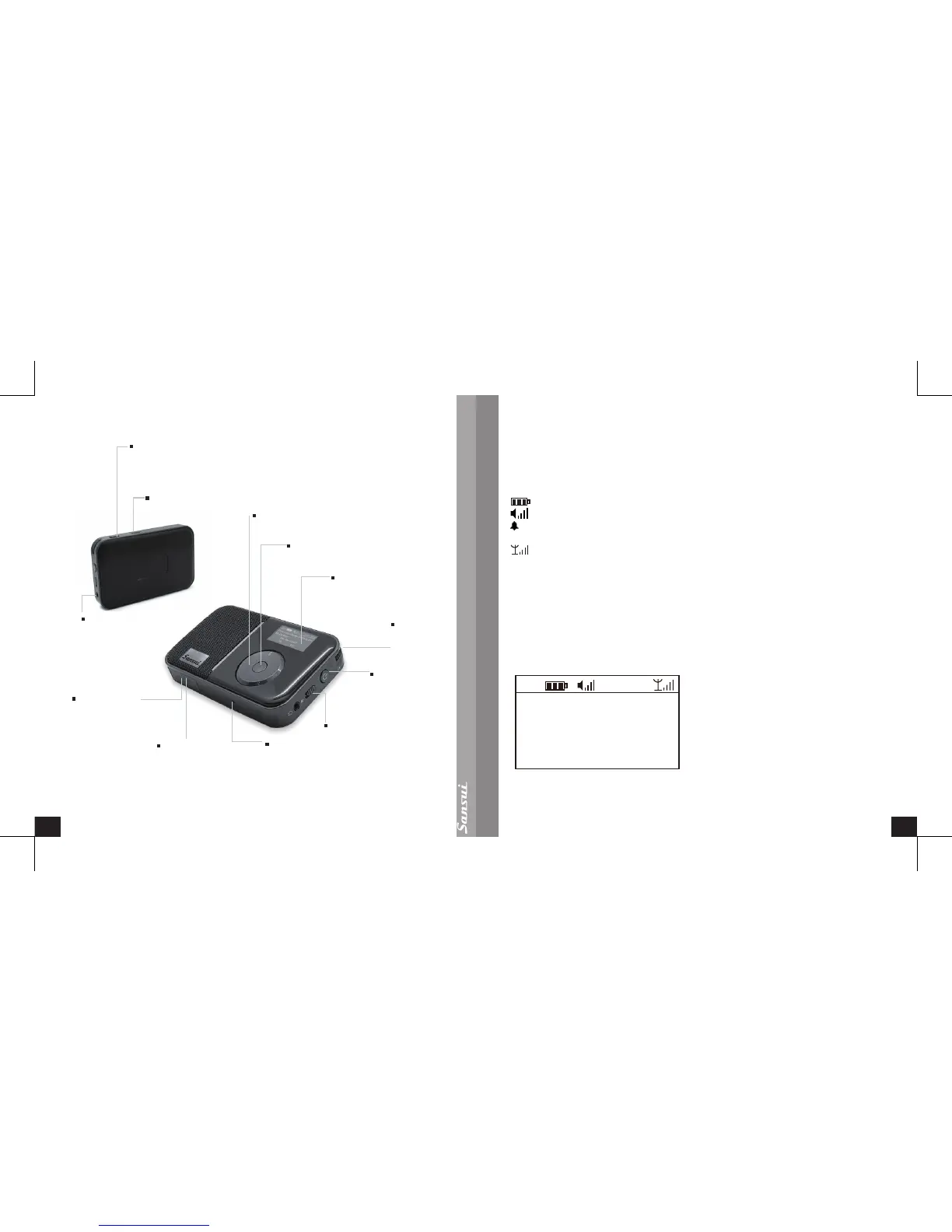
LCD Display
Display all the icons or text.
Control Wheel
To select the menu entry by rotating.
USB 2.0 Cable
You can use this cable to charge
this device or transfer files by
connecting to your computer.
Reset
To reset the device to original setting.
Enter Button
To confirm your selection.
Power Button
Long press is for
power on and power
off, short press is
for mode change.
Volume
Clockwise rotation
is for higher
volume,
and anti-clockwise
is for lower volume.
Hold Switch
To lock all the buttons.
H e a d s e t o r
Antenna Socket
MicroSD Card
Slot
Plug in MicroSD
card to this slot.
Connect 3 .5mm
stereo headset or
antenna.
Back Button
Sho rt p ress back t o
upper menu. Long press
(3 seconds) back to main
menu under the function.
Speaker Switch
Left is speaker off, right is
speaker on.
Display Screen
Playing Screen
There are three modes: DAB, FM, and MP3.
: Displays the battery charge level.
: Displays the current volume.
: Appears when the alarm is set.
11:01: Displays the current time.
: Displays the signal strength.
BBC Radio 6Music: Display a station name.
Four Seasons by King Mowe Dee: DLS info (not all stations have DLS info).
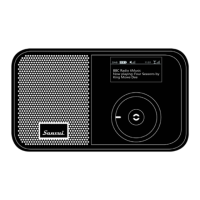
In the DAB or FM mode, following a short press of the Enter Button, the radio
information will be displayed on the screen. (Note: Only FM stations with RDS will
have information that can be displayed on the screen).
Example as below:


 To Next Page