DAB/DAB+ RADIO
Pocket Radio
MP3
System Setup
When the radio is powered for the rst time, it will show the <Main Menu> after the
start-up screen, There are 4 items, <DAB>, <FM>, <MP3>, and <System Setup>
Users can select <DAB>, <FM> or <MP3> to select the desired mode.
Power on: Press the Power Button for more than 3 seconds to turn on the radio.
Power off:
Press the Power Button for more than 3 seconds to turn off the radio.
1) When the DAB mode is selected, the radio will play the station that was
selected last time. When it is powered on for the rst time, it will search for
DAB stations automatically, and when the search is nished, the radio will
store the list of DAB stations and display the number of received stations.
It will play the rst station in the list..
2) When the FM mode is selected, the radio will display the FM screen, and
will play the station that was selected last time. When it is powered on for
the rst time, the default frequency is 87.5MHz.
3) When MP3 mode is selected the radio will display the MP3 Menu.
Mode switching
Under any menu, with a short press of the Power Button, it will switch between
DAB, FM and MP3 modes.
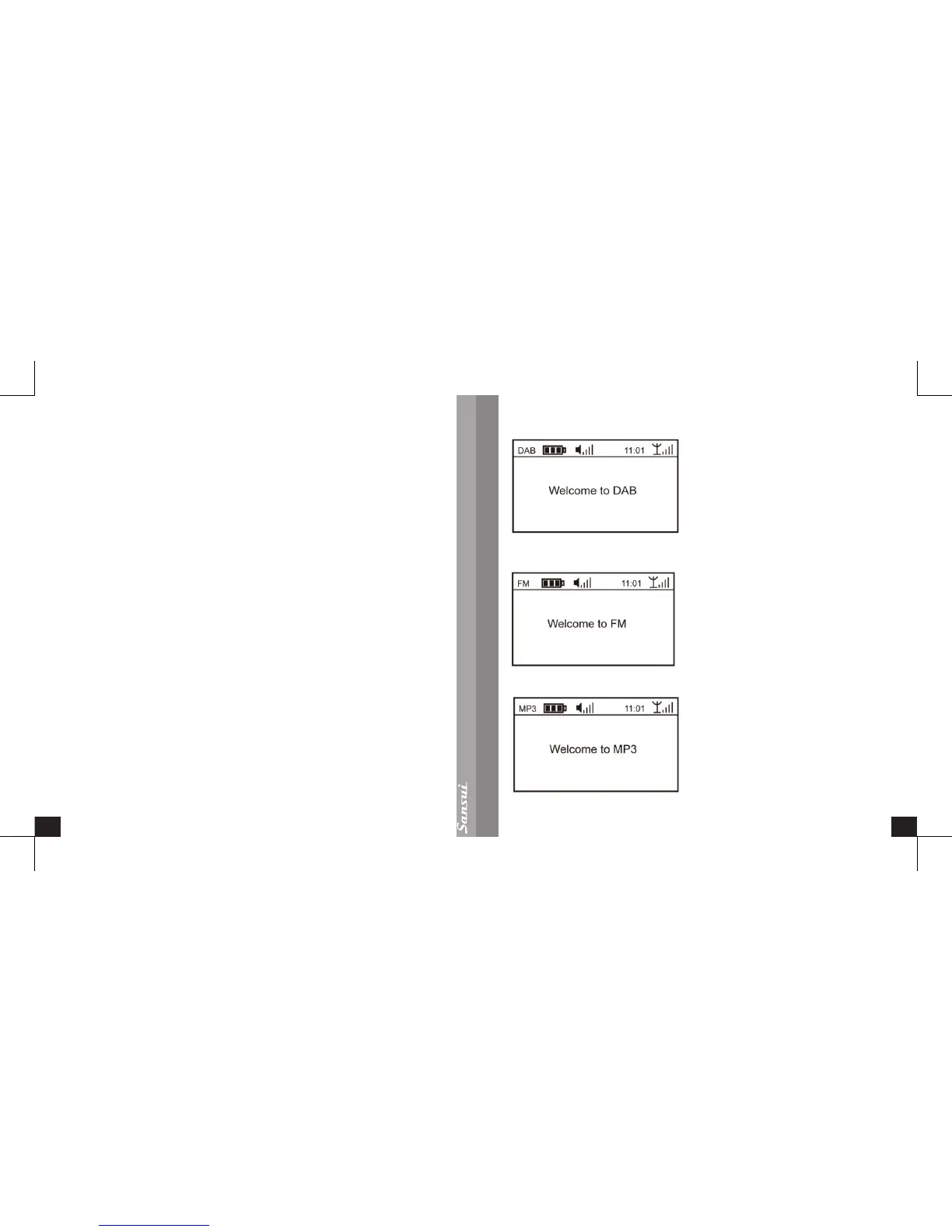
Each mode starts with a welcome interface, which will last for 1 second. As shown
below:
Access to DAB mode
:
Access to FM mode
:
Access to MP3 mode
:


 To Next Page