DAB/DAB+ RADIO
Pocket Radio
When you choose <Charging & Playing Mode>, the <USB MODE SELECT> screen
will disappear , and the previous mode will be displayed.
System Setup Menu Introduction and Operation
System Setup Menu Structure:
Set Power Off Time
Timer Setup
Alarm
Brightness
Backlight Timeout
Reset All
Info
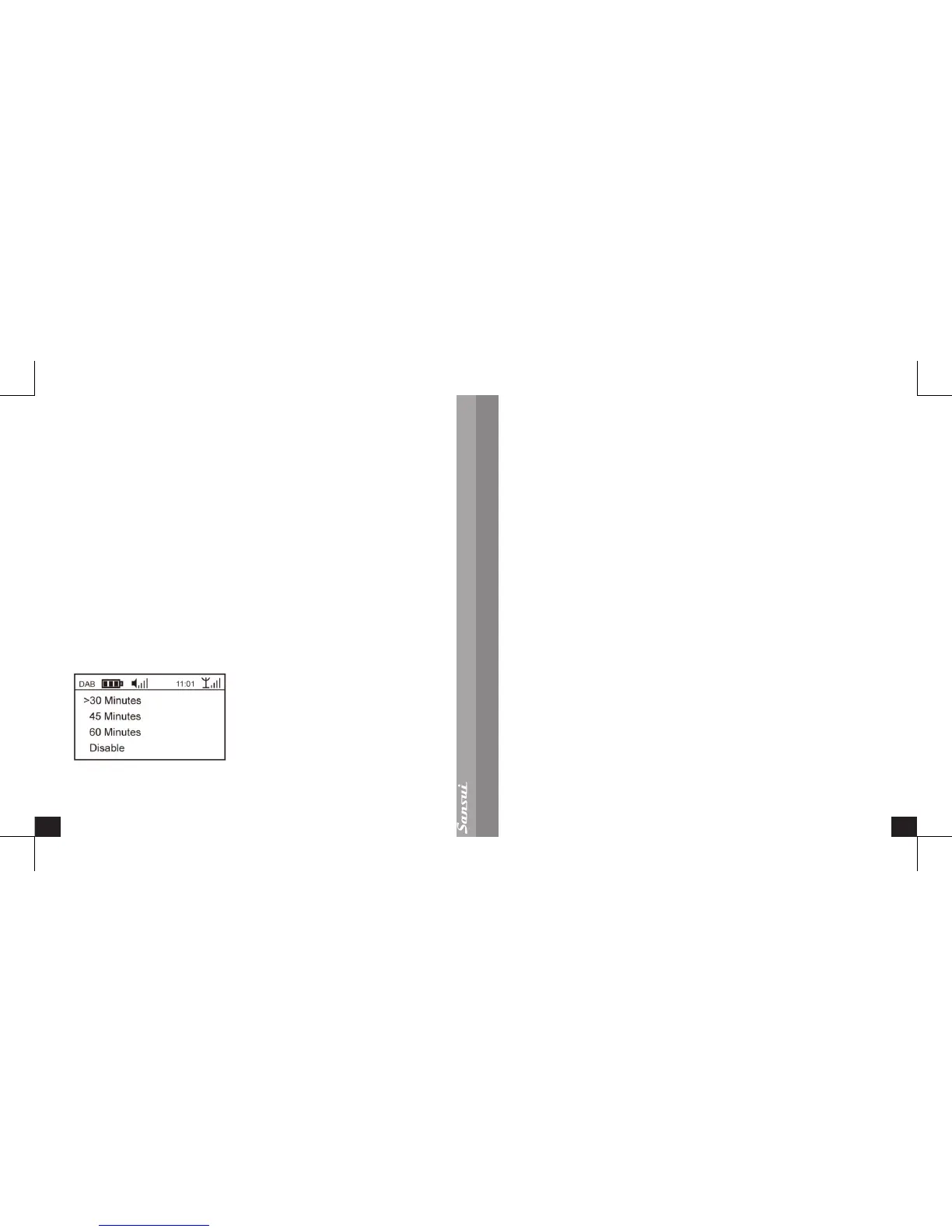
Set Power Off Time
You can set the Power Off Time Automatically, to either 60minutes, 45minutes or
30minutes, as shown
The unit will Power Off automatically after the selected time interval has passed.
Time Setup
Display Time & Date
This menu can display current date, time, week.
Set Time & Date
Time Sync
The time can be synchronized by DAB or FM. In DAB or FM mode, selecting this
menu will automatically update the current display time.
Manual Set
This menu can manually adjust the current time.
The method is to turn the Control Wheel to adjust the number of the currently
ashing item to set the time.
Press the Enter Button to skip to the next one, the next one will start ashing.
Adjust them in sequence.
When you reach the display of “week”, press Enter Button, and the settings will be
saved and change the currently displayed time.
Press the Back Button and go back to the previous menu.
Alarm
The radio includes an alarm clock, and the user can set the alarm time. The alarm
also works even when the unit is powered off. It will automatically alarm when it
reaches the set time, as shown below:


 To Next Page