EasyManua.ls Logo

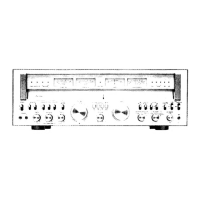
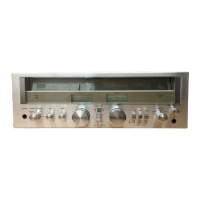
Sansui G-5700 - Mode, Balance, and Microphone Controls; Mode and Balance Controls; Microphone Input and Level

Sansui G-5700
49 pages
Print Icon
To Next Page IconTo Next Page
To Previous Page IconTo Previous Page
Loading...
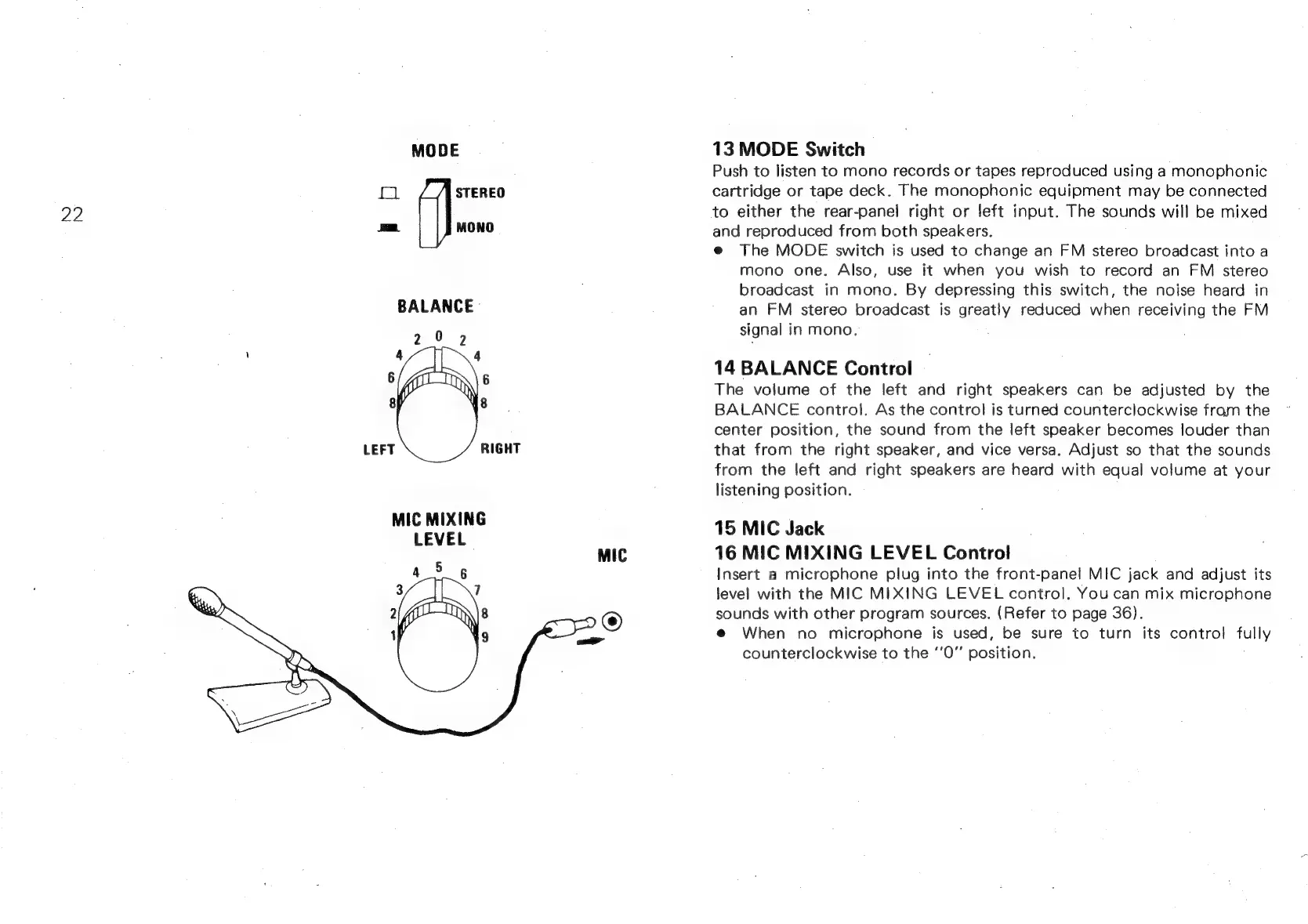
MODE
pel
STEREO
22
aa.
MONO
MIC
MIXING
LEVEL
13
MODE
Switch
Push
to
listen
to
mono
records
or
tapes
reproduced
using
a
monophonic
cartridge
or
tape
deck.
The
monophonic
equipment
may
be
connected
to
either
the
rear-panej
right
or
left
input.
The
sounds
will
be
mixed
and
reproduced
from
both
speakers.
e@
The
MODE
switch
is
used
to
change
an
FM
stereo
broadcast
into
a
mono
one.
Also,
use
it
when
you
wish
to
record
an
FM
stereo
broadcast
in
mono.
By
depressing
this
switch,
the
noise
heard
in
an
FM
stereo
broadcast
is
greatly
reduced
when
receiving
the
FM
signal
in
mono.
14
BALANCE
Control
The
volume
of
the
left
and
right
speakers
can
be
adjusted
by
the
BALANCE
control.
As
the
control
is
turned
counterclockwise
fram
the
center
position,
the
sound
from
the
left
speaker
becomes
louder
than
that
from
the
right
speaker,
and
vice
versa.
Adjust
so
that
the
sounds
from
the
left
and
right
speakers
are
heard
with
equal
volume
at
your
listening
position.
15
MIC
Jack
16
MIC
MIXING
LEVEL
Control
Insert
a
microphone
plug
into
the
front-panel
MIC
jack
and
adjust
its
level
with
the
MIC
MIXING
LEVEL
control.
You
can
mix
microphone
sounds
with
other
program
sources.
(Refer
to
page
36).
@
When
no
microphone
is
used,
be
sure
to
turn
its
control
fully
counterclockwise
to
the
‘’0”’
position.