43
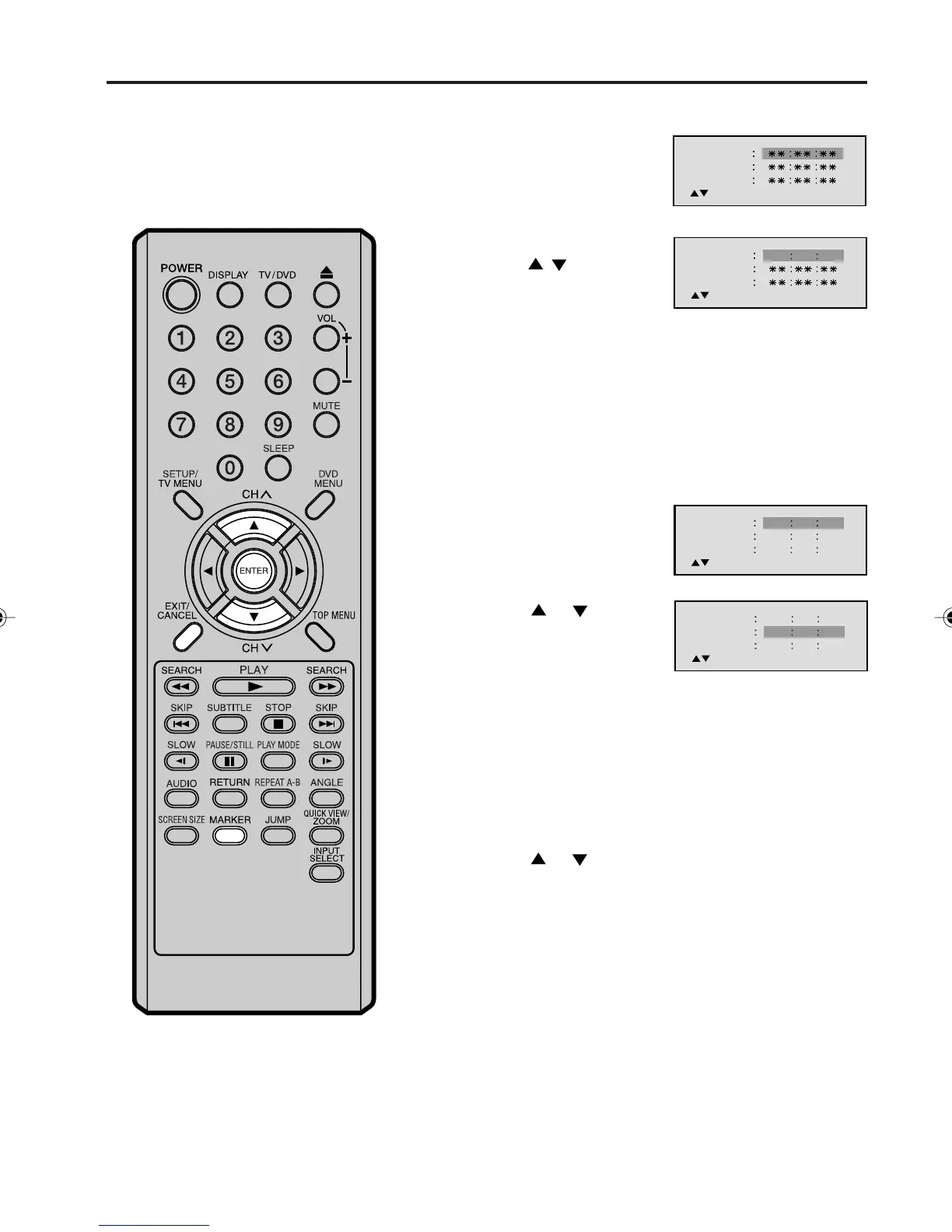
Marking desired scenes
The TV/DVD stores the points that you
want to watch again. You can resume
playback from that scene.
1
Press MARKER during
playback.
Marking the Scenes
2
Select the blank Marker
using
/ , then press
ENTER at the desired
scene.
1
Press MARKER during
playback or stop mode.
Returning to the Scenes
2
Press or to select
the Marker 1-3.
3
Press ENTER.
Playback starts from the marked scene.
1
Press MARKER.
2
Press or to select the Marker 1-3.
3
Press CANCEL.
Press MARKER to remove this display.
To Cancel the Mark
NOTES:
The marking is canceled when you eject
the disc or turn the power off.
Some subtitles recorded around the
marker may fail to appear. [DVD]
•
•
3
Press MARKER to remove this display.
Marker 2
Marker 1
Marker 3
/Enter/Cancel/Marker
Marker 2
Marker 1
Marker 3
/Enter/Cancel/Marker
2700 54
Marker 2
Marker 1
Marker 3
/Enter/Cancel/Marker
27
16
08
54
25
31
00
01
02
Marker 2
Marker 1
Marker 3
/Enter/Cancel/Marker
27
16
08
54
25
31
00
01
02
• Up to 3 scenes can be selected.
• Repeat this procedure to set the other 2 scenes.
5V10101A[EN] P43-48 9/30/05, 15:1143



 To Next Page