46
OSD Language English English
Francais
Espanol
/Enter/Setup/Return
Language Picture Parental OtherSound
OSD Language English
/Enter/Setup/Return
Language Picture Parental OtherSound
/Enter/Setup/Return
Language Picture Parental OtherSound
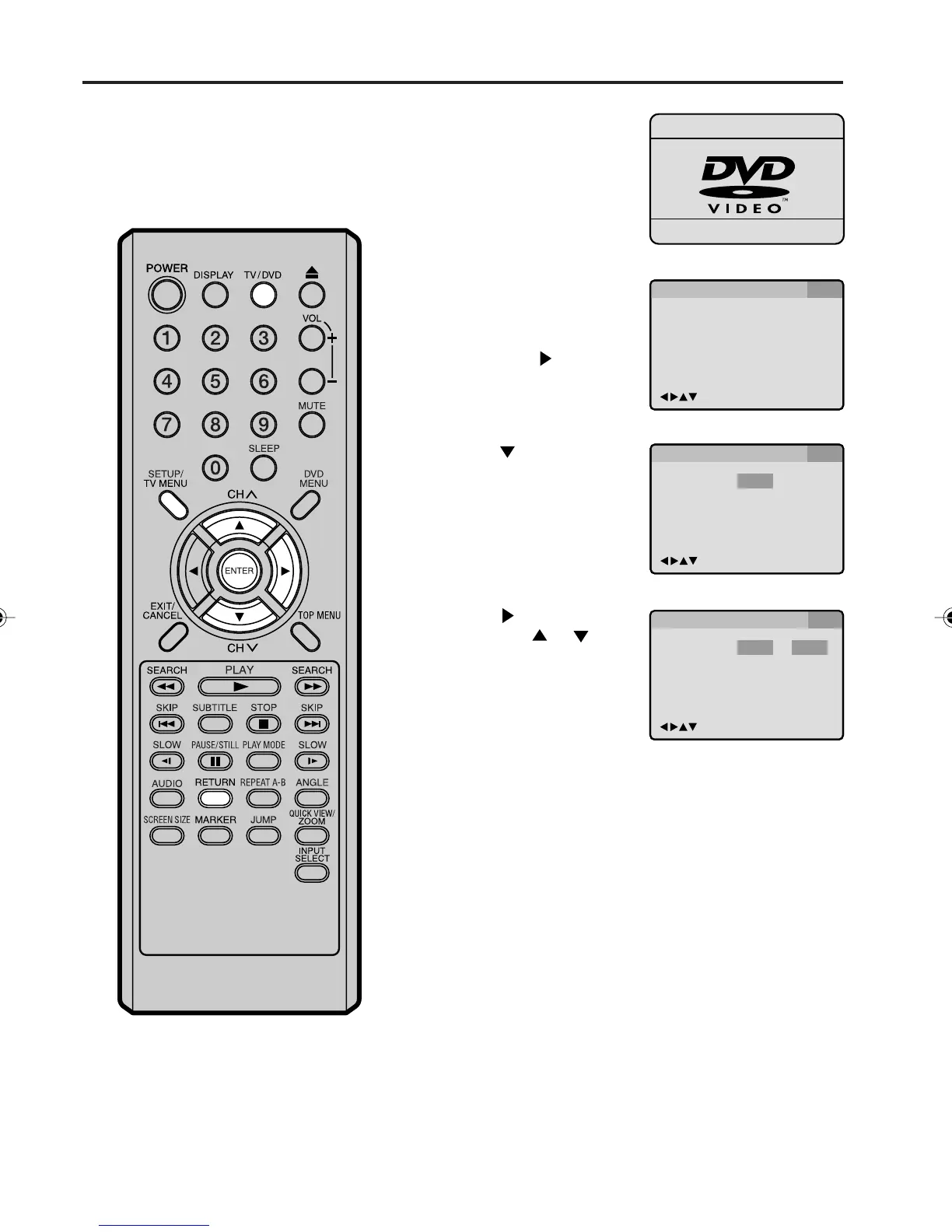
The setup language can be selected.
Setting the language
1
Press TV/DVD to select
the DVD mode.
“No Disc” will appear on
the screen (If a DVD disc
has already loaded, the
playback will start auto-
matically).
2
Press SETUP/TV MENU
in the stop mode. The
SETUP MENU of DVD will
appear on the screen.
Then press
to select
“Other”.
3
Press or ENTER to
select “OSD Language”.
4
Press or ENTER and
then press
or to
select desired language
(e.g. English), then press
ENTER.
5
Press SETUP/TV MENU or RETURN to remove the
Menu screen.
5V10101A[EN] P43-48 9/30/05, 15:1146



 To Next Page