52
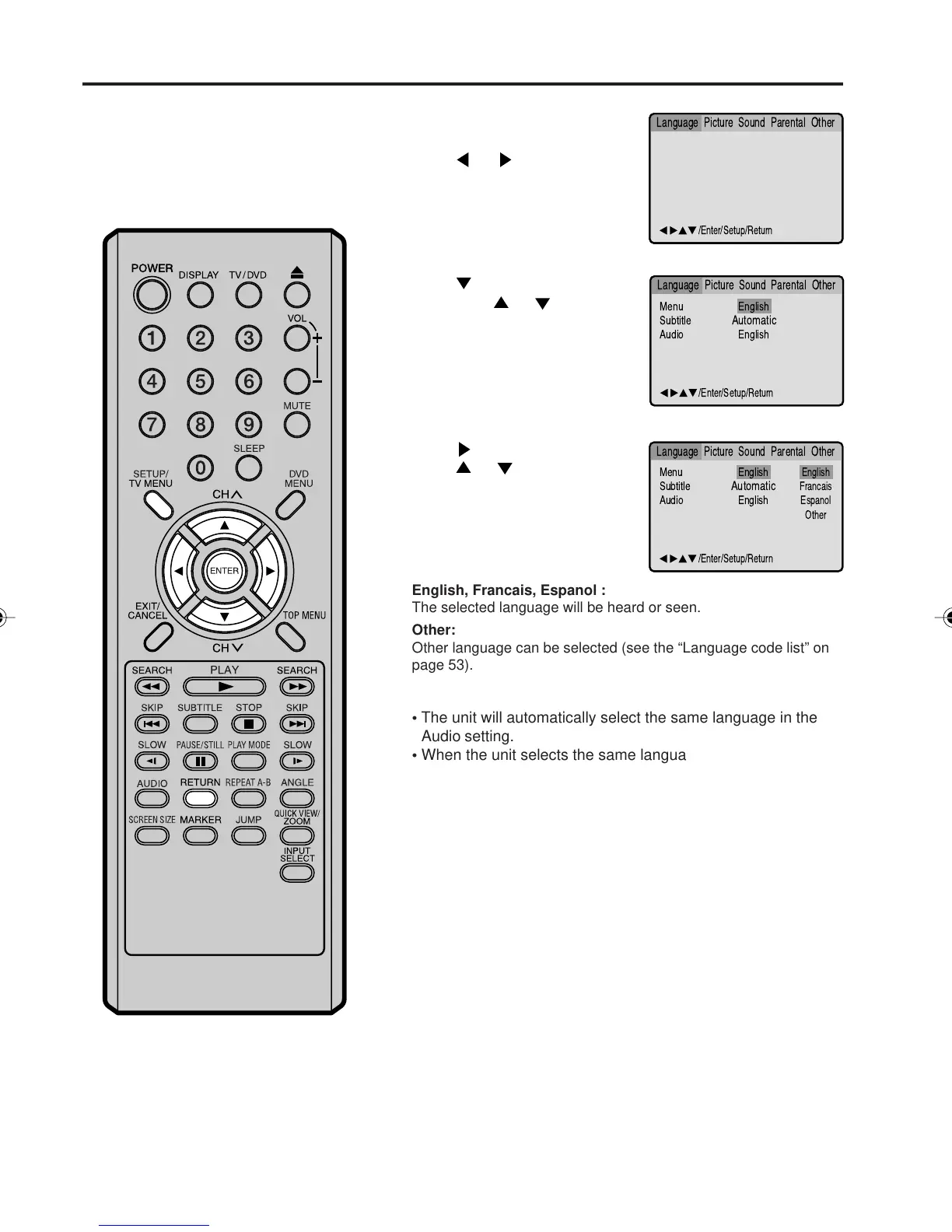
Setting the language
Press or ENTER.
Press
or to select your
desired language, then press
ENTER.
1
2
3
Press SETUP/TV MENU or RETURN to remove the Menu
screen.
Press
or ENTER.
Then press
or to select
“Menu”.
4
You can select the language of
“Menu”, “Subtitle” and “Audio” if
more than one languages are
recorded onto the disc.
Press SETUP/TV MENU in the
stop mode.
Press
or to select
“Language”.
Menu
Subtitle
Audio
English
Automatic
English
English
Francais
Espanol
Other
/Enter/Setup/Return
Language Picture ParentalSound Other
/Enter/Setup/Return
Language Picture ParentalSound Other
Menu
Subtitle
Audio
English
Automatic
English
/Enter/Setup/Return
Language Picture ParentalSound Other
English, Francais, Espanol :
The selected language will be heard or seen.
Other:
Other language can be selected (see the “Language code list” on
page 53).
• The unit will automatically select the same language in the
Audio setting.
• When the unit selects the same language as the Audio, the
subtitles will not appear during playback.
• When you do not use the same language as the Audio, the
subtitles will appear during playback.
Original (Audio):
The unit will select the first priority language of each disc.
Automatic (Subtitle):
Subtitles do not appear.
Off (Subtitle):
NOTE:
If the selected language is not recorded on
the disc, the first priority language is
selected.
5V10101A[EN] P49-55 9/30/05, 15:1152



 To Next Page