27
POWER
EJECT
TV/VCR
COUNTER RESET
INPUT SELECT
REC/OTR
SLOW
SPEED
MENU
–+
–
+
SET
SKIP
SEARCH
–+
TRACKING
AUTO
CANCEL
ENTER
STOP
PLAY
F.FWD
REW
TIMER REC
PAUSE/STILL
CHANNEL
CALL
1
2
3
456
78
0
9
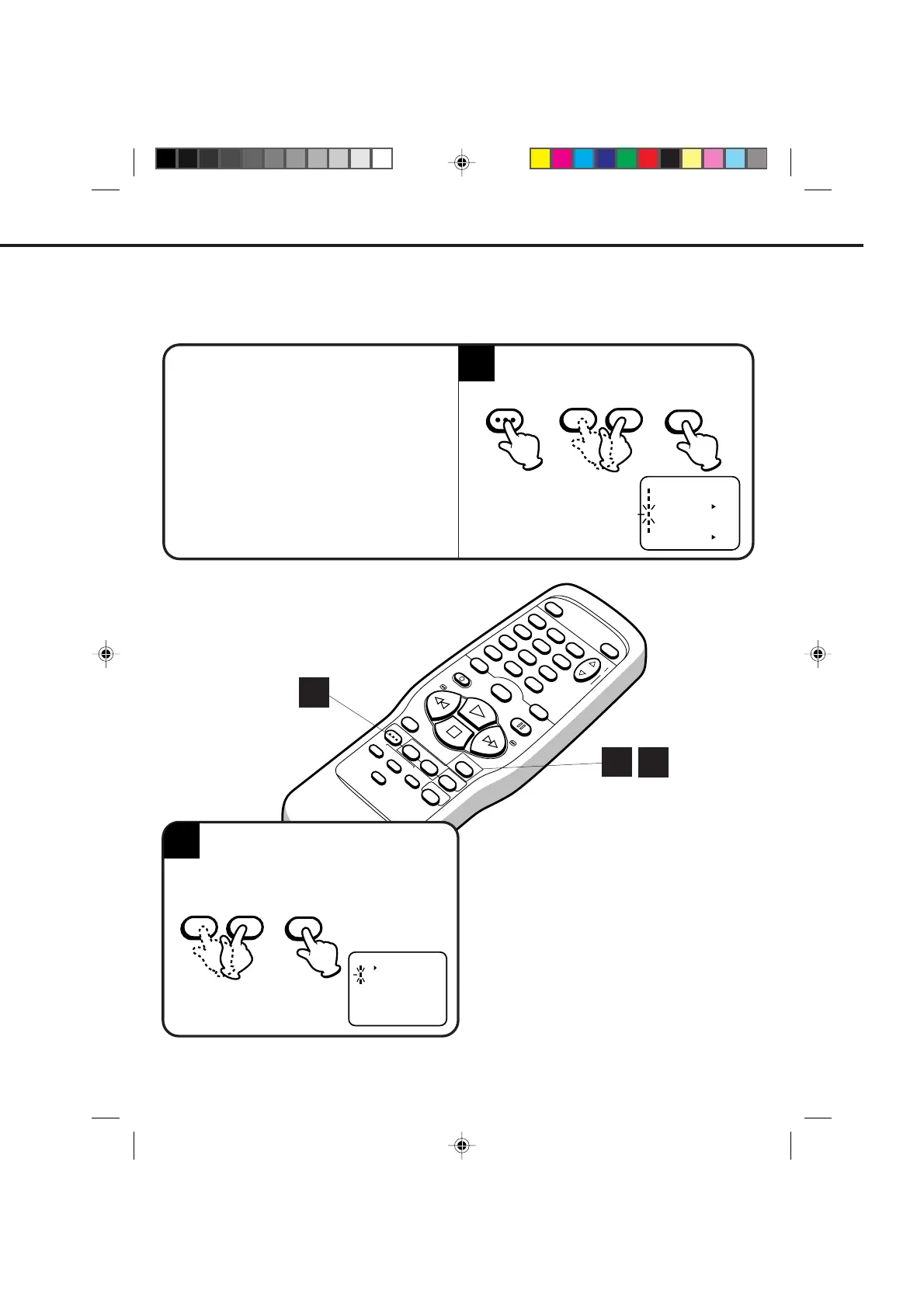
Press the MENU button.
Press the SET + or – button to select the CH
SET-UP mode, then press the ENTER button.
AUTOMATIC MEMORY TUNING
Press the SET + or – button to select the
AUTO CH MEMORY mode, then press the
ENTER button. The TV will begin memorizing
all the channels available in your area.
1
MENU
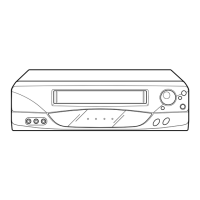
CHECK BEFORE YOU BEGIN
• Turn ON the TV and set to the video channel 3 or 4.
• Turn ON the VCR.
• Press the TV/VCR selector button to select the VCR
mode.
When a TV is connected with an audio/video cable,
turn the TV and this VCR on, and select the video
input mode on the TV.
2
ENTER
The VCR can receive a maximum of 181 channels by presetting the channels into memory.
ENTER
– SET +
– SET +
〈+/–/ENTER/MENU〉
MENU
CLOCK SET
TIMER REC SET
ON OFF
AUTO REPEAT
CH SET UP
LANGUAGE/IDIOMA/LANGUE
ON OFF
NO NOISE BACKGROUND
1
2
1
CH SET UP
TV CATV
AUTO CH MEMORY
ADD/DELETE
〈
+/–/ENTER/MENU
〉
4C83101A(P20-27) 9*9*99, 10:3627


 To Next Page