4
Before you begin
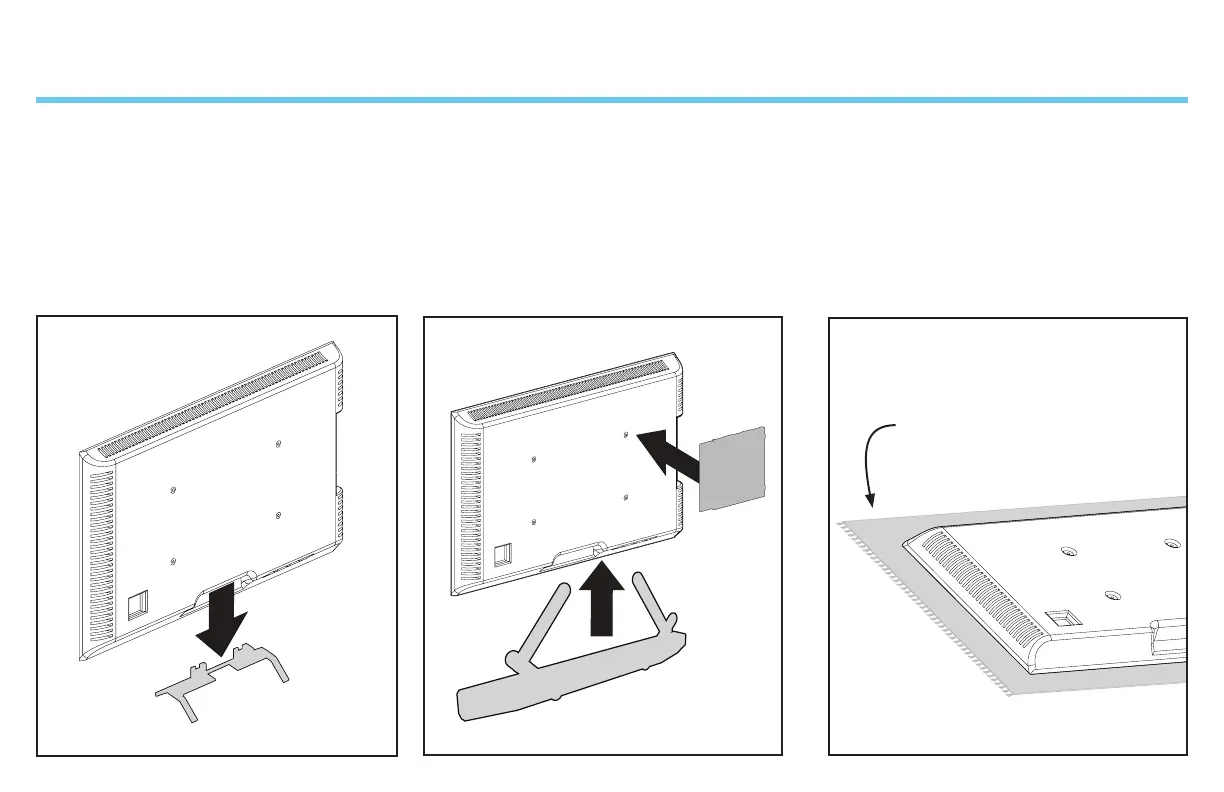
Soft clean surface
Protect the face of your TV
when laying it down for installation.
Remove the stand from your TV —
if attached.
Install any accessories
you may have purchased — if they require
the TV to be removed from the wall for
assembly. The TV is removable for future
accessory purchases.


 To Next Page