8
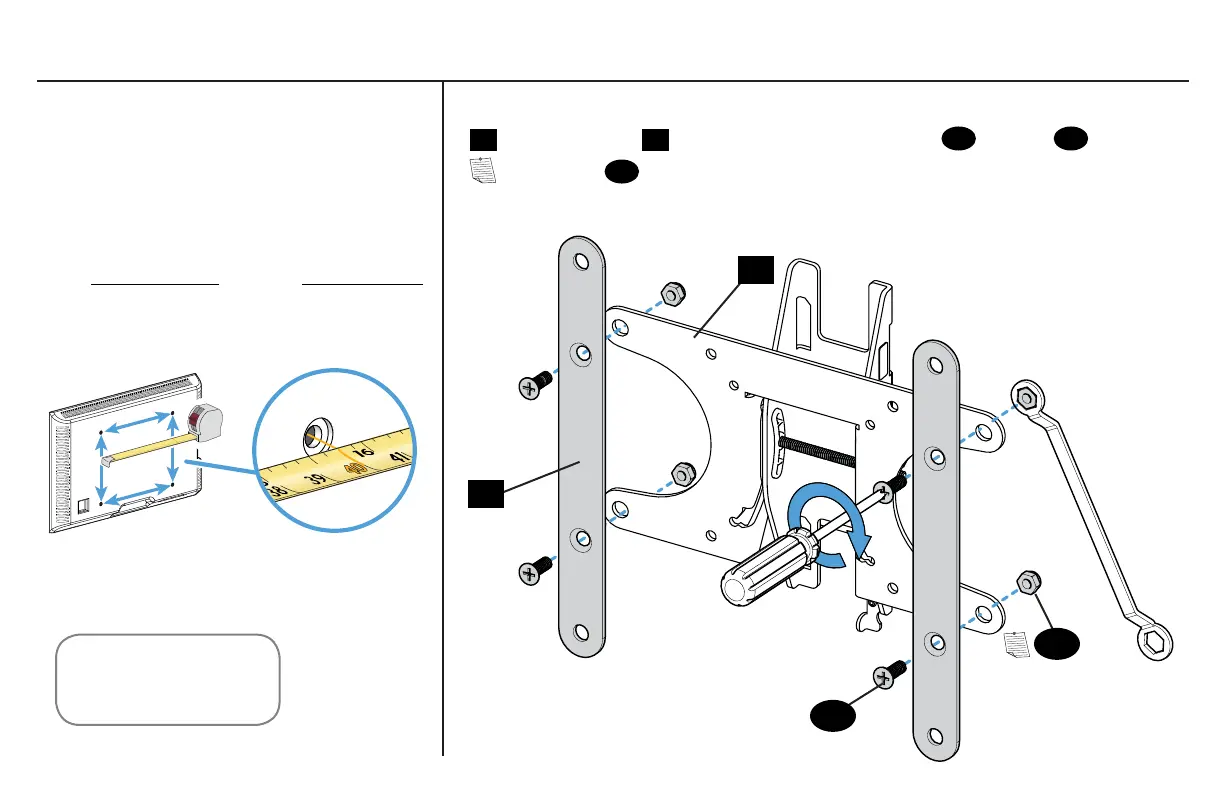
1-4 Attach Extensions (200 x 200 mm ONLY)1-3 Measure Your TV Hole Pattern
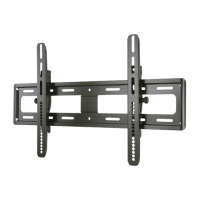
If mounting to a TV with a 200 x 200 mm (7 ⅞ x 7 ⅞ in.) hole pattern, add the extension plates
02
to the TV bracket
01
using the extension plate screws
03
and nuts
04
.
NOTE: Nuts
04
are poly-locks and will need to be forcibly tightened.
Measure the width and height of your
TV hole pattern in mm.
Record your measurements:
x Height
Width
mm mm
75 mm = 7.5 cm = 3 in.
100 mm = 10 cm = 4 in.
200 mm = 20 cm = 7 7/8 in.
inch dimensions approximate
02
01
04
03



 To Next Page