7
4. Adjustment instruction
At any input source then press the “Mute” (remote control) and “Menu (key pad) to enter factory mode.
During Factory menu, if “MENU” or “EXIT” key is pushed, system will exit factory mode.
4-1. Source Calibration
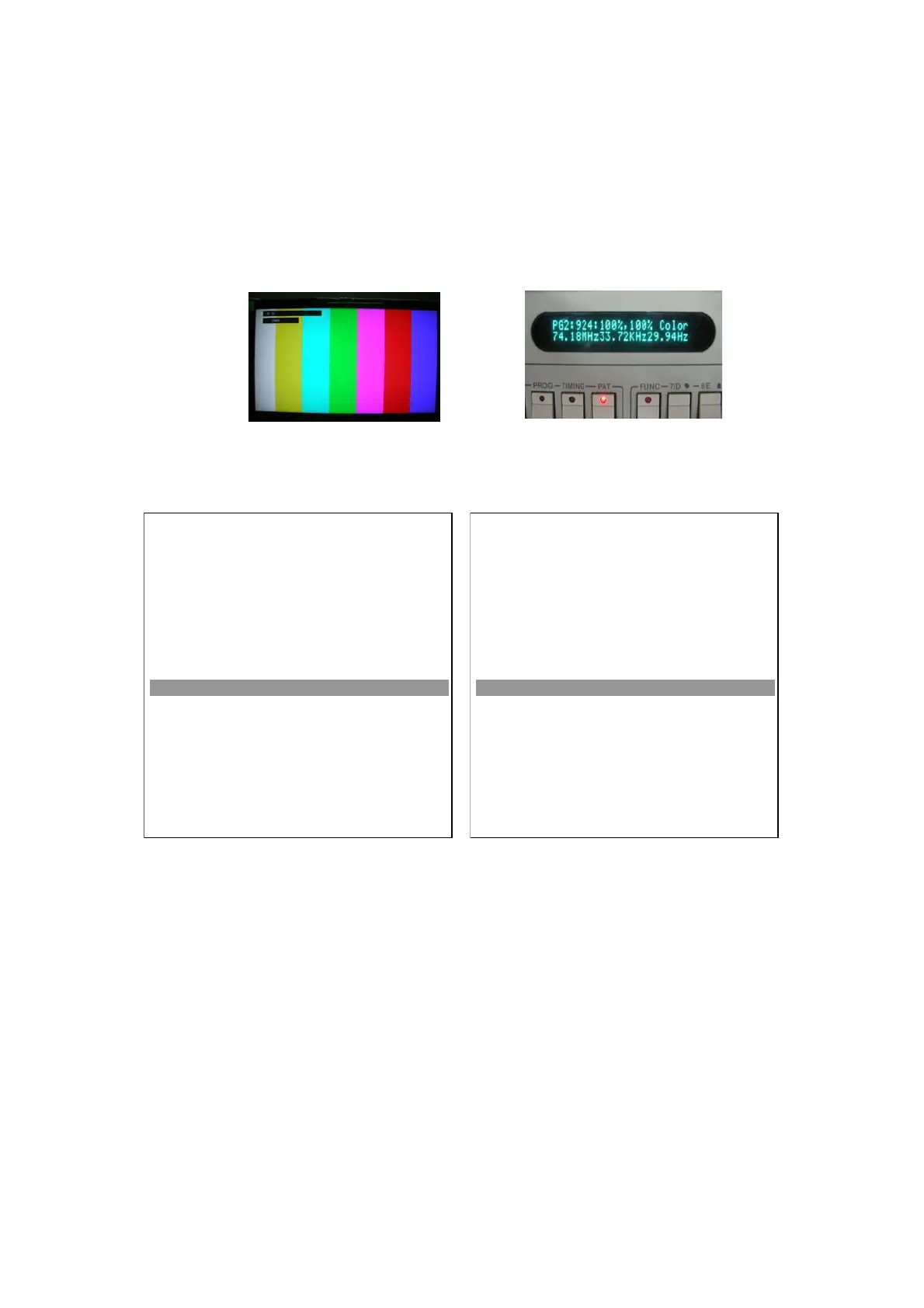
4-1.1. Set the signal generator to TV input sources Video3; ASTRO-859 signal setting to1080i
(PG2 mode Timing 933 and Pattern 924 100% Color Bar.)
4-1.2. Entering into factory Mode: Press up or down key of remote control to select “Auto Calibration”, Press
䇸OK䇹 key to enter the item.
Board Name: L19112_Rev.1
VERSION: SSA19C-WXGA V1.0
04/10/09 00:00:00
FACTORY MENU
Cool
Warm
Normal
Shipping
NV Clear
Full Power
uto Calibration
RF Burn In
Service Mode
Reset
OK
OK
OK
< Factory >
OK
OK
>
< Off >
< Off >
OK
Board Name: L19112_Rev.1
VERSION: SSA19C-WXGA V1.0
04/10/09 00:00:00
FACTORY MENU
Cool
Warm
Normal
Shipping
NV Clear
Full Power
uto Calibration
RF Burn In
Service Mode
Reset
OK
OK
OK
< Factory >
OK
OK
OK
< Off >
< Off >
OK
-> Source calibration performed automatically when finished that will show OK.


 To Next Page