8
Repeat step 2 to do VGA input sources,
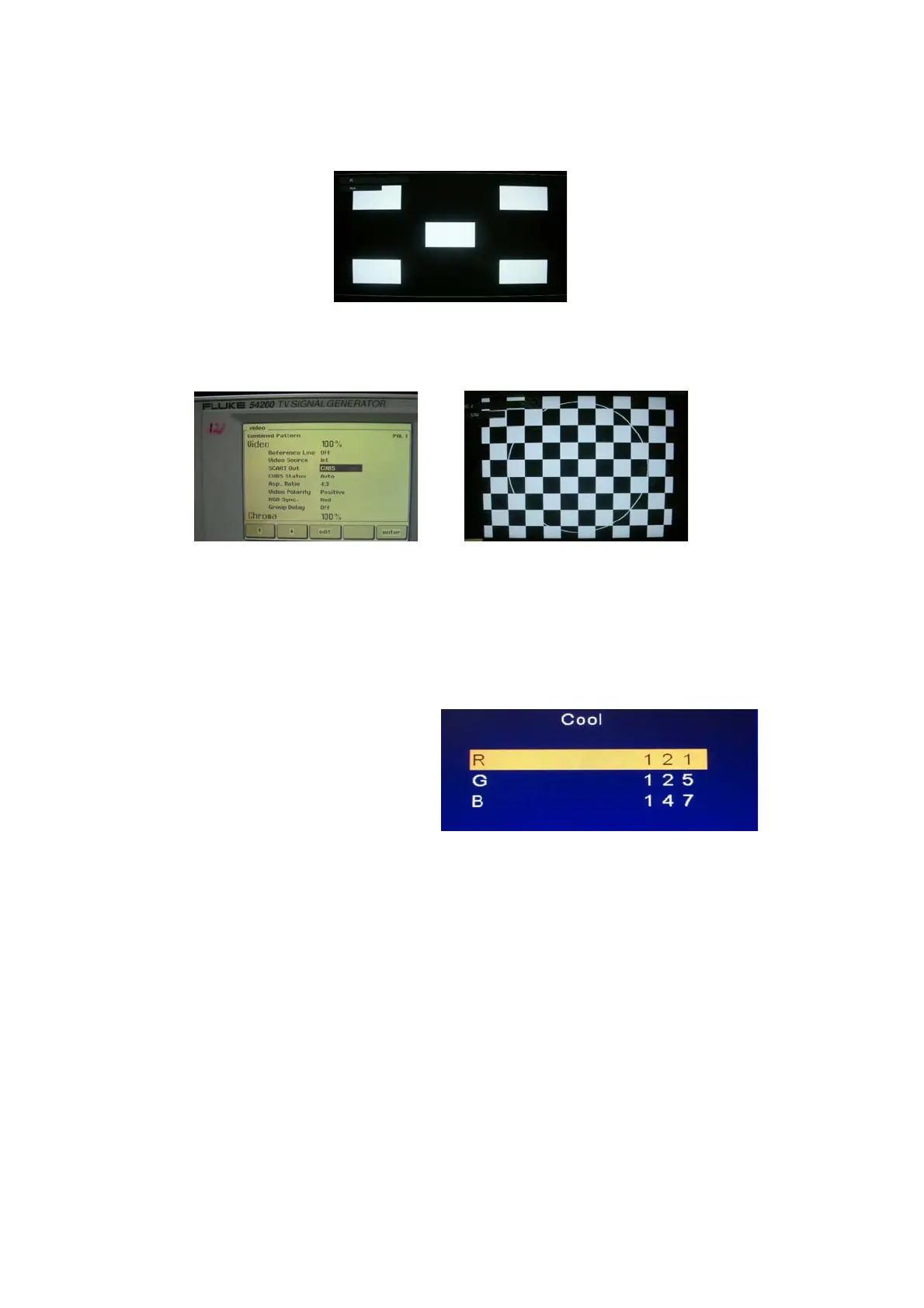
ASTRO-859 signal setting to1024X768 60Hz (PG1 mode: Timing 856 and Pattern 914:5 White Block.)
Repeat step 2 to do TV input sources of Video1 (Composite-AV):
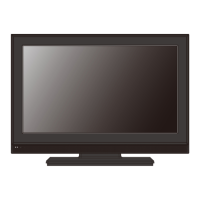
Fluke 54200 TV SIGNAL GENERATOR: Signal setting to PAL System and Pattern: CHECKER.
4-2. Color Temperature Adjustment & Check
4-2.1. Set the signal generator to RGB, 1024*768, 60HZ (ASTRO-859: PG1 856), Level: 0.56V (80%).
Full white pattern.
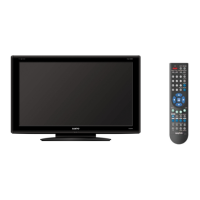
4-2.2. Press up or down key of remote control to select “Cool”, Press 䇸OK䇹 key to enter the item.
R, G, B drive values are set for COOL, Medium, and WARM independently.
4-2.3. Select 䇸Cool䇹
Cool spec.:26”/32”/42”
x= 0.267±0.010
y= 0.271±0.010
Cool spec.:19”
x=0.281±0.010
y=0.288±0.010
If the x and y value are larger than specification,
Decrease Green drive from default value.
Increase Blue drive from default value.
If the x or y or both x and y value is/are smaller than specification.
Decrease Blue drive from default value
According to a x and y value, please following adjustment of 1 or 2.
1 If x value is higher than spec
Increase Green drive from default value.
Increase Blue drive from default value.
2 If y value is higher than spec,
Decrease Green drive from default value


 To Next Page