EasyManua.ls Logo

Sanyo LCD-42K40-HD - User Manual

Sanyo LCD-42K40-HD
52 pages
Print Icon
To Next Page IconTo Next Page
Loading...
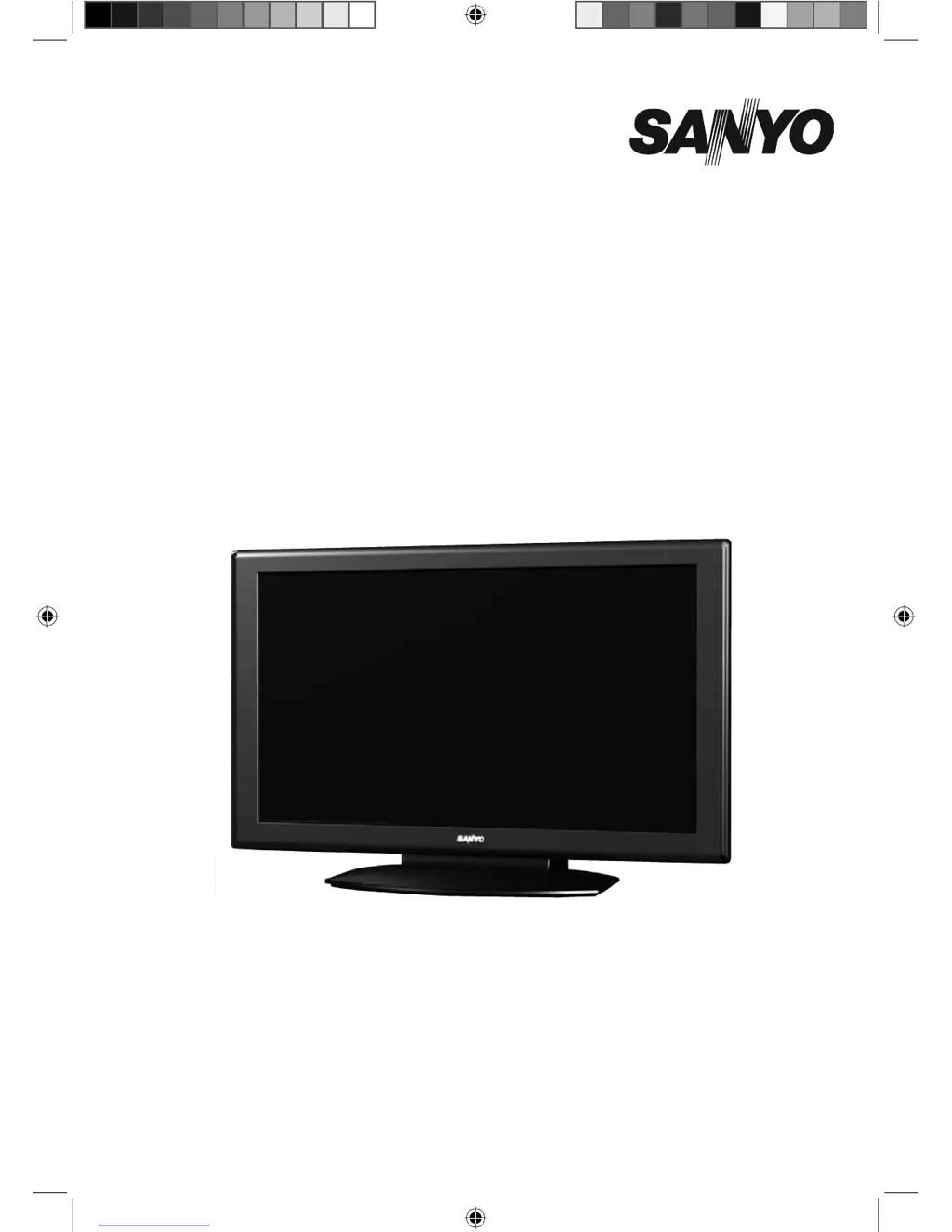
Owners Manual
MODEL LCD-32K40
LCD-32K40A
LCD-42K40-HD
LCD-42K40A-HD
LCD TV
LCD-K40.indd 1 1/21/2010 10:47:00 AM

Questions and Answers

Summary

Owners Manual

IMPORTANT INFORMATION

TO THE OWNER

Safety Precaution

Warning to reduce risk of fire or electric shock, and installation precautions.

Caution In Installing

Guidelines for safely installing the LCD TV, handling and placement.

SAFETY INSTRUCTIONS

Feature and Design

Picture Features

Details on LCD panel, VIZON Engine, and Dynamic AI for image quality.

Sound Features

Explains NICAM/A2 Stereo and Bass Expander for audio enhancements.

General Features

Covers Sports Mode, PIP/POP, ECO Sensor, GAME Mode, and SHOP Mode.

Compatibility and Connectivity

Lists supported systems, HDMI, PC input, and Xacti Link.

Installation and Special Modes

Includes Wall Mounting and Light Commercial Mode features.

PREPARATION

Part Names and Functions

Identifies front panel components and indicators of the LCD TV.

PREPARATION

Side Controls and Terminals

Details the buttons on the side of the TV and available input/output terminals.

CONNECTING LCD TV

Installing the Stand

Step-by-step instructions for attaching the TV stand securely.

Connecting the AC Power Cord

Guidance on connecting the TV to a power outlet safely and correctly.

CONNECTING LCD TV

Connecting External Aerials

Instructions for connecting an outdoor aerial for TV reception.

Connecting a Computer

Steps for connecting a PC or laptop to the LCD TV for display.

CONNECTING LCD TV

Connecting Video Equipment

How to connect DVD players, A/V receivers, and other video sources.

BEFORE OPERATION

Remote Control Operation

Overview of the remote control buttons and their functions.

BEFORE OPERATION

Remote Control Operation Range

Specifies the effective range and angles for using the remote control.

Remote Control Battery Installation

Instructions for inserting and replacing batteries in the remote control.

BEFORE OPERATION

On-Screen Menu Navigation (TV;AV;HDMI)

Guide to accessing and navigating the TV's on-screen menus for various modes.

BEFORE OPERATION

On-Screen Menu Settings

Details on Timer, OSD, and Setup menu options for TV/AV/HDMI modes.

BEFORE OPERATION

On-Screen Menu Settings (PC Mode)

Explains Picture, Sound, Timer, OSD, and Setup menus when using PC mode.

BASIC OPERATION

Turning TV On;Off and Initial Setup

Steps for powering the TV on/off and the initial Plug & Play program search.

BASIC OPERATION

Selecting Input Sources and Channels

How to switch between input modes and select TV channels directly or sequentially.

BASIC OPERATION

Info, Volume, and Mute Controls

How to access TV status, adjust volume, and mute sound.

Audio Feature Selection

Using ECO, Stereo/Mono, Bass Expander, and Surround sound features.

BASIC OPERATION

Sound and Picture Mode Selection

How to select different sound and picture modes for optimal viewing.

Still Image Function

Using the STILL function to freeze the picture.

BASIC OPERATION

Screen Size Adjustment (WIDE)

Options for adjusting the screen aspect ratio, including Full, Zoom, and Normal.

BASIC OPERATION

Sports Mode and Off Timer

Selecting sports-specific picture/sound modes and setting the sleep timer.

BASIC OPERATION

Game Mode Operation

How to enable Game Mode to reduce input lag for gaming.

BASIC OPERATION

PIP;POP Operation

Using Picture-in-Picture and Picture-on-Picture functions for multitasking.

BASIC OPERATION

POP Mode Activation and Combinations

Turning POP mode on/off and details on main/sub picture source combinations.

BASIC OPERATION

Xacti Link Functionality

Using the Xacti Link for coordinated device operation via HDMI-CEC.

BASIC OPERATION

USB Media Playback

How to view JPEG photos from a USB device.

BASIC OPERATION

Remote Control in Text Mode

Specific button functions for operating Teletext features.

BASIC OPERATION

Teletext Functions

Using Teletext, revealing hidden text, cancelling, and selecting index/subcodes.

BASIC OPERATION

Teletext Text Formatting

Adjusting text size, holding text, and selecting text colors for Teletext.

MENU OPERATION (TV;AV;HDMI mode)

Channel Menu and Auto Search

Navigating the channel menu and performing automatic channel scanning.

Semi-Auto Channel Search

Steps for manually searching and storing specific TV channels.

MENU OPERATION (TV;AV;HDMI mode)

Manual Channel Search and System Settings

Performing manual search, setting color/sound systems, skipping channels, and swapping.

MENU OPERATION (TV;AV;HDMI mode)

Picture Menu Settings

Adjusting picture mode, contrast, brightness, color, tint, sharpness, and more.

MENU OPERATION (TV;AV;HDMI mode)

Sound Menu Settings

Adjusting sound mode, equalizer, balance, surround, bass expander, and auto volume.

MENU OPERATION (TV;AV;HDMI mode)

Timer Settings

Configuring the Off Timer and On Timer functions for automatic power control.

MENU OPERATION (TV;AV;HDMI mode)

OSD Menu Settings

Customizing On-Screen Display settings like language, position, and transparency.

MENU OPERATION (TV;AV;HDMI mode)

Setup Menu Options

Configuring Child Lock, ECO, Dynamic AI, Active Contrast, Game Mode, and HDMI Link.

MENU OPERATION (TV;AV;HDMI mode)

HDMI Link and Shop;Home Mode

Managing HDMI Link settings and choosing between Home and Shop modes.

MENU OPERATION (PC mode)

Picture Menu Settings (PC)

Adjusting picture settings like mode, contrast, brightness, and color tone for PC input.

MENU OPERATION (PC mode)

Sound, Timer, and OSD Settings (PC)

Configuring sound, timer, and OSD menus when the TV is in PC mode.

MENU OPERATION (PC mode)

PC Setup and Adjustment

Using PC Adjust features like Auto Adjust, H/V Position, Phase, Clock, and Auto Shut Down.

DEALER MODE

Dealer Mode Options (Volume, Tuning, Start)

Setting Volume Lock, Tuning Lock, and Start Mode configurations.

Dealer Mode Options (OSD, RC, Power)

Configuring OSD, RC Mode, and AC Power Mode settings.

DEALER MODE

Dealer Mode Options (Volume Level, Music, Reset)

Setting Start Volume Level, Music Mode, and resetting to factory defaults.

APPENDIX

Cleaning, Safety Features, and Auto Power Off

Guidelines for cleaning the TV, product safety features, and auto power off function.

APPENDIX

Troubleshooting Common Issues

Solutions for common problems like no power, remote issues, no image, or no sound.

APPENDIX

Technical Specifications

Detailed technical specifications of the LCD TV models.

APPENDIX

Terminal Configurations and Signal Modes

VGA terminal pinout, Mac adapter settings, and recommended PC signal modes.

APPENDIX

Digital Signal Compatibility

Lists compatible digital signal formats for DVD and HDMI inputs.

APPENDIX

Uninstalling the Stand Base

Step-by-step instructions for safely removing the TV stand.

Sanyo LCD-42K40-HD Specifications

General IconGeneral
BrandSanyo
ModelLCD-42K40-HD
CategoryLCD TV
LanguageEnglish

Related product manuals