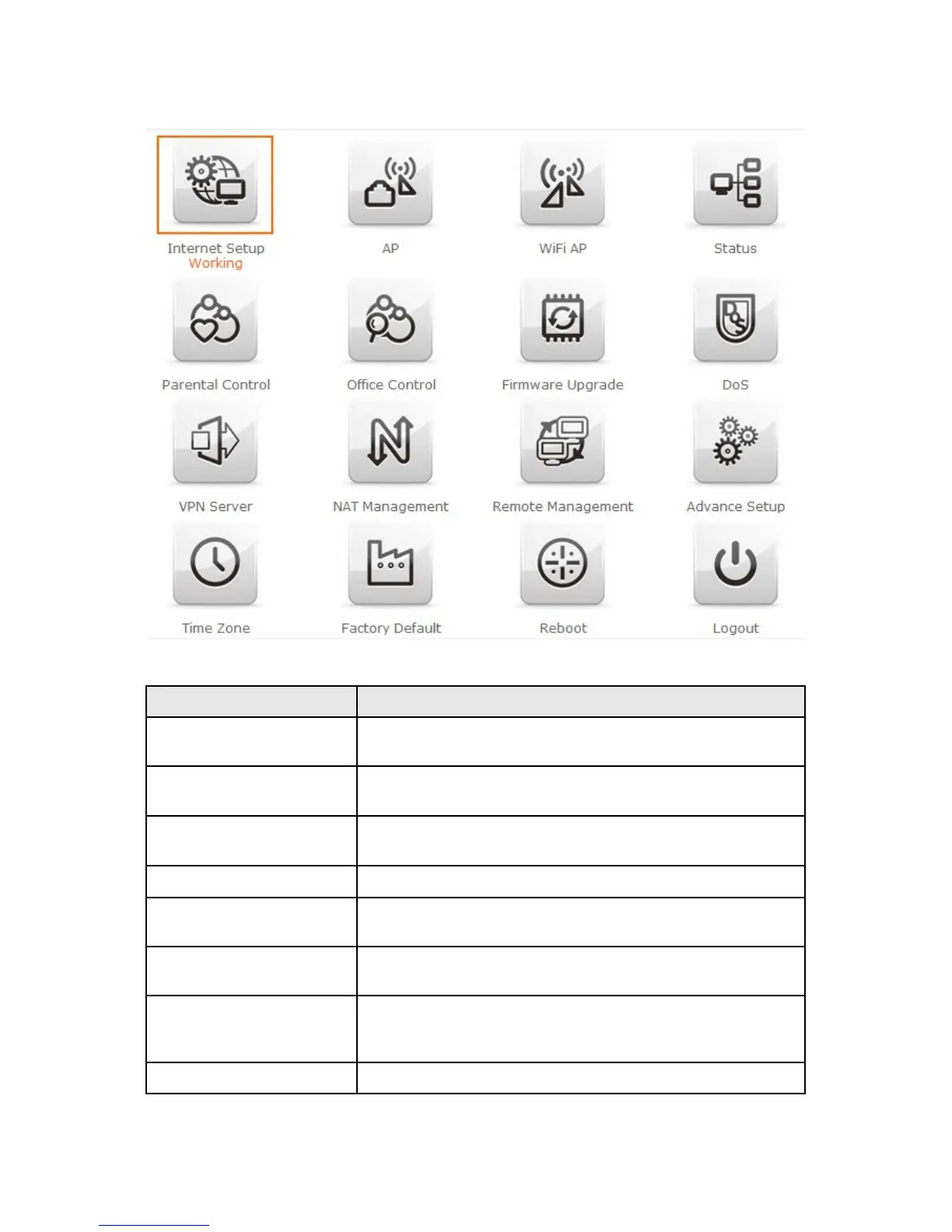
Item Description
Internet Setup There are several different method to access
Internet,PPPoE 、DHCP、Static IP、PPTP、L2TP、WiFi ISP
AP
If a router is already set at the house, and you want to make
the wireless LAN communication
WiFi AP
When you connect to the internet wirelessly through PC and
wireless device without wireless LAN function equipped.
Status You could check WAN, LAN, Client network in status.
Parental control
You can use URL filter 、MAC Filter Schedule and Wireless
Schedule to limit access Internet.
Office Control
For office environment,there are Multiple AP、Wireless Access
Control、IP Filtering、IP Binding and QoS
Firmware Upgrade This function allows you upgrade the BRC76N firmware to new
version. Please note do not power off the device during the upload
because it may crash the system.
DoS Denial of Service



 To Next Page