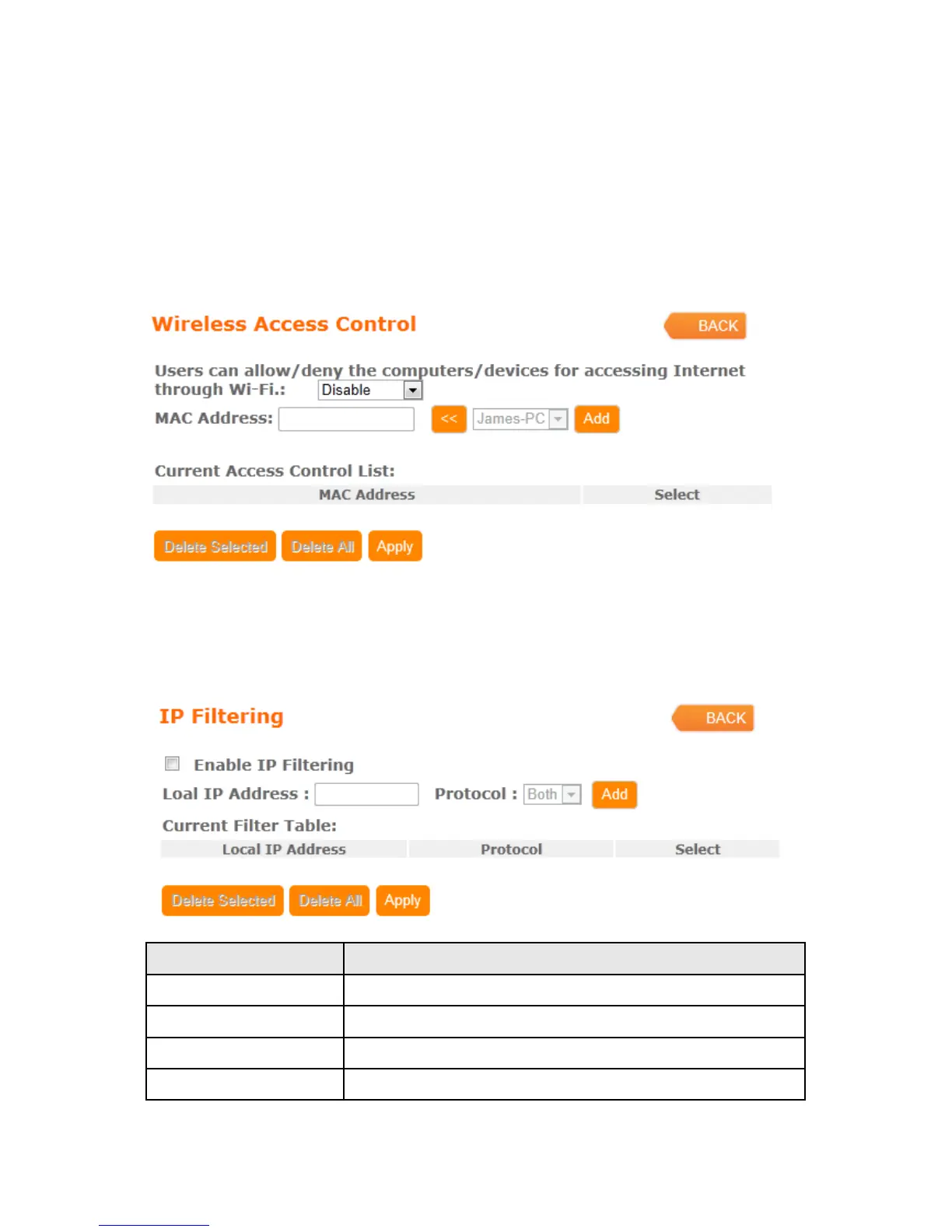
4.3.2 Wireless Access Control
Access Control allows user to block or allow wireless clients to access this router. Users
can select the access control mode, then add a new MAC address with a simple
comment and click on “Apply Change” to save the new addition. To delete a MAC
address, select its corresponding checkbox under the Select column and click on
“Delete Selected” button.
4.3.3 IP Filtering
When enabled, LAN clients are blocked / filtered from accessing the Internet based on
their IP addresses
Item Description
Enable IP Filtering Please select Enable IP Filtering to filter IP addresses.
Local IP Address Please enter the IP address that needs to be filtered.
Protocol Please select the protocol type of the IP address
Apply Click on Apply to add the setting data



 To Next Page