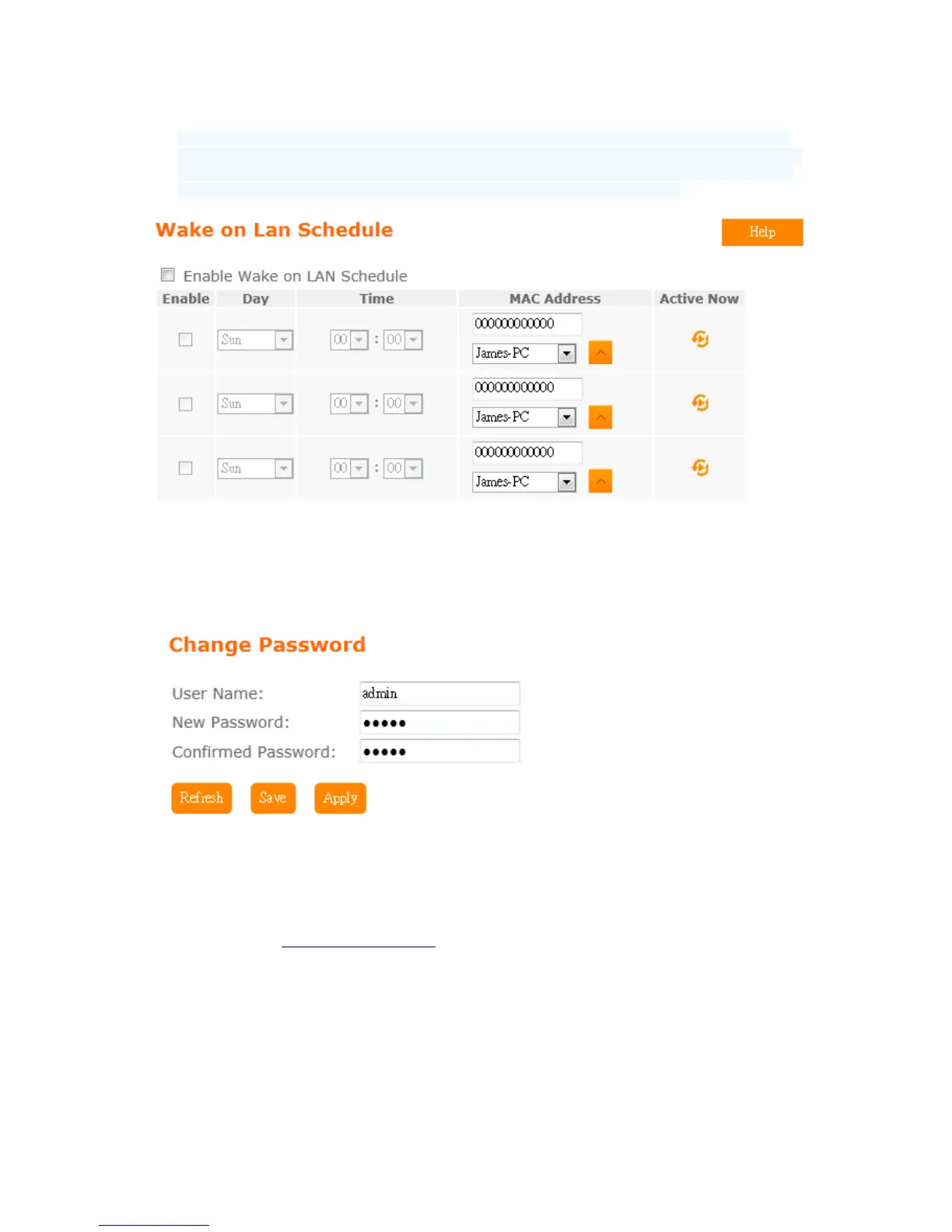
Switch your computer ON through your LAN or the Internet . To support WOL you must have a
computer with Motherboard that supports WOL, as well as a Network Controller (NIC) supporting
this function. Most of the newer Motherboard (circa 2002 and On), have an On Board NIC that
supports WOL. Otherwise you need to install a PCI NIC that is WOL capable.
5.6.4 Change User name/Password
Users can set or change user name and password used for accessing the web management
interface in this section.
Input User Name and New Password, then input Confirm Password again.
5.6.5 Upgrade Firmware
Please refer Firmware Upgrade
5.6.6 Profiles Save
Users can create a backup file that contains current router settings. This backup file can be
used to restore router settings. This is especially useful in the event you need to reset the
router to its default settings.



 To Next Page