Item Description
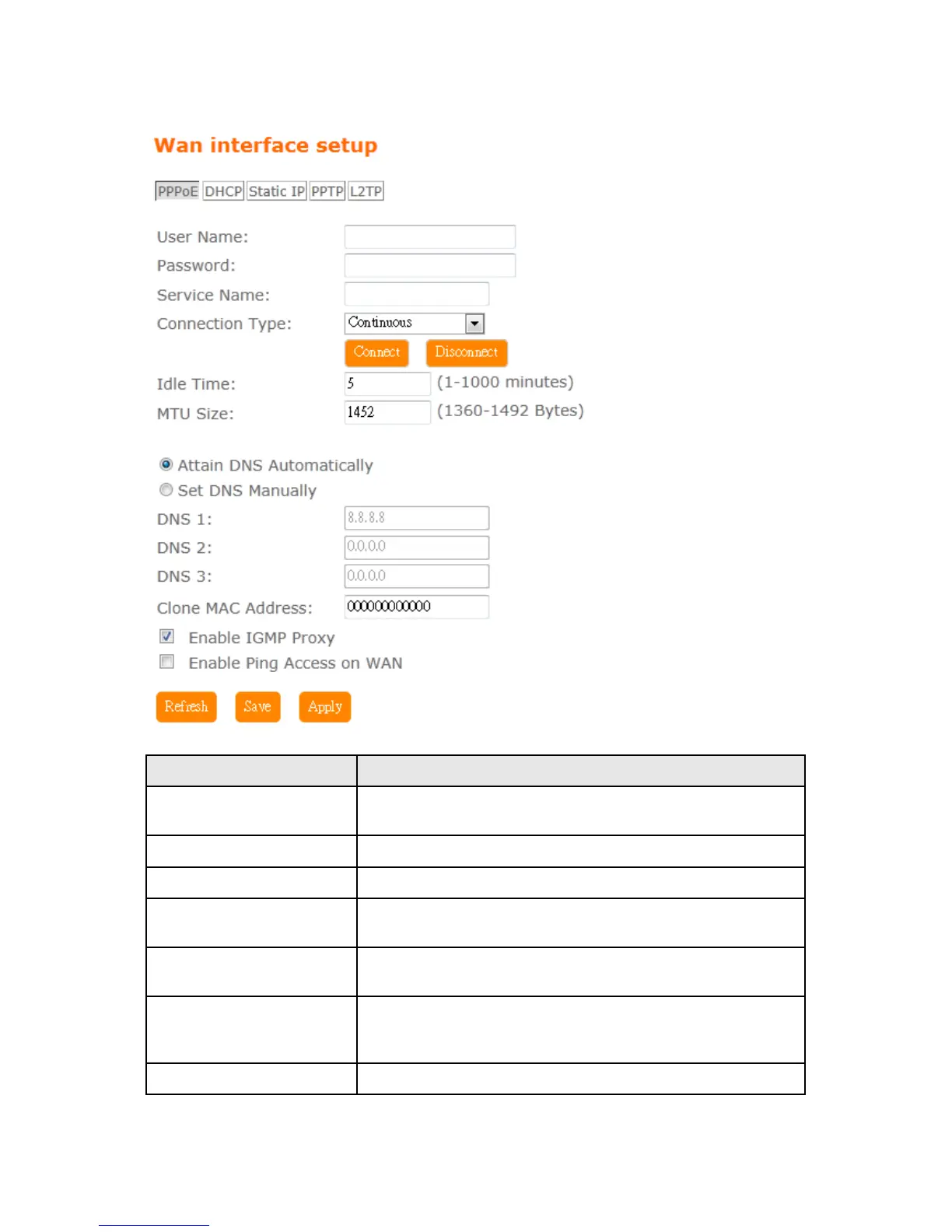
User Name Input your user name provided by your ISP. If you don’t know,
please check with your ISP.
Password Input the password provided by your ISP.
Service Name Input the service name provided by your ISP.
Connection Type Three types for select: Continues, Connect on Demand, and
Manual.
MTU Size Maximum Transmission Unit. Usually provide by computer
operation systems (OS). Advanced users can set it manually.
DNS Select Attain DNS Automatically. Or select Set DNS Manually,
if you want to specify the DNS, and enter the DNS provided by
your ISP in DNS 1 2 3.
Clone Mac Address Some ISPs require MAC address registration. In this case, enter



 To Next Page