EasyManua.ls Logo

Sargon Prospector - Normal Mode

Sargon Prospector
47 pages
Print Icon
To Next Page IconTo Next Page
To Previous Page IconTo Previous Page
Loading...
Normal
Mode
This
is
the
basic
DRO
mode where
the unit displays the
positions
of
the
scales.
Press
any
key
other than
ful after
power
up and the display
will
enter the
Normal
Mode. lf
you
press
and
hold
the tul
button, the display
will
enter the Setup
Mode
which
you
can then exit
to
Normal
Mode
by
pressing
any
key.
To
go
to the
Normal Mode
when
the
unit
is in
another
mode,
press
the
MODE
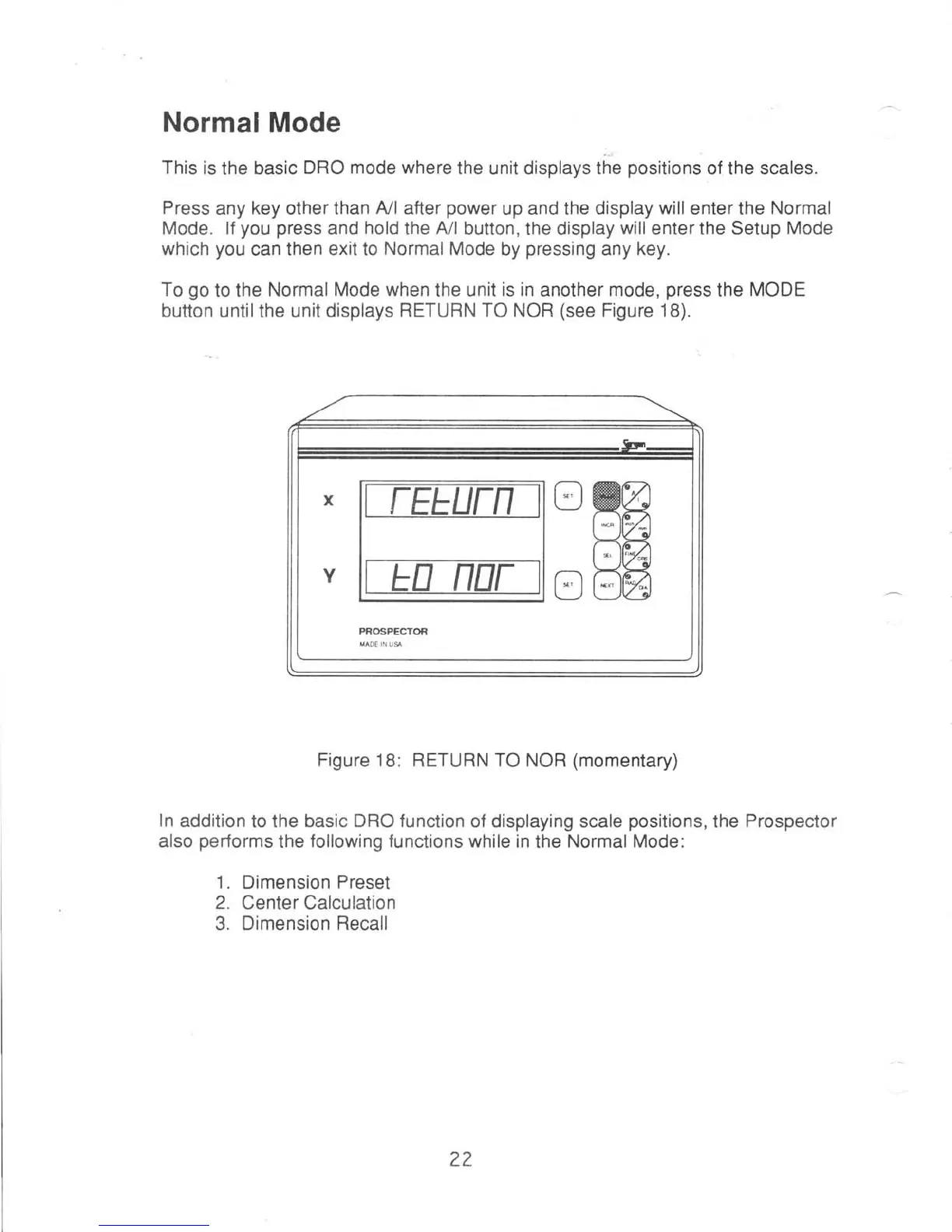
button untilthe unit displays
RETURN TO NOR
(see
Figure 18).
Figure 18: RETURN TO
NOR
(momentary)
ln
addition
to
the basic DRO
function
of displaying scale
positions,
the
Prospector
also
performs
the
following functions while in
the
Normal Mode:
1.
Dimension
Preset
2.
Center Calculation
3. Dimension
Recall
r
W
?2