EasyManua.ls Logo

Sargon Prospector - Run Mode

Sargon Prospector
47 pages
Print Icon
To Next Page IconTo Next Page
To Previous Page IconTo Previous Page
Loading...
Run Mode
lf
you
have
just
entered
a
program
and wish
to
immediately run it,
you
may
simply
press
NEXT after
you
save the
program.
However,
this
willtake
the
DRO
to the beginning of the
Run Mode, where
you
must choose between a CIRCLE
and LINE
program.
lf
you
wish
to
run
a
program
which
you
have
previously
entered and
saved in
the
DRO,
press
MODE untilthe
Prospector momentarily
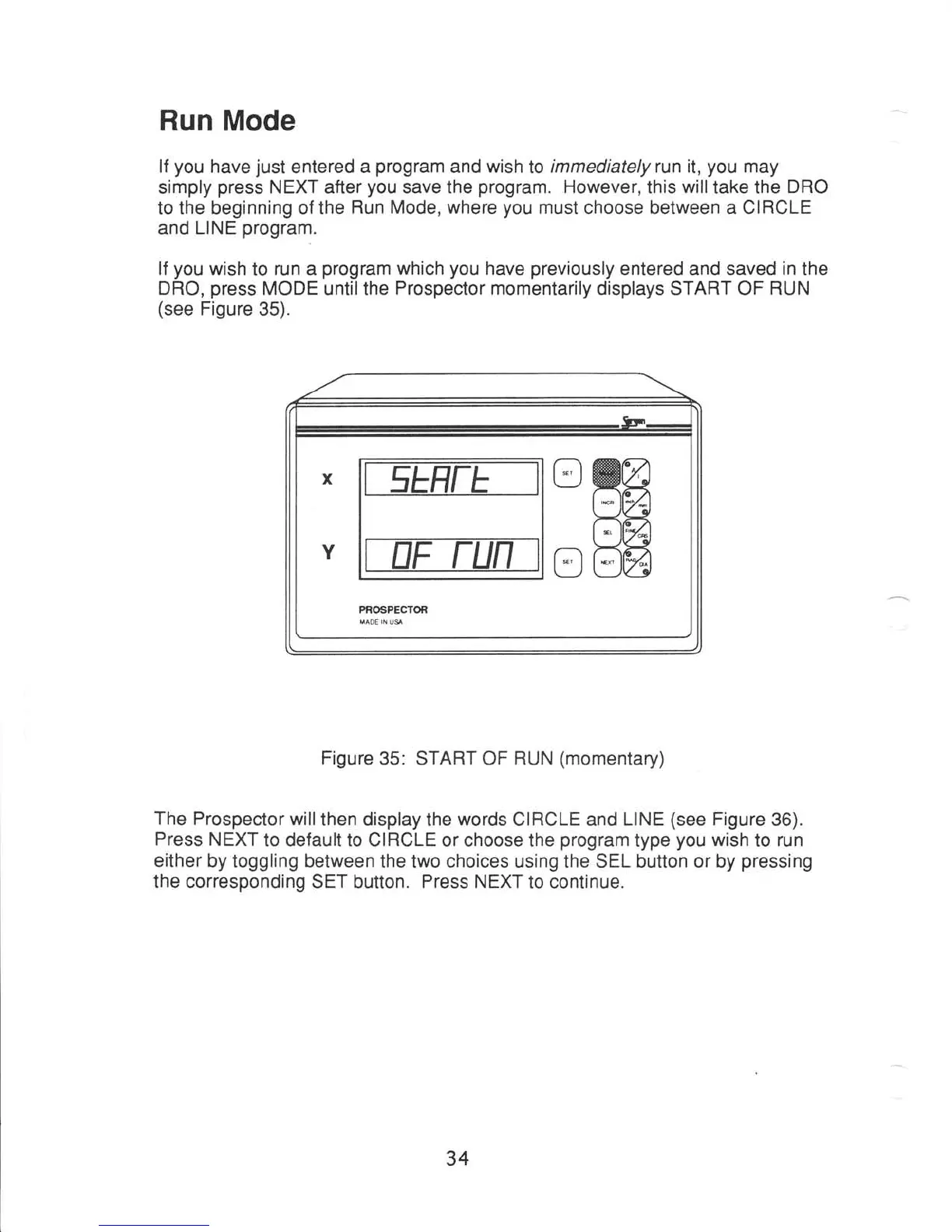
displays START OF
RUN
(see
Figure
35).
Figure
35: START OF
RUN
(momentary)
The
Prospector
willthen
display the
words
CIRCLE and
LINE
(see
Figure
36).
Press
NEXT
to default to CIRCLE
or choose the
program
type
you
wish
to
run
either
by toggling between
the two choices using the SEL button or by
pressing
the corresponding
SET button.
Press NEXT
to continue.
34