EasyManua.ls Logo

Sargon Prospector - Programming a Line-Hole Pattern

Sargon Prospector
47 pages
Print Icon
To Next Page IconTo Next Page
To Previous Page IconTo Previous Page
Loading...
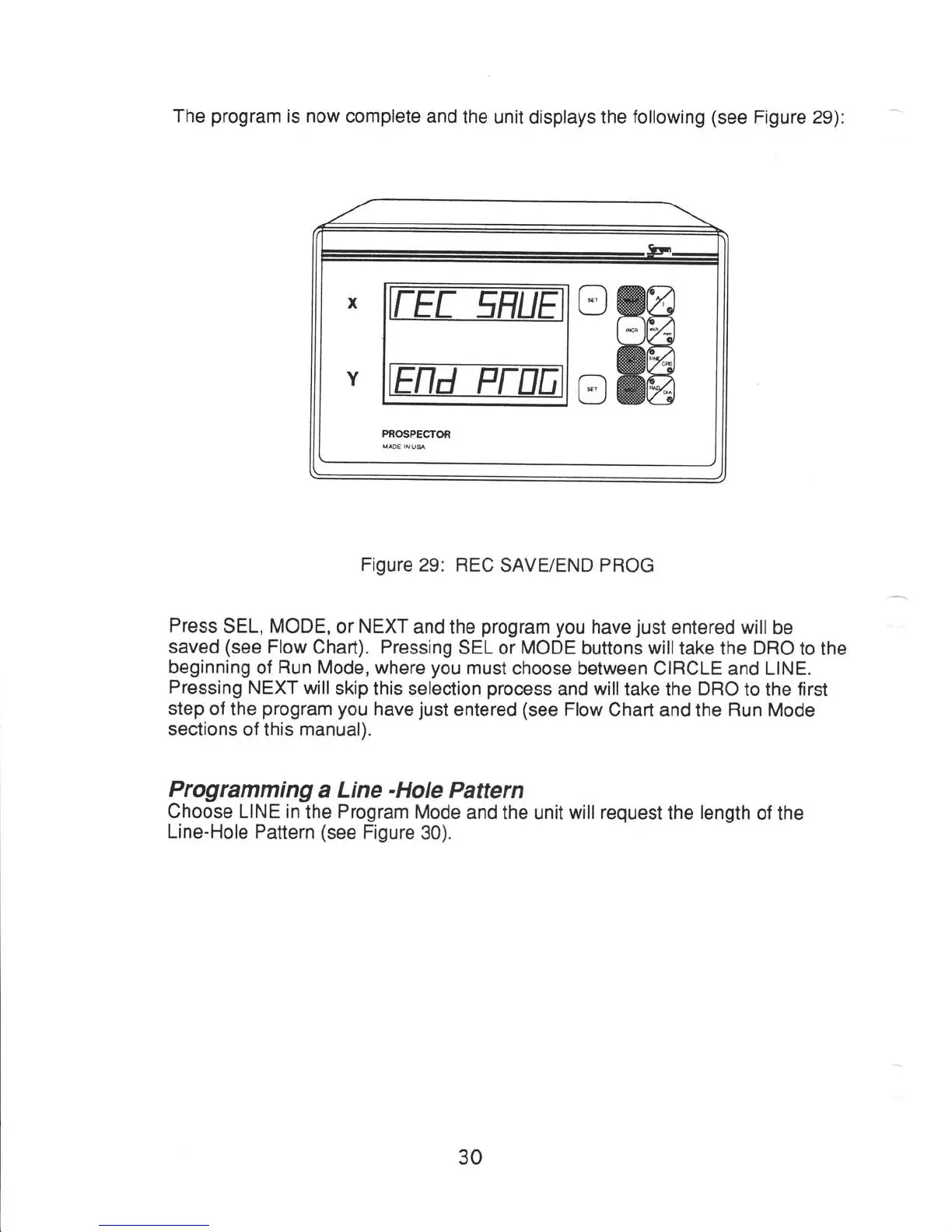
The
program
is now complete
and
the unit
displays
the
following (see
Figure
29):
Figure
29: REC
SAVE/END
PROG
Press
SEL,
MODE,
or
NEXT
and
the
program you
have
just
entered will
be
saved
(see
Flow
Chart).
Pressing
SEL or
MODE
buttons willtake
the DRO
to the
beginning
of
Run Mode,
where
you
must
choose between CIRCLE and LINE.
Pressing
NEXT will
skip
this selection
process
and
willtake
the
DRO
to the
first
step
of the
program
you
have
just
entered
(see
Flow
Chart and the
Run
Mode
sections
of this
manual).
Programming
a
Line
-Hole
Pattern
Choose
LINE
in
the
Program
Mode
and the
unit
will request
the
length
of the
Line-Hole
Pattern
(see
Figure
30).
30