9
Example
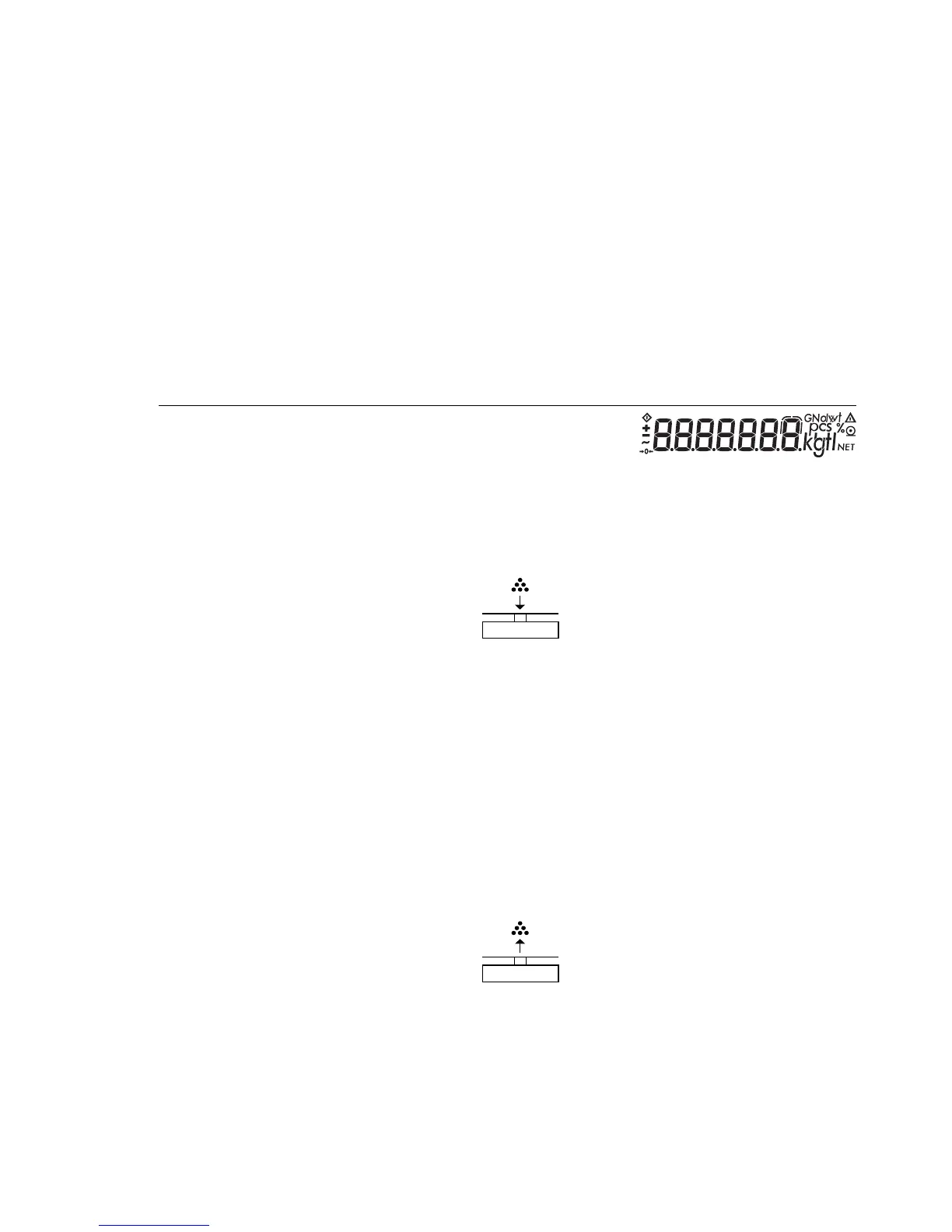
Determine an unknown piece count; weigh the preset reference sample quantity
Settings (changes in the factory settings required for this example):
Menu: Application program: Counting (2 1 4)
Reference sample quantity: 20 pcs (3. 3. 3)
Step Key (or instruction) Display
1. Turn on the balance/scale e
2. Tare the balance/scale t 0.0 g
3. Display the reference sample v > 2 sec. ref 20 (briefly)
quantity (here: 20 pcs)
4. Place the reference sample + 66.0 g
quantity (20 pcs) on the
balance/scale (here: 66 g)
5. Start the application; if the v + 20 pcs
print format is set to include
data ID codes, the following wRef + 3.3 g
is printed
6. Weigh uncounted parts + 174 pcs
(here: 174 pcs)
7. Display weight v + 574.2 pcs
8. Display quantity v + 174 pcs
9. Unload the balance/scale 0 pcs
10. Delete the reference value c
11. Repeat the procedure starting
from Step 6, if desired.



 To Next Page